
Description
Quick Answer
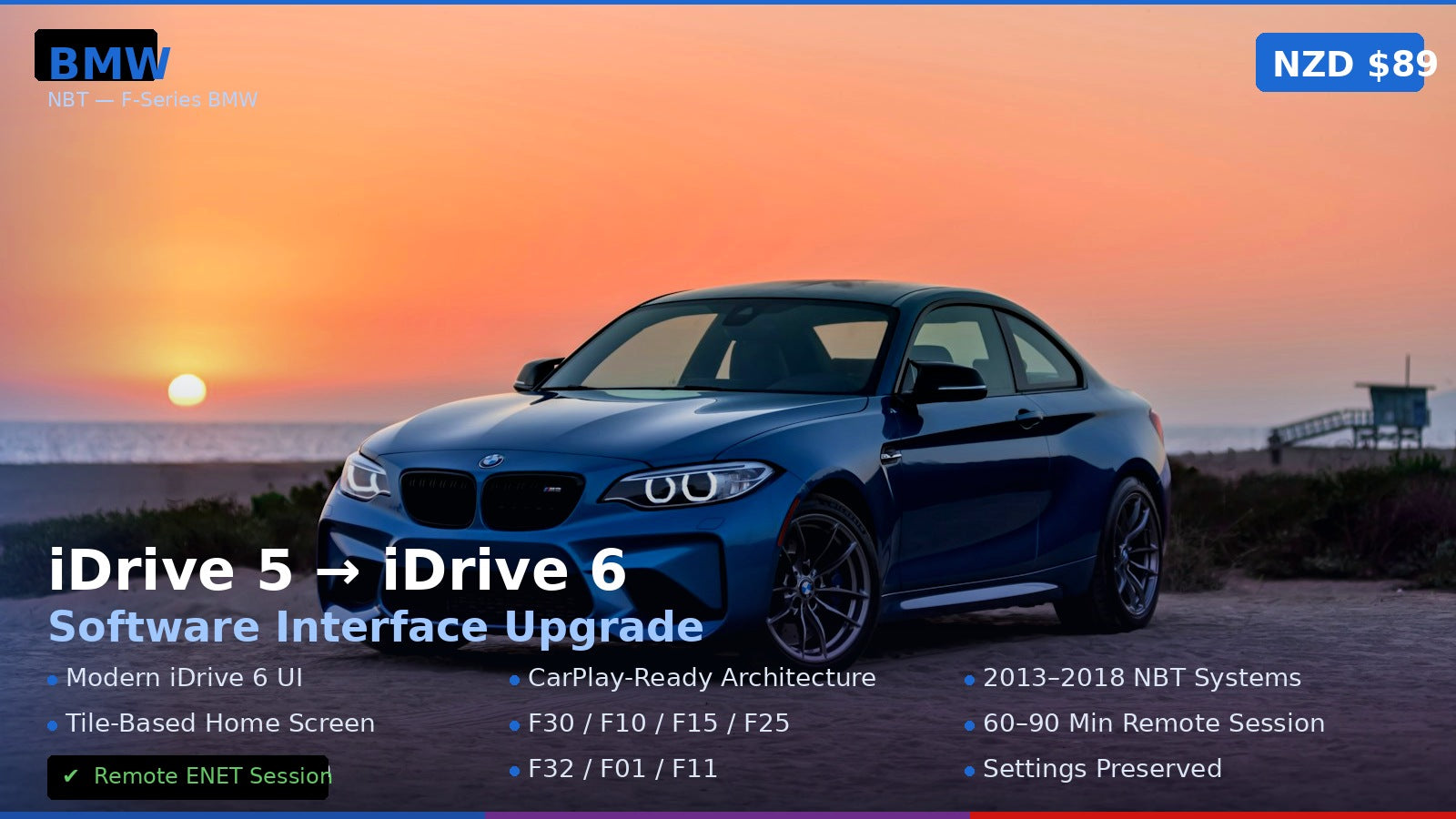
The BMW iDrive 5 to iDrive 6 upgrade is a remote software flash that modernises your F-series BMW’s NBT infotainment system — bringing the cleaner iDrive 6 interface, improved menus, and CarPlay-ready architecture. Session takes 60–90 minutes via ENET cable.
What Changes After the Upgrade
- iDrive 6 interface — modern tile-based home screen replacing the older iDrive 5 layout
- Improved navigation UI — cleaner map display, faster route entry
- Enhanced media menus — better Bluetooth audio management
- CarPlay-ready architecture — prerequisite for adding Apple CarPlay on NBT systems
- Stability improvements — updated BMWsoftware base with bug fixes
Compatible Vehicles (NBT iDrive 5)
| Model | Years | System |
|---|---|---|
| 3 Series F30 / F31 / F34 | 2013–2018 | NBT iDrive 5 |
| 4 Series F32 / F33 / F36 | 2014–2020 | NBT iDrive 5 |
| 5 Series F10 / F11 | 2013–2016 | NBT iDrive 5 |
| X3 F25 / X4 F26 | 2014–2017 | NBT iDrive 5 |
| X5 F15 / X6 F16 | 2014–2018 | NBT iDrive 5 |
| 7 Series F01 / F02 | 2013–2015 | NBT iDrive 5 |
Not sure if you have iDrive 5 or 6? Check your iDrive display — iDrive 5 shows a monochrome home screen icon grid; iDrive 6 has coloured tiles. Or send us your VIN and we’ll confirm.
How It Works
- Purchase and provide your 17-digit VIN
- We verify your current software version and confirm upgrade eligibility
- Connect your BMW to your laptop via ENET cable
- We remote in via TeamViewer and flash the iDrive 6 software (60–90 min)
- System reboots to fresh iDrive 6 — all settings preserved
⚠️ Please provide your VIN after purchase
To schedule your session we need your 17-digit VIN (found on your windshield, door jamb, or registration). Send it to us after checkout:
📧 info@mtriupgrade.com | 📱 WhatsApp +64 21 920 905 | Or add it to your order notes at checkout.
Reviews
There are no reviews yet.