
Description
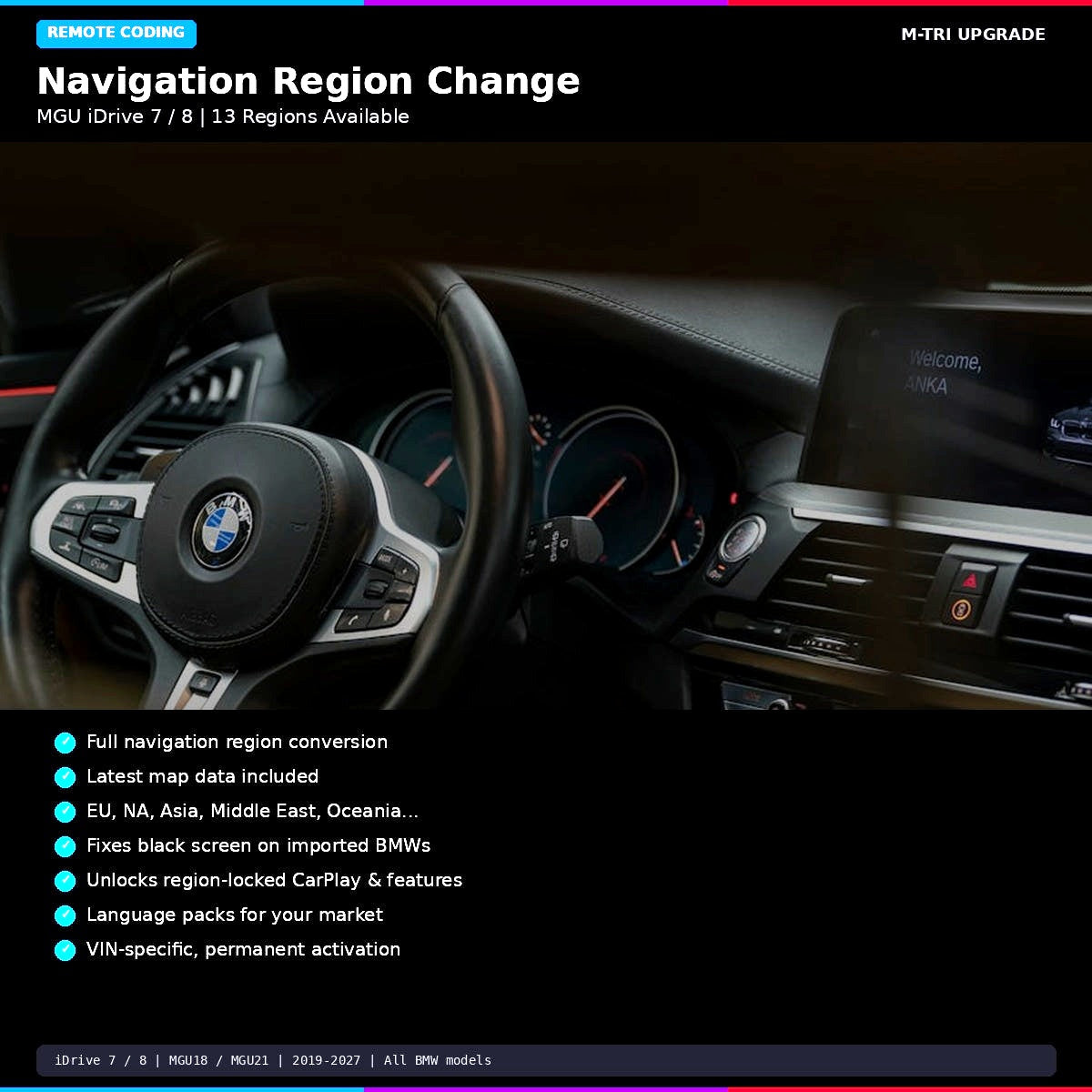
BMW MGU iDrive 7 navigation region change is the service listed on this page. Whether your BMW is eligible depends on its VIN, head unit, current navigation region, requested destination region and map version. Send those details to M-TRI for confirmation before ordering.
What does this listing cover?
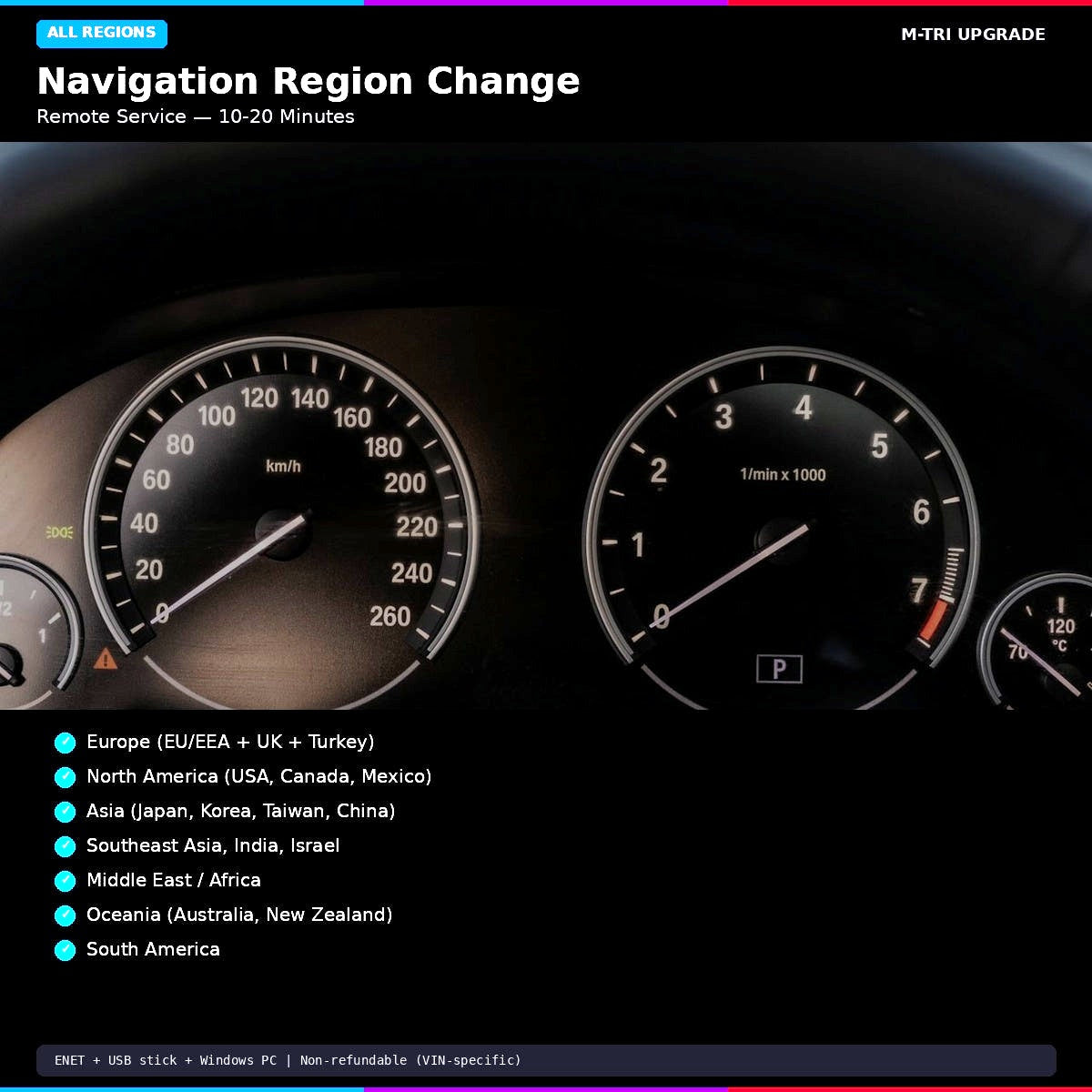
This product is for a BMW navigation region change associated with the MGU iDrive 7 system. The exact regions, vehicle eligibility, files or codes included, connection setup, session method, timing and result must be confirmed for your specific vehicle. This page does not guarantee that every region conversion, feature or vehicle is supported.
Check BMW’s own map-region options first
BMW explains that customers can review or change the region for Automatic Map Updates through the My BMW portal. Check BMW’s official Automatic Map Updates information to see whether its option meets your need. The M-TRI product is a separate paid service; confirm the exact work included before purchase.
What information should I send?
- 17-digit VIN and model year
- Current and requested navigation regions
- Current map version and a photo of the iDrive system information screen
- Your location and the result you need
M-TRI should confirm the head-unit eligibility, included work, required connection or equipment, current price and applicable terms before you order. A BMW model or chassis name alone does not establish compatibility.
BMW MGU iDrive 7 region-change questions
Does this product support every BMW iDrive 7 vehicle and region?
No universal vehicle or region coverage is promised here. Eligibility and available work depend on the individual vehicle and requested change. Send your VIN, current and destination regions, and map version for confirmation.
Does the service include new maps, language packs or ConnectedDrive features?
Do not assume these items are included. Ask M-TRI to confirm in writing which files, codes, languages, connected services and other changes apply to your VIN and selected option before purchase.
Can I change my BMW’s automatic map-update region myself?
BMW’s support information describes region settings for Automatic Map Updates in the My BMW portal. Review that official option first; it may differ from the work offered on this product page.
What do I need before ordering?
Provide your VIN, current and requested region, current map version, vehicle location and a photo of the iDrive system information screen. Wait for M-TRI to confirm fitment, service scope, setup, price and terms.
For broader BMW software offers, see the Remote Coding & Flashing category. This page keeps its existing product URL; current price and options are displayed above.



Reviews
There are no reviews yet.