
Description
What Is BMW Remote Start Activation?
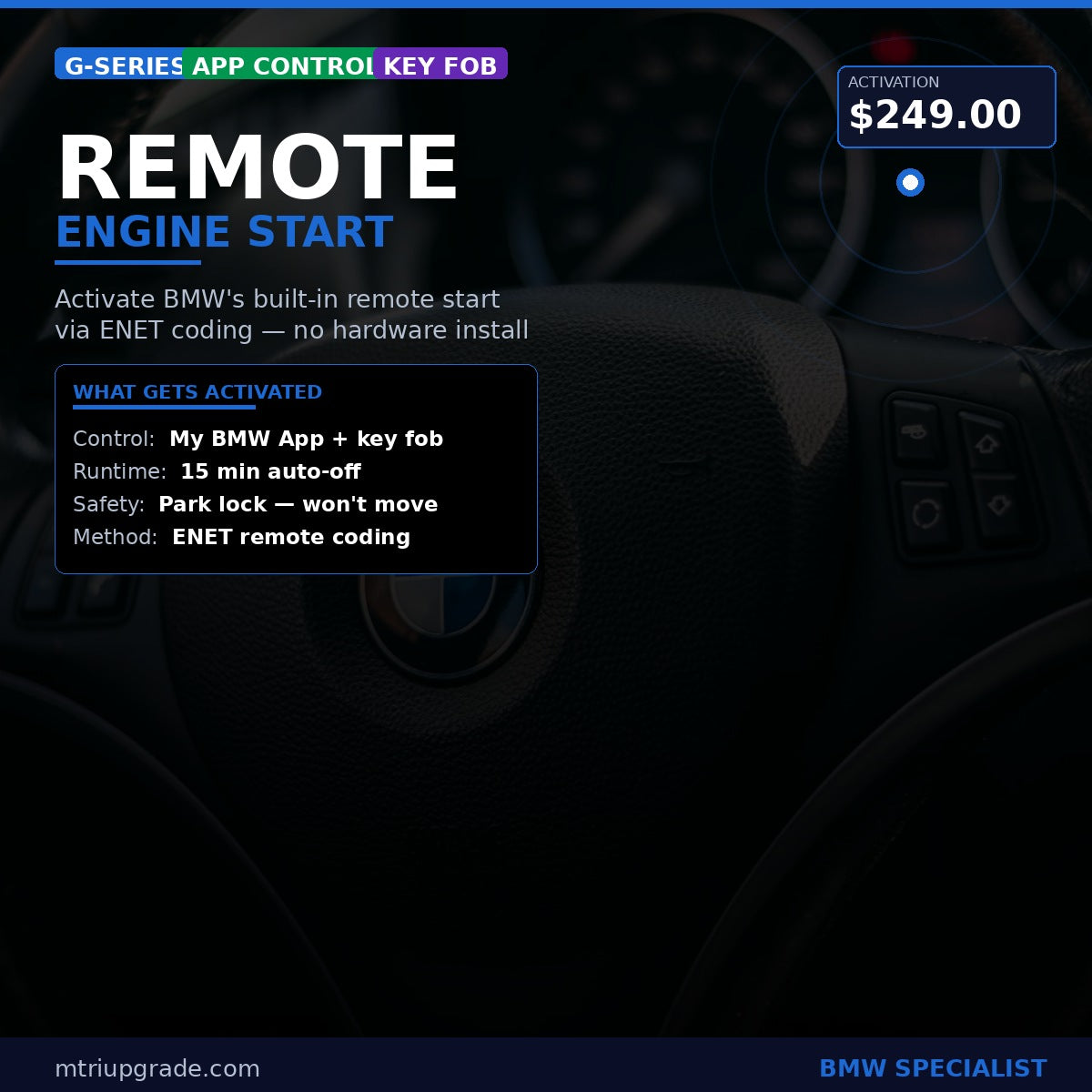
Remote Engine Start availability varies by vehicle equipment, software and market. For eligible configurations, this service uses ENET coding to activate the existing function; coding cannot add equipment that the vehicle does not have. We check the VIN and vehicle configuration before purchase.
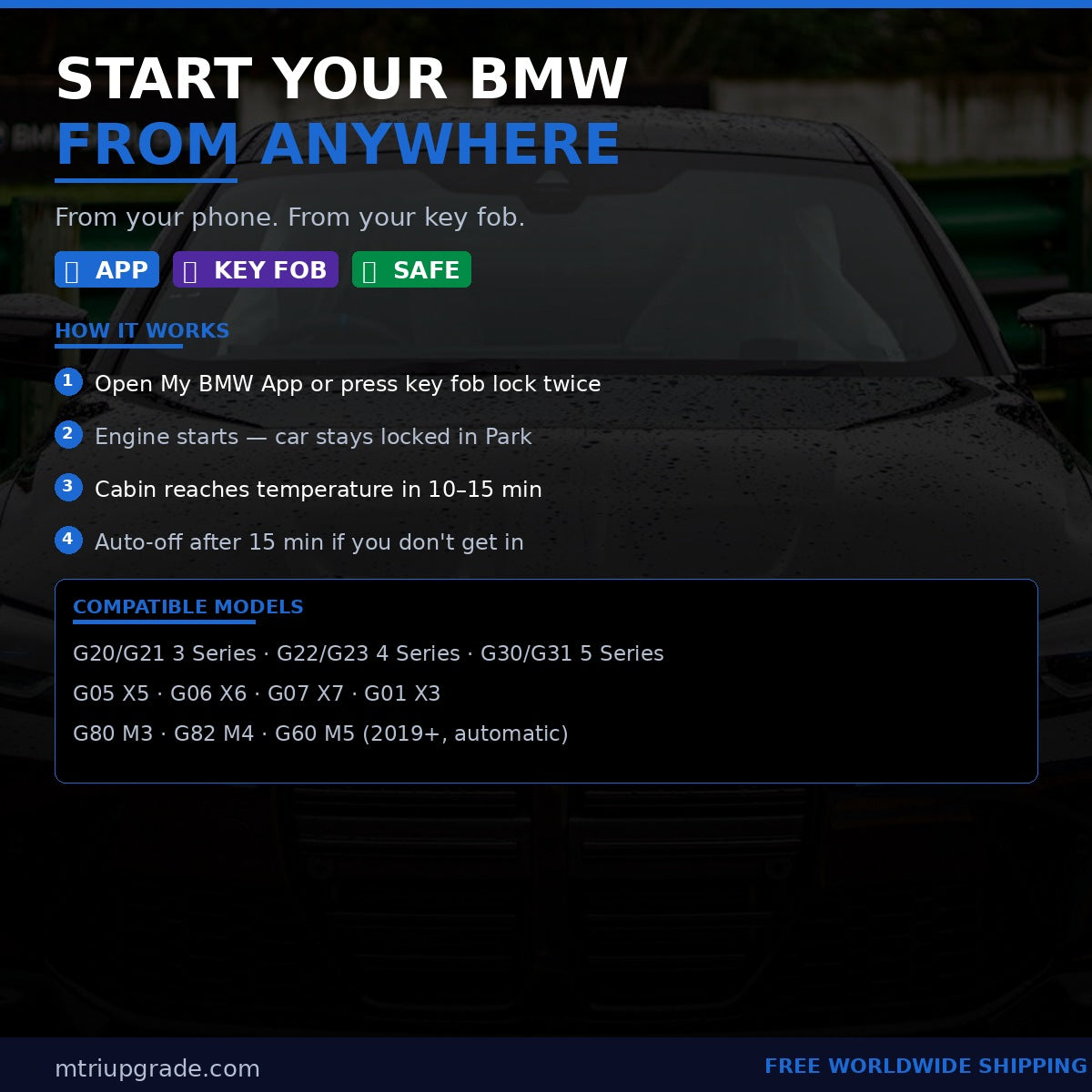
Remote controls depend on the vehicle and market. In the U.S., BMW says My BMW App use requires an active ConnectedDrive subscription, and its key-fob instructions specify three consecutive lock-button presses on eligible vehicles. Check the BMW USA eligibility requirements and key-fob instructions; other markets may differ. Ask us to confirm your VIN before purchase. Eligible BMW systems may shut the engine off automatically after 15 minutes.
What You Get
- App Control: Use the My BMW App where supported; ConnectedDrive access and subscription requirements vary by vehicle and market.
- Key Fob Control: Use the vehicle-specific key-fob procedure where supported; check the BMW instructions for your market.
- 15-Min Auto-Off: Engine shuts down automatically if unoccupied
- Vehicle Interlocks: Start/stop behavior follows the vehicle’s factory software and safety interlocks
- Climate Pre-Conditioning: Cabin reaches temperature before you get in
Compatible Models
- BMW G20 / G21 3 Series (2019+)
- BMW G22 / G23 4 Series (2020+)
- BMW G30 / G31 5 Series (2017+)
- BMW G05 X5 (2019+)
- BMW G06 X6 (2020+)
- BMW G07 X7 (2019+)
- BMW G01 X3 (2018+)
- BMW G80 M3 / G82 M4 (2021+)
- BMW G60 5 Series (2024+)
This list is indicative only; the exact vehicle configuration must be confirmed by VIN before purchase.
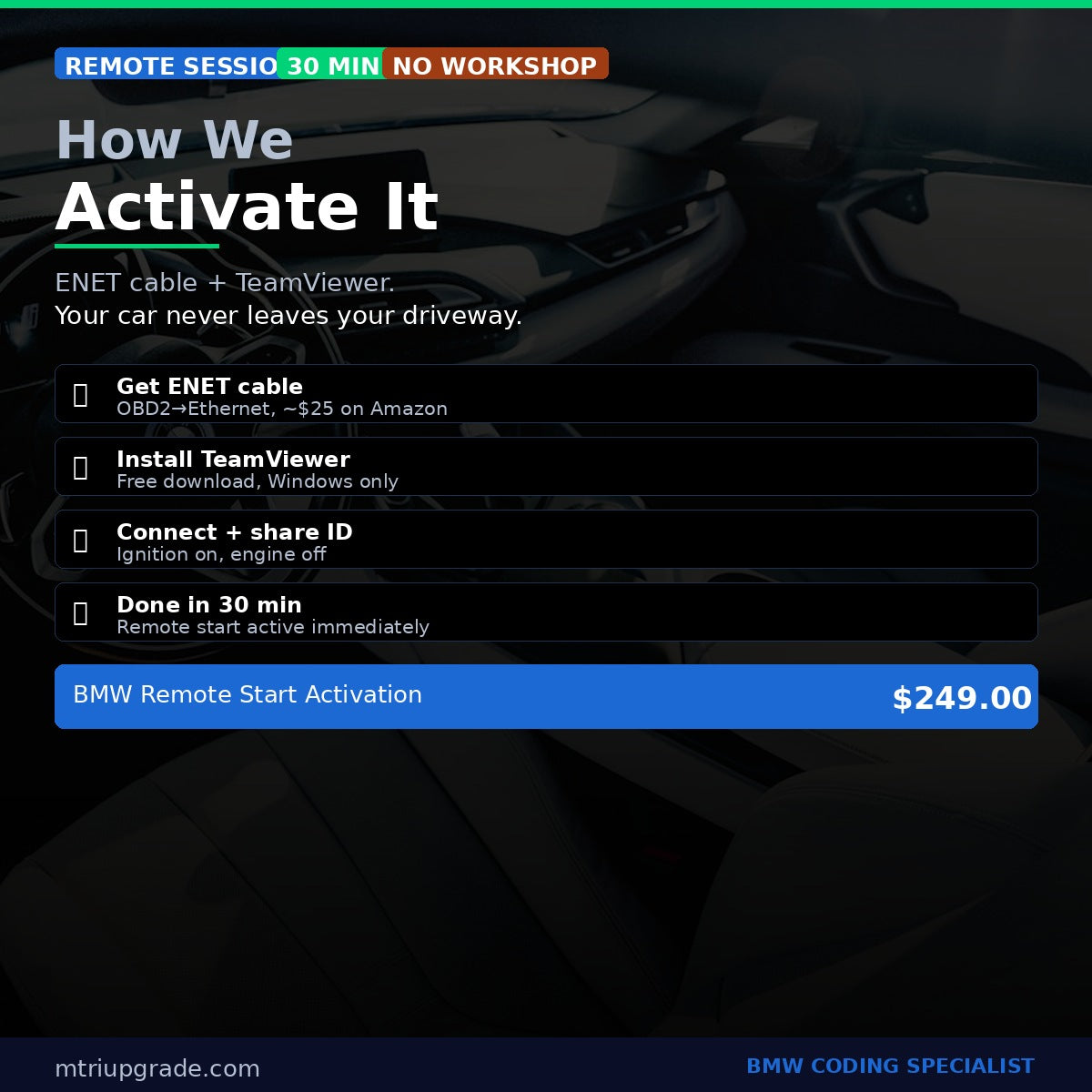
Requirements: Vehicle eligibility depends on its factory equipment, software, engine, transmission and market. A VIN check is required before purchase. For a remote session, you need an ENET cable (OBD2 to Ethernet), a Windows laptop and TeamViewer. My BMW App functions may require an active ConnectedDrive subscription, depending on market and vehicle.
Do not assume a vehicle is supported from its chassis or fuel type alone. Send us your VIN via WhatsApp before purchasing so we can check the factory configuration and confirm whether this service is available for your vehicle.
How the Remote Session Works
- Send your VIN before purchase so we can check vehicle fitment
- After compatibility is confirmed, purchase the service
- We contact you to schedule a session time
- Connect your ENET cable (OBD2 port → laptop Ethernet) with ignition on
- Share your TeamViewer ID — we connect remotely and activate the feature
- Session complete in ~30 minutes. Remote start active immediately.
Contact: WhatsApp +64 21 920 905 · info@mtriupgrade.com
Reviews
There are no reviews yet.