
Description
BMW iDrive 8 and 8.5 navigation region change replaces all map data, language packs, distance units, and traffic service region with the destination country’s specification. Remote ENET service compatible with all MGU2 head units (iDrive…
Quick Answer
BMW iDrive 8 and 8.5 navigation region change replaces all map data, language packs, distance units, and traffic service region with the destination country’s specification. Remote ENET service compatible with all MGU2 head units (iDrive 8/8.5). Covers Middle East, Europe, Asia-Pacific, North America, and all other BMW-supported regions. Session takes 30–60 minutes.
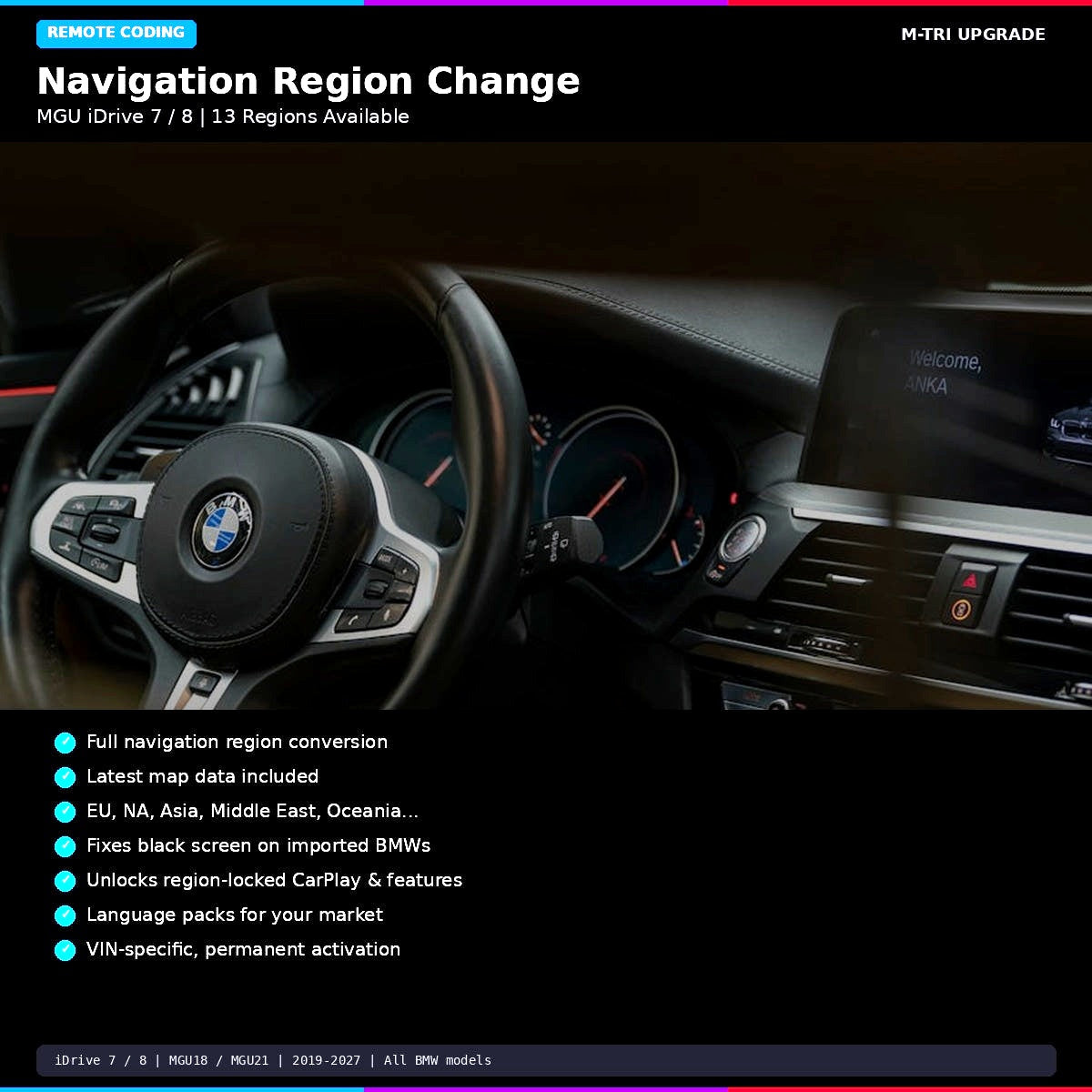
BMW Navigation Region Change for MGU iDrive 7 and iDrive 8 systems. Converts your BMW navigation to any region worldwide — Europe, North America, Asia, Middle East, Oceania, and more. Includes latest map data. Remote coding service completed in 10-20 minutes. From 29 USD at M-TRI UPGRADE.
Your BMW was imported from another country and the navigation is stuck on the wrong region?
- You bought a BMW from Japan, Korea, or the Middle East and the iDrive is locked to that region — wrong maps, wrong language options, missing features?
- The navigation shows “no map data available” because the installed maps do not cover your country?
- Apple CarPlay or certain iDrive features are unavailable because your head unit is coded for a market that does not support them?
- You swapped an MGU head unit from a different-market car and it shows a black screen or region mismatch?
BMW Navigation Region Change — MGU iDrive 7 / iDrive 8
Professional remote coding service to change the navigation region on your BMW MGU head unit. Your BMW will receive the correct region coding, latest available map data for your new region, and all region-locked features will be unlocked.
What You Get
- Full region conversion — navigation system converted to your chosen region
- Latest map data — current maps for your new region included
- Feature unlock — CarPlay, apps, and services restricted by the old region become available
- Black screen fix — resolves black screen caused by region mismatch on swapped head units
- Language packs — correct language options for your market
- Permanent — region change is VIN-specific and permanently assigned
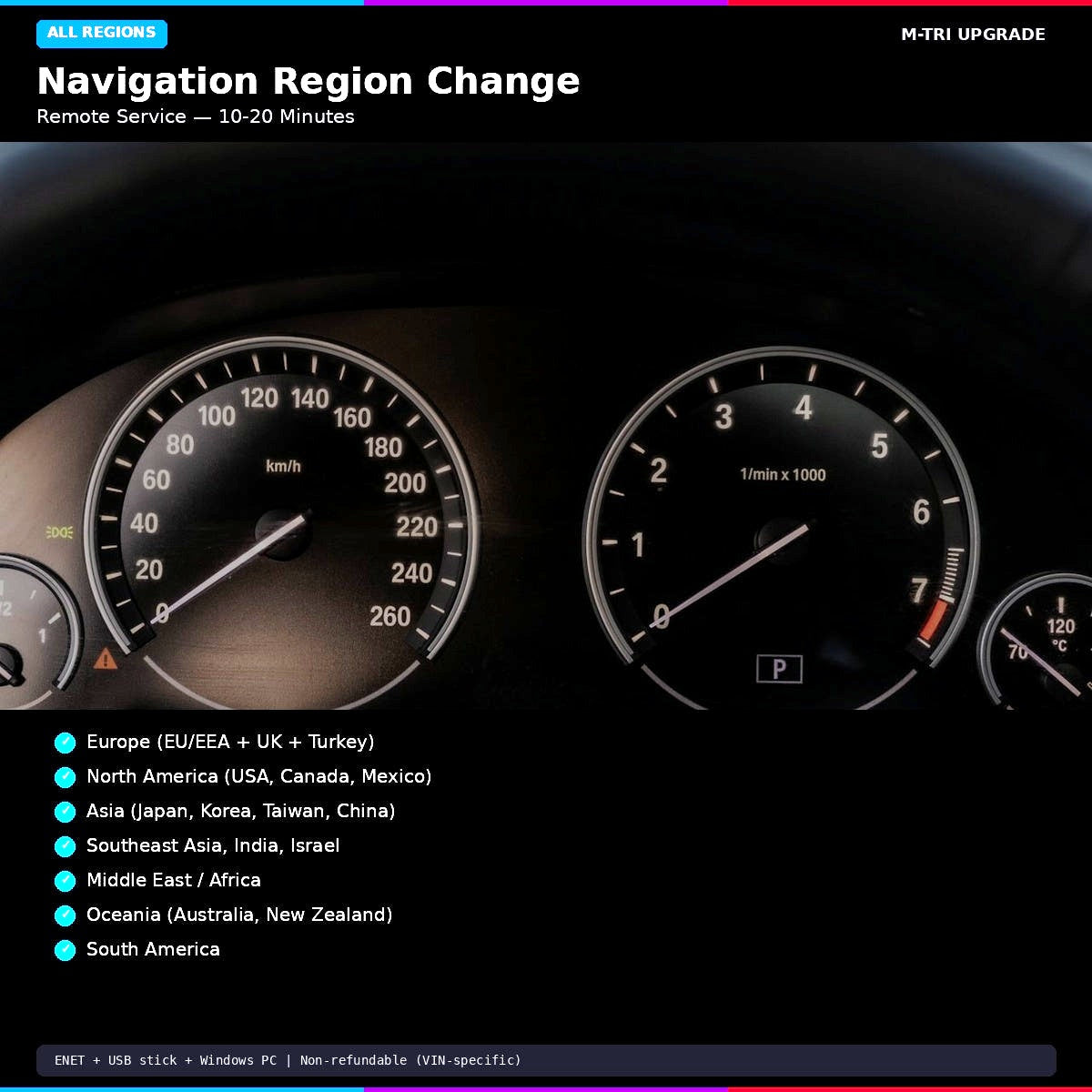
Available Regions
| Region | Countries Included |
|---|---|
| Europe | All EU/EEA countries, UK, Switzerland, Turkey |
| North America | USA, Canada, Mexico |
| South America | Brazil, Argentina, Chile, and more |
| Middle East / Africa | UAE, Saudi Arabia, South Africa, and more |
| India | India |
| Southeast Asia | Thailand, Malaysia, Singapore, Philippines, Indonesia |
| Oceania | Australia, New Zealand |
| Japan | Japan |
| Korea | South Korea |
| Taiwan | Taiwan |
| China | China (mainland) |
| Israel | Israel |
Compatible Systems
- iDrive 7 (MGU) — G20, G22, G26, G05, G06, G07, G11, G12, G14, G15, G16 (2019-2023)
- iDrive 8 / 8.5 — G60, G70, U06, U11, G45, G46 (2022-2027)
- MGU LIVE and JOY Maps — MGU18 / MGU21 head units
How It Works
- Place your order and provide your VIN and desired region
- Receive a booking email to schedule your remote session
- Connect ENET cable and prepare a USB stick (for map data transfer)
- Join via TeamViewer — technician performs region change in 10-20 minutes
- Navigation reboots with correct region, maps, and features
Requirements
- ENET cable (RJ45 to OBD-II)
- USB flash drive (32GB+ recommended, formatted exFAT)
- Windows PC with TeamViewer
- Stable internet connection
Important: This service is non-refundable as the region change is VIN-specific and permanently assigned to your vehicle.
Learn More
⚠️ Please provide your VIN after purchase
To schedule your session we need your 17-digit VIN (found on your windshield, door jamb, or registration). Send it to us after checkout:
📧 info@mtriupgrade.com |
📲 WhatsApp +64 21 920 905 |
Or add it to your order notes at checkout.
{
“@context”: “https://schema.org”,
“@type”: “FAQPage”,
“mainEntity”: [
{
“@type”: “Question”,
“name”: “How does BMW navigation region change work on iDrive 7 MGU?”,
“acceptedAnswer”: {
“@type”: “Answer”,
“text”: “BMW MGU iDrive 7 navigation region change is performed via ENET coding u2014 the FSC licence for the new region is applied and the map server is reconfigured. No hardware changes required.”
}
},
{
“@type”: “Question”,
“name”: “Which MGU iDrive 7 regions can be changed?”,
“acceptedAnswer”: {
“@type”: “Answer”,
“text”: “BMW MGU iDrive 7 supports region change between Europe, North America, Asia Pacific (AUS/NZ), Middle East, and more. We supply the FSC code and perform the change remotely.”
}
},
{
“@type”: “Question”,
“name”: “How long does iDrive 7 navigation region change take?”,
“acceptedAnswer”: {
“@type”: “Answer”,
“text”: “The iDrive 7 MGU navigation region change takes 30u201360 minutes via ENET cable and TeamViewer. The car needs to be connected throughout the session.”
}
}
]
}

Reviews
There are no reviews yet.