
Modern sports car owners and vintage vehicle enthusiasts alike have recently embraced an exciting automotive trend: bringing older, iconic vehicles into the digital era without compromising their factory aesthetics. In the broader automotive world, headlines highlight owners retrofitting wireless Apple CarPlay, modern infotainment, and over-the-air convenience features into slightly older luxury vehicles and weekend cruisers. For the BMW community, this movement is especially relevant. Whether you pilot an E-Series legend, a refined F-Series daily, or an early G-Series chassis, you do not need to replace your entire vehicle just to enjoy current infotainment, custom comfort settings, and digital cockpit features.
With modern aftermarket engineering, achieving a showroom-fresh tech experience is easier than ever. This comprehensive BMW DIY install guide retrofit plug play module walkthrough covers the most practical, reliable, and reversible upgrades you can install in your garage with minimal tools.
The Plug and Play Philosophy: Why Modular Retrofits Win
In the past, retrofitting modern tech into a BMW required splicing harnesses, cutting factory dash structures, and navigating complex electrical schematics. Today’s premium upgrades are entirely modular. A dedicated BMW plug play module bridges the gap between your car’s factory CAN-bus network and modern digital conveniences.
The benefits of a modular plug-and-play approach include:
- Zero Wire Splicing: Factory-matched pin connectors mate seamlessly with OEM wiring harnesses, preserving vehicle resale value.
- OEM Functionality: Maintain native iDrive rotary knob control, steering wheel button functionality, and factory backup cameras.
- Complete Reversibility: Perfect for enthusiasts who want cutting-edge tech now but wish to preserve factory originality for future collector status.
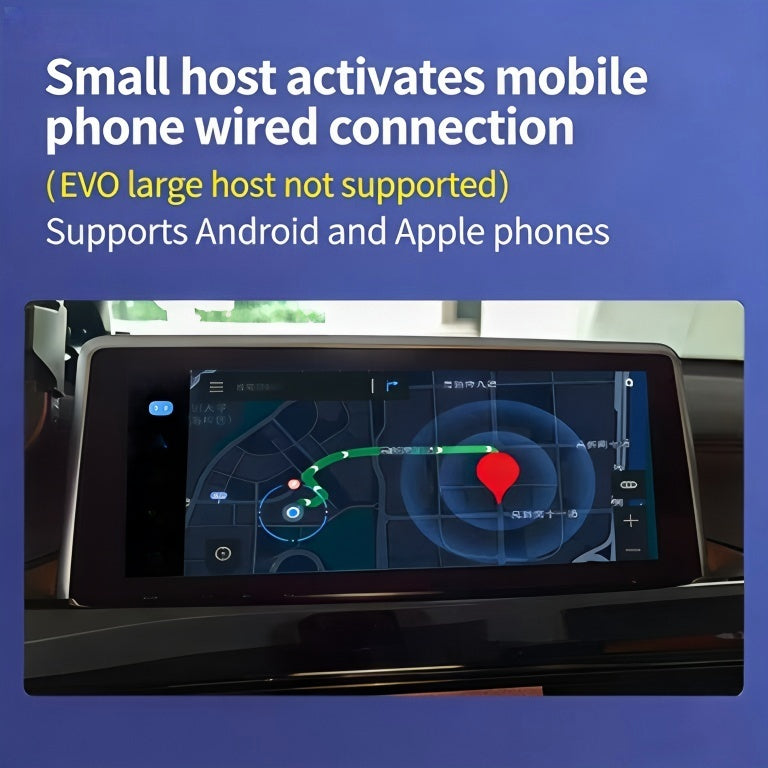
1. Modernizing Infotainment: Wireless Apple CarPlay & Android Auto
Few upgrades transform the daily driving experience quite like smartphone integration. Navigating through Apple Maps, Waze, or Spotify on a factory split-screen display often leaves older NBT and NBT Evo systems feeling dated. Fortunately, unlocking modern connectivity no longer requires intrusive aftermarket head units.
Depending on your current iDrive revision, you can either perform an OEM software unlock or install a discreet multimedia interface module behind the dashboard. For vehicles equipped with factory NBT Evo navigation running on older split-screen layouts, our BMW CarPlay Full Screen Activation transforms your display into an expansive, edge-to-edge interface with zero physical panel disassembly required.
DIY Installation Tips for Multimedia Modules
- Disconnect the Negative Battery Terminal: Always isolate your vehicle’s 12V electrical system before working behind the center console to prevent accidental fault codes.
- Use Non-Marring Pry Tools: BMW interior trim clips are sturdy, but soft dashboard vinyl and wood trims scratch easily. Always use nylon trim tools to disengage the air vent assembly and climate control panels.
- Cable Routing Patience: When positioning a retrofit interface harness behind the head unit, route bulkier connectors into the void beneath the radio cage or behind the glovebox cavity to ensure the head unit slides smoothly back into place.
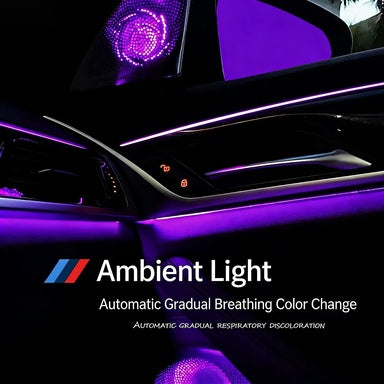
2. Automating Daily Conveniences: Smart Comfort Modules
While infotainment upgrades keep you connected, comfort upgrades eliminate the minor annoyances of everyday driving. Factory BMW configurations often leave out intuitive convenience sequences due to regional compliance standards or trim hierarchy restrictions.
By integrating a BMW Smart Comfort Module 1-7 Series, you can unlock key features directly mapped to your factory key fob and interior switches. Imagine your side mirrors automatically folding when locking the vehicle, side windows and the sunroof automatically securing upon door lock, or soft-close sequence enhancements functioning without manual intervention.
How Plug-and-Play Comfort Modules Operate
Unlike universal automotive relays, these specialized modules communicate directly via your BMW’s body control network (CAS or FEM/BDC). Installation typically involves accessing the passenger footwell or trunk junction module and plugging the harness inline with factory connectors. Because the module listens passively for remote control signals, battery draw during sleep mode is virtually non-existent.
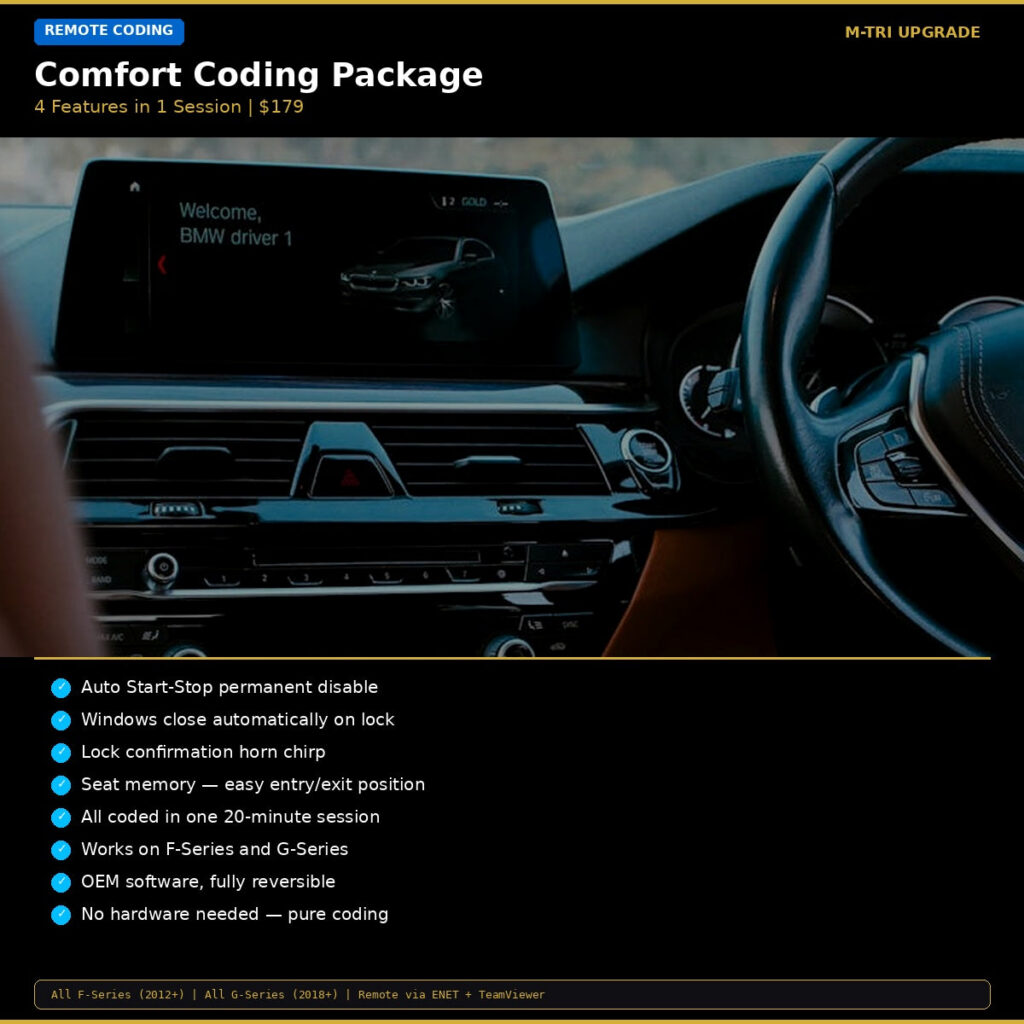
3. Eliminating Annoyances: Comfort Coding Packages
Not every retrofit requires opening trim panels. Modern BMW electronic architectures carry dormant software routines programmed at the factory that simply remain deactivated. With a specialized DIY package like the BMW Comfort Coding Package (Start-Stop, Window Close, Horn, Seat Memory), you can customize your vehicle’s behavioral profile in minutes.
Top Functions to Reconfigure:
- Auto Start-Stop Memory: Remember your last setting permanently rather than having the engine shut off at every intersection upon restarting the car.
- Window Roll-Up Interrupt Elimination: Allow door windows to continue rolling up uninterrupted even if a door is opened.
- Acoustic Confirmation Adjustments: Fine-tune or disable lock/unlock horn chirps to avoid waking neighbors during late arrivals.
- Easy Entry Seat Retraction: Automatically glide the driver’s seat rearward when the door opens to facilitate effortless entry and exit.
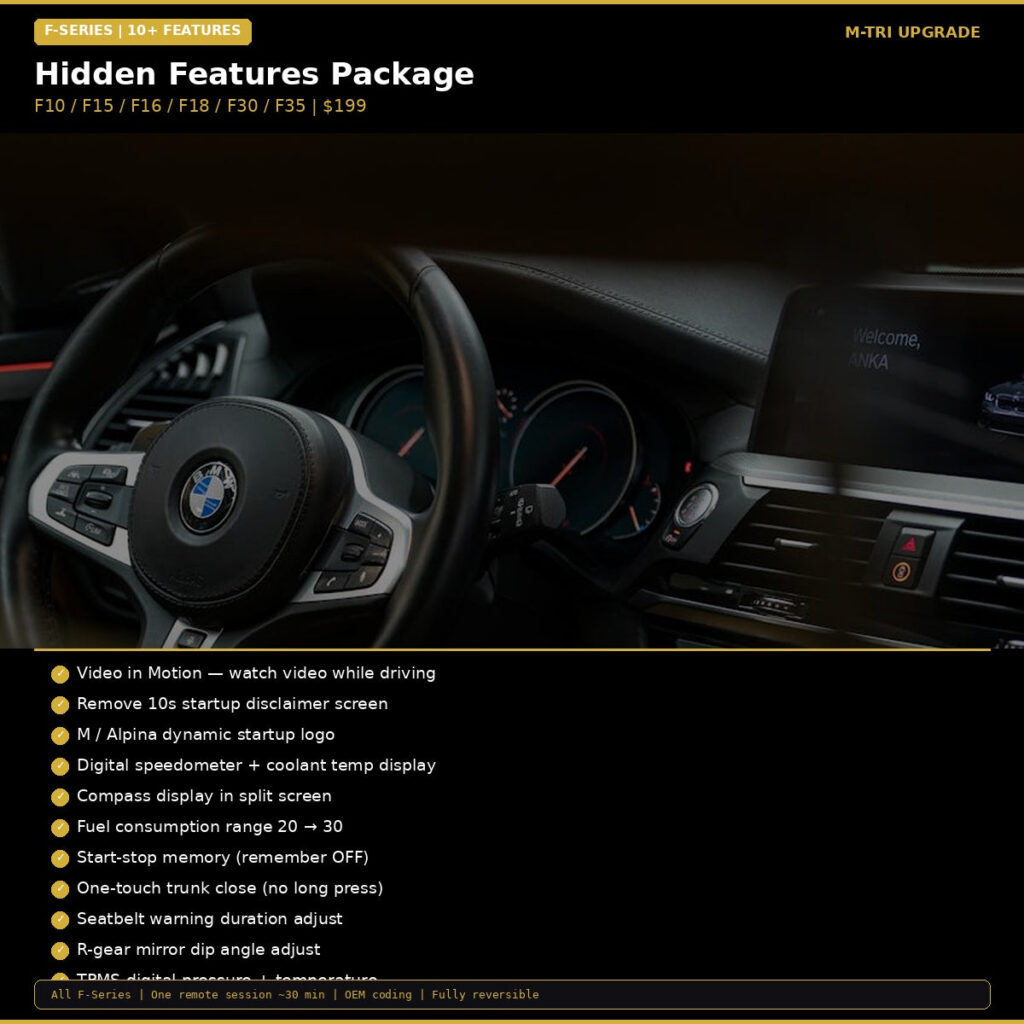
4. Unlocking Latent Capabilities with Hidden Features Coding
For F-Series and G-Series platforms, the breadth of dormant capabilities is remarkable. By utilizing an OBD-based system like the BMW Hidden Features Coding Package F-Series, drivers can configure digital instrument clusters, alter ambient lighting intensity, enable tire pressure and temperature displays, and display M-Performance splash animations on startup.
DIY Coding Safety Rules
When performing software retrofits or module coding, keep these three rules in mind:
- Maintain Voltage Stability: Connect a reliable battery tender or maintainer. A voltage drop below 12.0V mid-flash can cause ECU communication errors.
- Avoid Moving Cables: If using a physical ENET cable or an OBD adapter, keep your diagnostic laptop or smartphone securely positioned to prevent loose physical connections.
- Create Backups: Always create a timestamped backup of your current vehicle order (VO) and factory trace files before applying custom parameters.
Bring Your BMW into the Modern Era
You don’t need a massive automotive restoration workshop to enjoy the perks of cutting-edge vehicle connectivity and comfort. Modern retrofit modules and streamlined software coding put factory-grade refinement within reach of every DIY enthusiast.
Ready to upgrade your driving experience with genuine, plug-and-play components engineered specifically for your chassis? Explore our full catalog of multimedia displays, smart comfort modules, and bespoke coding solutions with fast worldwide shipping.