
Description
Quick Answer
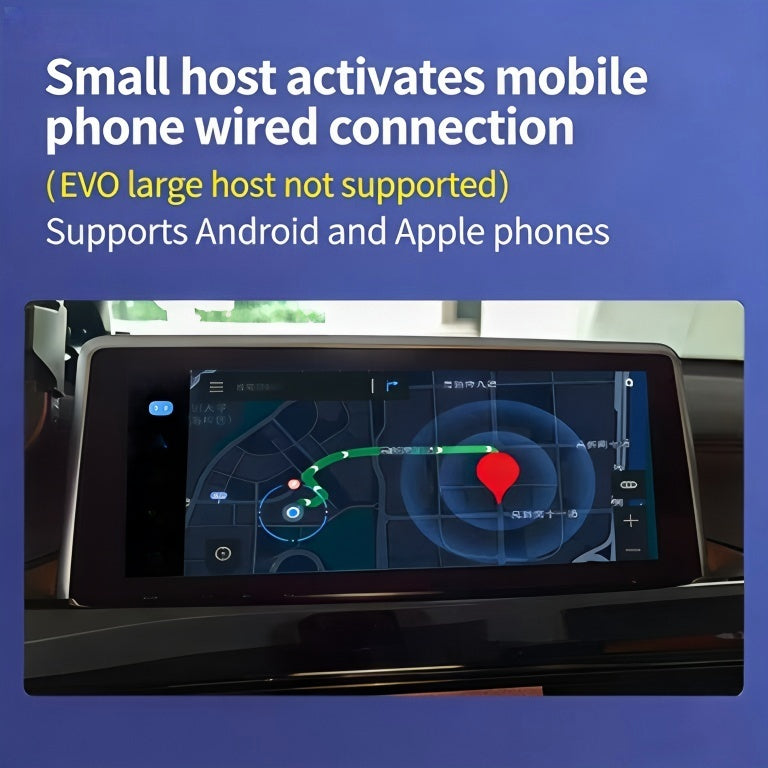
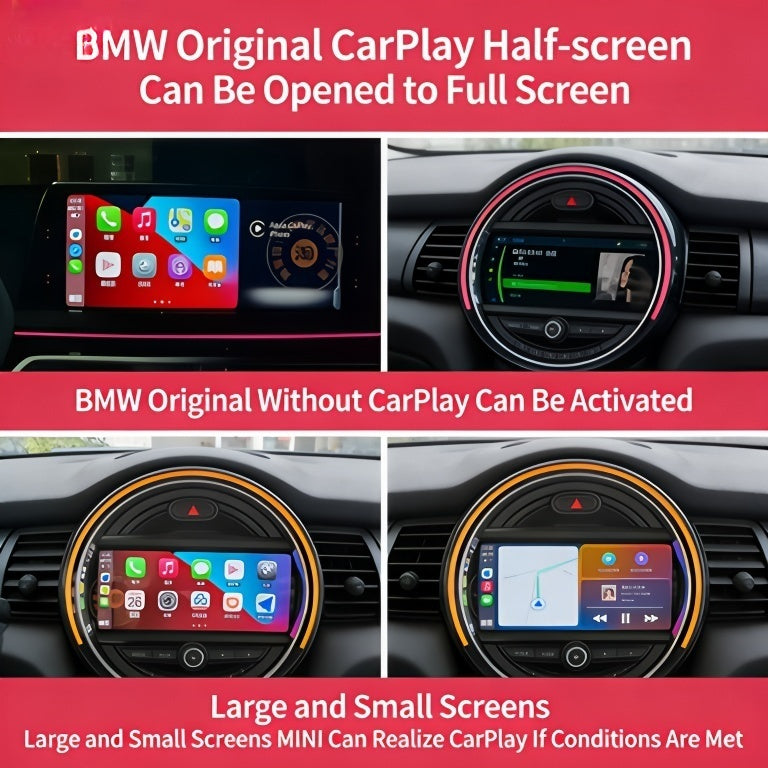
M-TRI Upgrade lists this product as BMW CarPlay Full Screen Activation. Full-screen availability depends on the vehicle, head unit and software configuration. The current listing does not publish a verified vehicle-fitment matrix or clearly define whether fulfillment is remote coding or a physical module. Send your VIN and head-unit details, then get written confirmation of compatibility and exactly what is included before ordering.
Updated 3 October 2026: This page now covers the full-screen CarPlay offer only. Vehicle support, delivery method and included services need confirmation for the individual car.
What is BMW CarPlay Full Screen Activation?
This product listing is for a BMW CarPlay full-screen activation offer. It is intended for owners who want to check whether their current BMW CarPlay setup can use a full-screen layout. The product title alone does not confirm that a particular vehicle can receive the change.
Does full-screen CarPlay work on every BMW?
No compatibility matrix is published for this offer. Eligibility can depend on the vehicle’s head unit, software configuration and existing CarPlay setup. Do not assume support from the model year or a broad F-Series or G-Series label alone.
Before ordering, send M-TRI Upgrade your 17-character VIN, production date, model designation, a photo of the iDrive software screen and a description of how CarPlay currently appears. Ask for written confirmation that the specific vehicle and head unit are supported.
Is this remote coding or a plug-in module?
The current product copy has described both remote coding and a plug-in activation module. It does not clearly identify which delivery method applies to the current $259 listing. Confirm the fulfillment method, any required cable or hardware, installation responsibility and session requirements before checkout.
What should I confirm before purchasing?
- Whether the exact vehicle, head unit and software configuration are supported
- Whether CarPlay must already be activated in the vehicle
- Whether the offer is software coding or a physical module
- What equipment, cables or customer setup are required
- Which functions are included in this specific product
- Current price, warranty, cancellation and return terms
Looking specifically for remote BMW iDrive 8 or iDrive 8.5 CarPlay and Android Auto activation? See the separate BMW iDrive 8 CarPlay & Android Auto Activation — Remote Service listing. That offer has its own vehicle, software and market eligibility check; it does not establish fitment or fulfillment for this full-screen CarPlay product. Do not assume Android Auto or other functions are included here unless M-TRI confirms them for your order.
Frequently asked questions
Does this product support every BMW with iDrive?
No. The current listing does not publish a verified compatibility matrix. Send your VIN, head-unit details and software information to confirm eligibility before ordering.
Does the $259 offer include a remote coding session or a module?
The current public product copy is inconsistent about delivery. Confirm whether your order is remote coding or a physical module, and what is included, before checkout.
Does this product include Android Auto?
Android Auto is not established as part of the confirmed public scope for this CarPlay full-screen listing. Ask M-TRI to confirm the exact functions included in your order.
M-TRI Upgrade is owned by Innovative Soft. Contact M-TRI Upgrade with your vehicle details before ordering if fitment or fulfillment is unclear.
Reviews
There are no reviews yet.