
Description
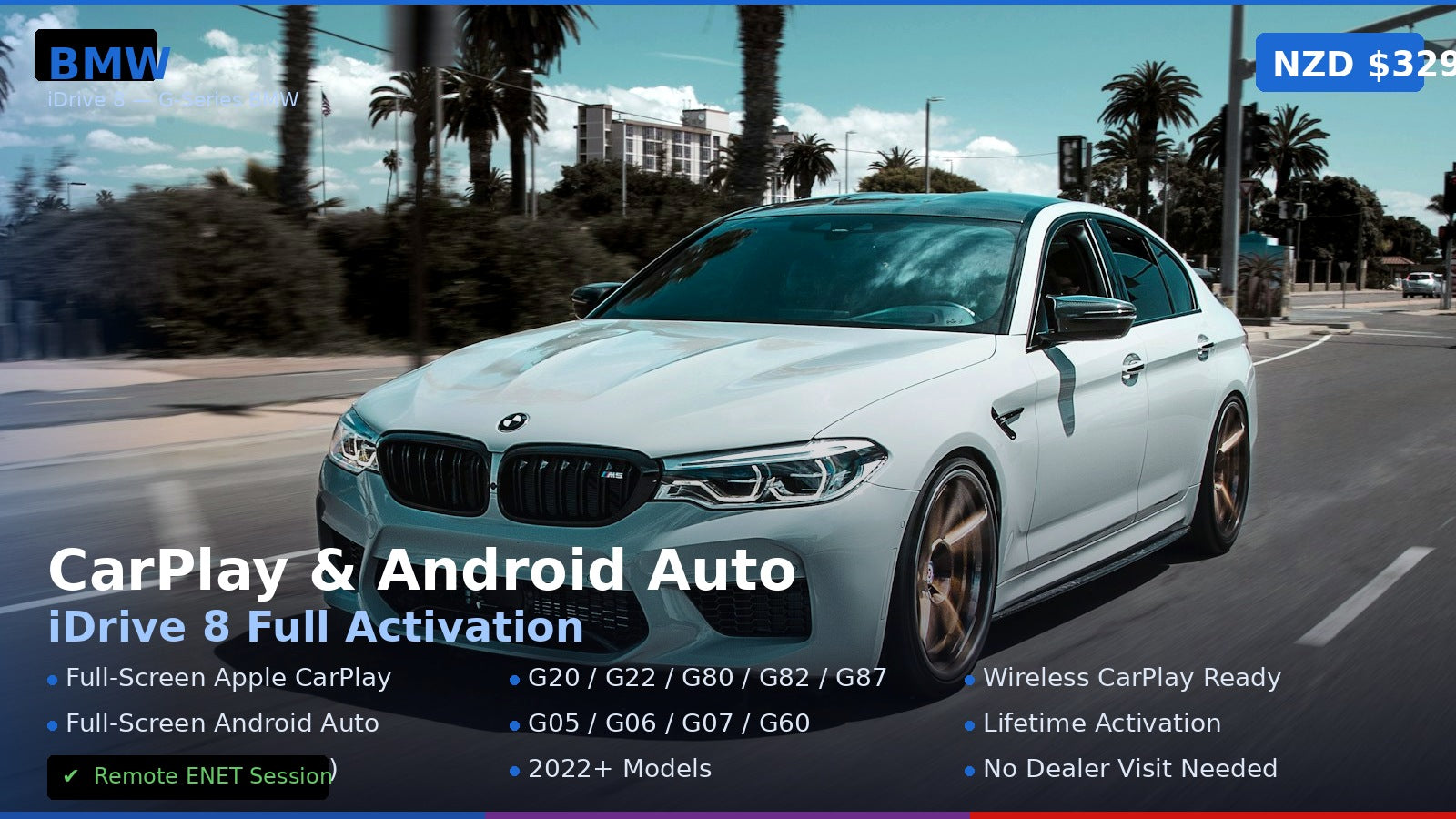
BMW iDrive 8 CarPlay and Android Auto activation is a remote coding service for vehicles that M-TRI confirms are compatible. The service is intended to enable the supported factory CarPlay and Android Auto functions in the BMW infotainment system. Model year and model name alone do not confirm compatibility: the installed head unit, software version, market specification and vehicle configuration must be checked first.
Check compatibility before booking
After purchase, send M-TRI your 17-digit VIN and the vehicle’s model year, model and iDrive software details. M-TRI will review the vehicle and confirm whether this service is suitable before arranging a remote session. Do not assume that a vehicle is eligible because it is a G-Series BMW or because its model year appears in a general list. BMW introduced different operating systems across models and markets; for example, BMW identifies the 2025 X3 introduced from August 2024 as using BMW Operating System 9. Later operating systems are not included in this offer unless M-TRI confirms support for the exact vehicle.
For an overview of BMW iDrive, CarPlay and Android Auto upgrade paths, see the BMW iDrive, CarPlay and Android Auto Upgrade Guide.
What the service covers
- Remote software coding for supported BMW iDrive 8 or iDrive 8.5 vehicles.
- CarPlay and Android Auto activation, subject to the vehicle’s installed hardware, software and market configuration.
- A remote session estimated at 45–60 minutes once compatibility and preparation have been confirmed.
Feature availability and whether CarPlay or Android Auto can run full-screen depend on the vehicle configuration. M-TRI will confirm the expected result for your VIN before booking.
Equipment and preparation
The listed remote setup uses a laptop connected to the BMW with an ENET cable and a TeamViewer remote session. Confirm that you have the required cable, a suitable laptop and a reliable internet connection before the appointment. M-TRI will provide session arrangements after confirming compatibility.
How to arrange the service
- Purchase this service and provide your 17-digit VIN.
- Include your BMW model, model year, country or market, and iDrive software version if known.
- Wait for M-TRI to confirm compatibility and the expected feature outcome.
- If confirmed, arrange a remote appointment and prepare the laptop and ENET connection.
Need a fitment check? Contact M-TRI with your VIN and vehicle details before relying on a model-year fitment assumption.
Reviews
There are no reviews yet.