
Description
The BMW F-series Hidden Features Coding Package unlocks over 10 software-locked factory features in a single remote ENET session: one-tap indicator (3 or 5 blinks), fold mirrors on lock, sport display gauges (oil temp, boost, power), nee…
Quick Answer
The BMW F-series Hidden Features Coding Package unlocks over 10 software-locked factory features in a single remote ENET session: one-tap indicator (3 or 5 blinks), fold mirrors on lock, sport display gauges (oil temp, boost, power), needle sweep animation, Video in Motion, seatbelt chime disable, and CarPlay fullscreen. Compatible with all F-chassis BMWs via BimmerCode or E-sys.
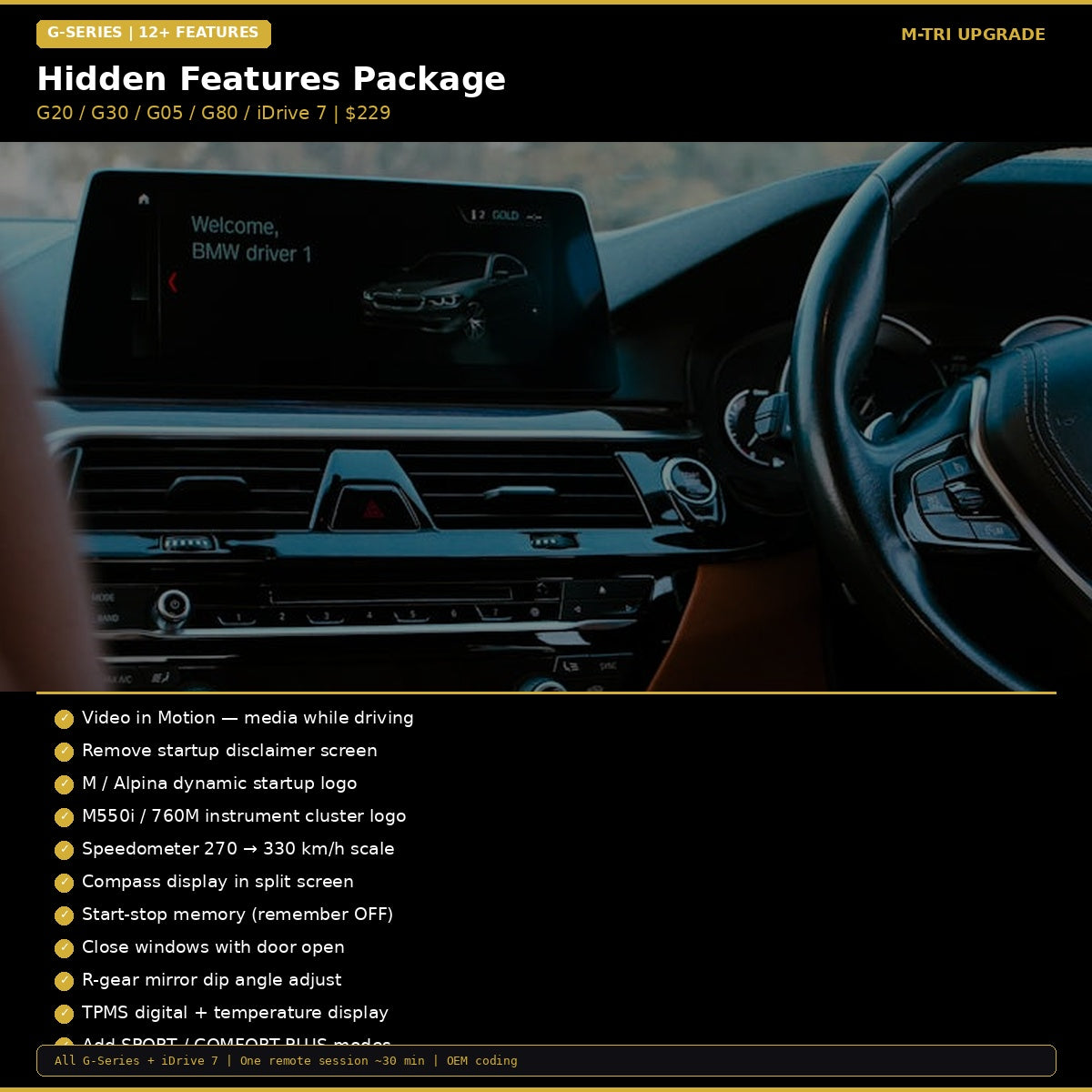
BMW Hidden Features Coding Package for G-Series — 12+ hidden features coded in one 30-minute remote session for $229 USD. Includes Video in Motion, M startup logo, M550i/760M cluster logo, speedometer 330 km/h scale, compass, start-stop memory, Sport/Comfort Plus modes, TPMS temperature, and more. All G-Series + iDrive 7. NCD 2.0 compatible. M-TRI UPGRADE, WhatsApp +6421920905.
12+ hidden features locked in your G-Series BMW
- Your friend’s BMW has an M startup animation and a 330 km/h speedometer but yours shows the boring standard logo and stops at 270?
- You want Sport Plus and Comfort Plus drive modes but they are not in your iDrive menu?
- Video in Motion, compass, digital TPMS with temperature — all available in the software but BMW didn’t turn them on?
BMW Hidden Features Package — G-Series
What Is Included
| # | Feature | What It Does |
|---|---|---|
| 1 | Video in Motion (VIM) | Media playback while driving, no speed lockout |
| 2 | Remove startup disclaimer | Skip the 10-second legal notice |
| 3 | M / Alpina startup logo | Animated M or Alpina boot logo |
| 4 | M550i / 760M cluster logo | Show performance model badge on instrument cluster |
| 5 | Speedometer 330 km/h | Change speedometer scale from 270 to 330 km/h with bold font |
| 6 | Compass display | Compass heading in split screen menu |
| 7 | Start-stop memory | Remembers your start-stop preference |
| 8 | Close windows with door open | One-touch window close works with door open |
| 9 | R-gear mirror dip | Adjust passenger mirror tilt angle in reverse |
| 10 | TPMS + temperature | Show tire temperature alongside pressure |
| 11 | Sport / Comfort Plus modes | Add extra drive modes to your iDrive menu |
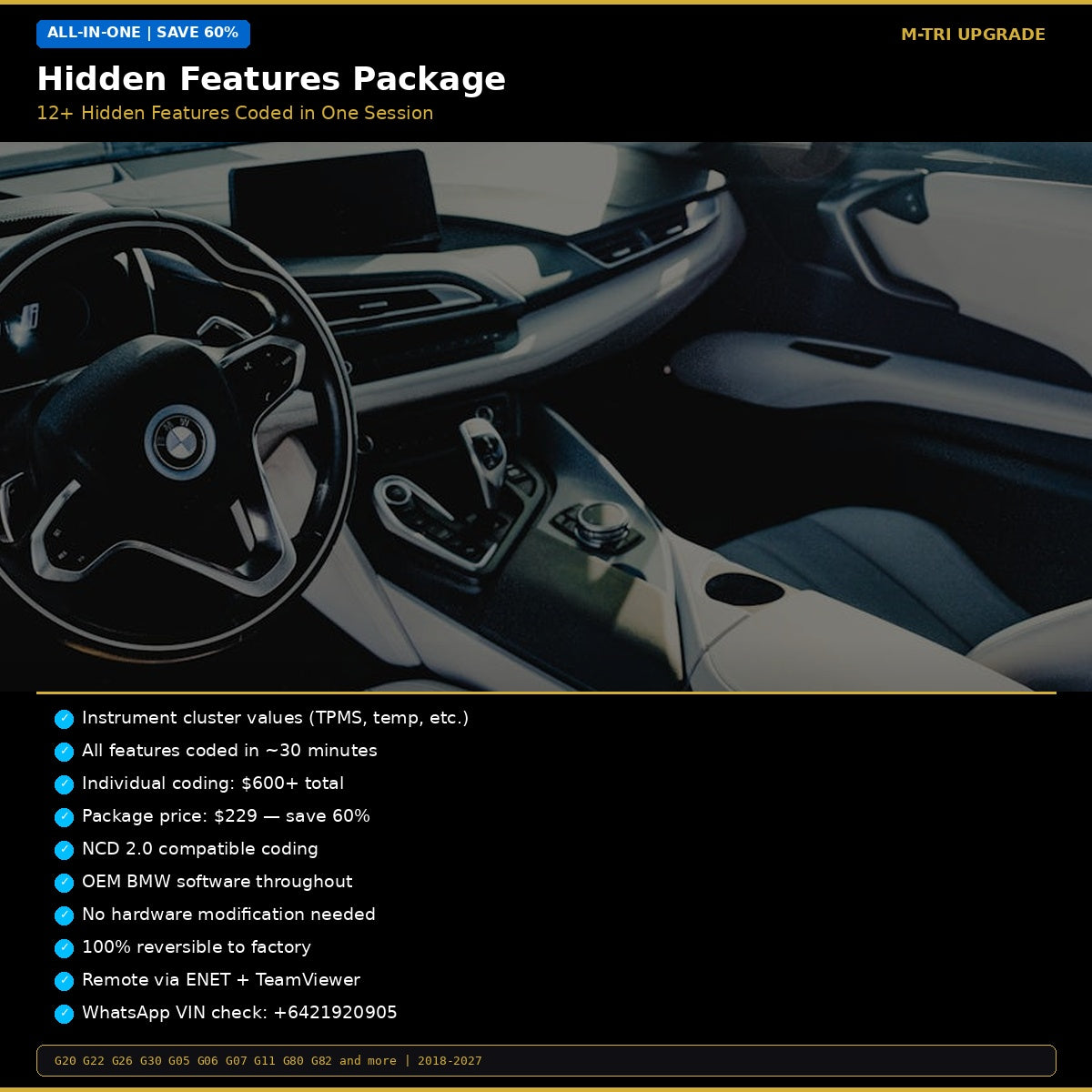
| 12 | Instrument cluster values | Display TPMS, coolant temp, and other values on cluster (iDrive 7) |
Individual coding total: $600+
Package price: $229 — save over 60%
Compatibility
All BMW G-Series with iDrive 7: G01, G02, G05, G06, G07, G11, G12, G20, G22, G26, G29, G30, G32, G80, G82, G87 (2018-2027). NCD 2.0 compatible coding — works on 23-03+ firmware.
How It Works
- Order and send your VIN
- Connect ENET cable, join TeamViewer
- All features coded in ~30 minutes
- Restart and enjoy
Why the G-Series Package Costs More
G-Series BMWs (2018+) require NCD 2.0 secure coding on I-Level 23-03 and newer. This requires specialized tools and modified FA (vehicle order) to write to protected modules. The extra cost reflects the additional tooling and expertise needed — not just more features.
Package vs Individual Coding
| Option | Features | Cost |
|---|---|---|
| Individual coding (12 features) | 12 | $700-900+ |
| Hidden Features G-Series Package | 12+ | $229 |
How It Works
- Order and send your VIN via WhatsApp (+6421920905)
- We check your I-Level and confirm all available features
- Schedule a 30-minute remote session via TeamViewer
- Connect laptop to car via ENET cable
- All features coded in one session
⚠️ Please provide your VIN after purchase
To schedule your session we need your 17-digit VIN (found on your windshield, door jamb, or registration). Send it to us after checkout:
📧 info@mtriupgrade.com |
📲 WhatsApp +64 21 920 905 |
Or add it to your order notes at checkout.
{
“@context”: “https://schema.org”,
“@type”: “FAQPage”,
“mainEntity”: [
{
“@type”: “Question”,
“name”: “What hidden features can be unlocked on a BMW G-Series?”,
“acceptedAnswer”: {
“@type”: “Answer”,
“text”: “BMW G-Series hidden features include anti-dazzle, video in motion, M startup animation, digital speedometer, exhaust burble, remote window close, sport display gauges, turn signal count, comfort access, navigation region change, and more u2014 12+ features.”
}
},
{
“@type”: “Question”,
“name”: “Which G-Series BMWs support hidden feature coding?”,
“acceptedAnswer”: {
“@type”: “Answer”,
“text”: “BMW G-Series hidden feature coding is compatible with G20 3 Series, G30 5 Series, G05 X5, G06 X6, G07 X7, G22 4 Series, G80 M3, G82 M4, G87 M2, and G60 M5 with iDrive 7 or iDrive 8.”
}
},
{
“@type”: “Question”,
“name”: “How long does G-Series hidden feature coding take?”,
“acceptedAnswer”: {
“@type”: “Answer”,
“text”: “The BMW G-Series Hidden Features Package is completed in 60u201390 minutes via ENET cable and TeamViewer. All 12+ features are applied in a single session.”
}
},
{
“@type”: “Question”,
“name”: “Will G-Series coding void my BMW warranty?”,
“acceptedAnswer”: {
“@type”: “Answer”,
“text”: “G-Series coding activates factory features already present in your car’s software. These changes are undetectable by BMW dealers and do not void your vehicle warranty.”
}
}
]
}
Reviews
There are no reviews yet.