
Description
BMW iDrive firmware upgrade combined with CarPlay fullscreen activation in one session: the firmware update improves iDrive responsiveness and resolves compatibility bugs, then CarPlay is expanded to fullscreen 1920×720 display. Compatib…
Quick Answer
BMW iDrive firmware upgrade combined with CarPlay fullscreen activation in one session: the firmware update improves iDrive responsiveness and resolves compatibility bugs, then CarPlay is expanded to fullscreen 1920×720 display. Compatible with NBT Evo (iDrive 6) and MGU (iDrive 7). Remote ENET session via TeamViewer, takes 30–45 minutes.
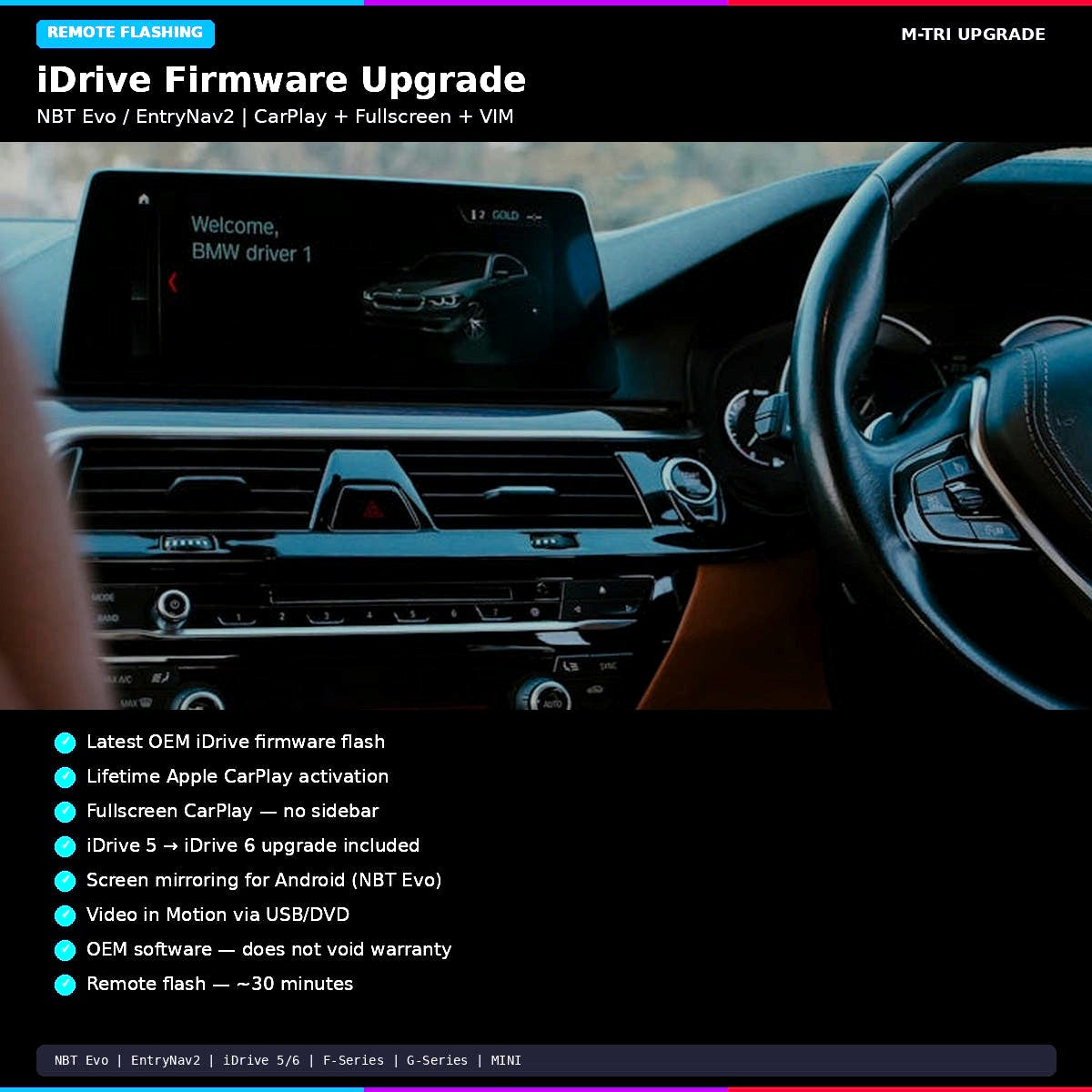
BMW iDrive Firmware Upgrade with Apple CarPlay, Fullscreen, and Video in Motion for NBT Evo and EntryNav2 systems. Includes latest OEM firmware flash, lifetime CarPlay activation, fullscreen mode, screen mirroring, and VIM. iDrive 5 to iDrive 6 upgrade included. Remote flash in 30 minutes. From $249 USD at M-TRI UPGRADE.
Your iDrive is outdated and missing CarPlay?
- Your BMW has an NBT Evo head unit on iDrive 5 and you want the latest iDrive 6 interface with all the features?
- Apple CarPlay was not included when your car was built and the dealer wants hundreds to activate it?
- You have CarPlay but it is stuck in split-screen mode with a useless sidebar taking up half the display?
- You want to watch video while driving but the factory firmware blocks all media playback above 5 km/h?
BMW iDrive Firmware Upgrade — NBT Evo / EntryNav2
A complete remote firmware flash that upgrades your iDrive to the latest version and activates CarPlay, fullscreen mode, screen mirroring, and video in motion — all in one session.
What You Get
| Feature | Description |
|---|---|
| Latest OEM Firmware | Flash to the newest iDrive firmware — improved stability, features, and performance |
| iDrive 5 → 6 Upgrade | If you are on iDrive 5, the flash upgrades you to iDrive 6 interface with tile-based menu |
| Apple CarPlay (Lifetime) | Lifetime CarPlay activation — no subscription, no expiry. Works wired; wireless with WiFi antenna |
| Fullscreen CarPlay | Removes the split-screen sidebar — CarPlay fills the entire display |
| Screen Mirroring | Mirror your Android phone screen to iDrive (NBT Evo only) |
| Video in Motion (VIM) | Enable video playback via USB/DVD while driving (NBT Evo only) |
Compatible Systems
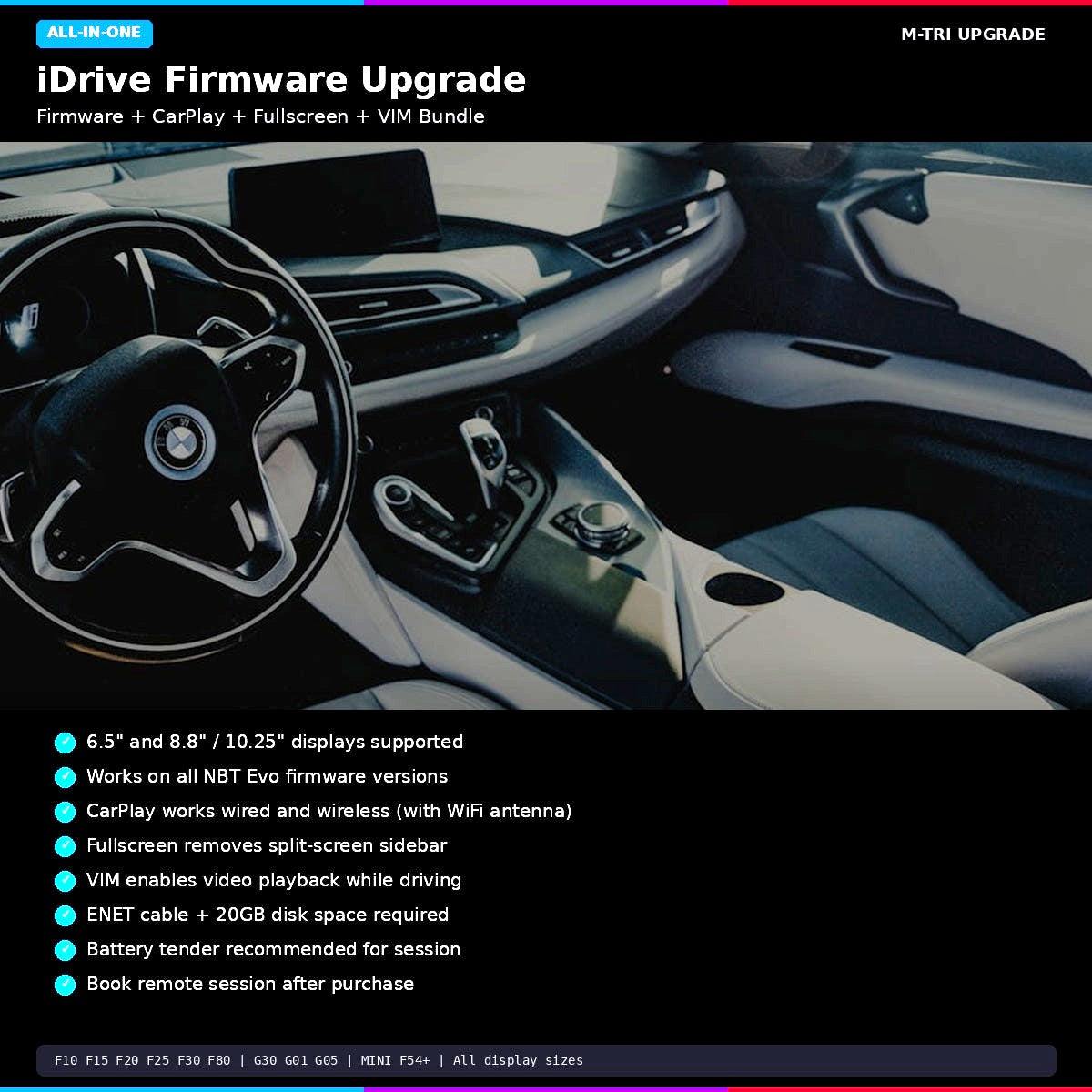
| System | Display Sizes | Models |
|---|---|---|
| NBT Evo (iDrive 5/6) | 6.5″ / 8.8″ / 10.25″ | F10, F15, F20, F25, F30, F32, F48, F80, F82, F87, G30, G01, G05 |
| EntryNav2 | 6.5″ / 8.8″ | Base model F and G series, MINI F54+ |
Requirements
- ENET cable (RJ45 to OBD-II)
- Windows PC (or Mac with Windows via Bootcamp/Parallels)
- 20GB free hard drive space (for firmware download)
- Stable internet connection
- Battery tender/charger recommended (session can take 30+ minutes)
- WiFi antenna for wireless CarPlay (OEM part #61119278133 or aftermarket) — contact us with your VIN to check if needed
How It Works
- Place your order and provide your VIN
- We verify compatibility and send you firmware download links
- Download the firmware files (~20GB) to your PC
- Connect ENET cable and join a remote session via TeamViewer
- Technician performs the firmware flash and activations (~30 minutes)
- iDrive reboots with latest firmware, CarPlay, fullscreen, and VIM all active
This is OEM BMW software. Does not void warranty. No effect on existing engine tunes.
Learn More
- Complete Guide to BMW iDrive Coding
- BMW CarPlay Not Showing? 7 Fixes
- CarPlay Fullscreen 1920×720 on 12.3″ Display
⚠️ Please provide your VIN after purchase
To schedule your session we need your 17-digit VIN (found on your windshield, door jamb, or registration). Send it to us after checkout:
📧 info@mtriupgrade.com |
📲 WhatsApp +64 21 920 905 |
Or add it to your order notes at checkout.
{
“@context”: “https://schema.org”,
“@type”: “FAQPage”,
“mainEntity”: [
{
“@type”: “Question”,
“name”: “What does the BMW iDrive firmware upgrade include?”,
“acceptedAnswer”: {
“@type”: “Answer”,
“text”: “The BMW iDrive firmware upgrade updates your NBT Evo head unit to the latest software version, then activates full-screen Apple CarPlay, Video in Motion, and Android Auto u2014 all in one remote session.”
}
},
{
“@type”: “Question”,
“name”: “Which BMW models are compatible with iDrive firmware upgrade and CarPlay?”,
“acceptedAnswer”: {
“@type”: “Answer”,
“text”: “The BMW iDrive firmware upgrade + CarPlay activation is compatible with F30 (2016u20132018 LCI), F10 (2016u20132017 LCI), F15 X5 (2016u20132018), and other NBT Evo equipped F-Series BMWs with iDrive 6.”
}
},
{
“@type”: “Question”,
“name”: “Is the firmware upgrade permanent?”,
“acceptedAnswer”: {
“@type”: “Answer”,
“text”: “Yes. The firmware is flashed to the NBT Evo head unit and is permanent. CarPlay and Android Auto activations survive future software updates.”
}
}
]
}
Reviews
There are no reviews yet.