
Description
BMW iDrive 8 and 8.5 navigation region change replaces all map data, language packs, distance units, and traffic service region with the destination country’s specification. Remote ENET service compatible with all MGU2 head units (iDrive…
Quick Answer
BMW iDrive 8 and 8.5 navigation region change replaces all map data, language packs, distance units, and traffic service region with the destination country’s specification. Remote ENET service compatible with all MGU2 head units (iDrive 8/8.5). Covers Middle East, Europe, Asia-Pacific, North America, and all other BMW-supported regions. Session takes 30–60 minutes.
BMW Navigation Region Change for iDrive 8 and iDrive 8.5 systems. Full region conversion for imported BMWs — Korea, Japan, China, Taiwan to Europe, North America, Middle East, Oceania, and all other regions. Includes latest map data. Remote service. $1,429 USD at M-TRI UPGRADE.
BMW iDrive 8 / 8.5 Region Change
iDrive 8 and 8.5 use a newer, more secure MGU2 platform that requires specialized tools and procedures for region conversion. This is significantly more complex than iDrive 7 region changes — which is reflected in the pricing across the industry.
What You Get
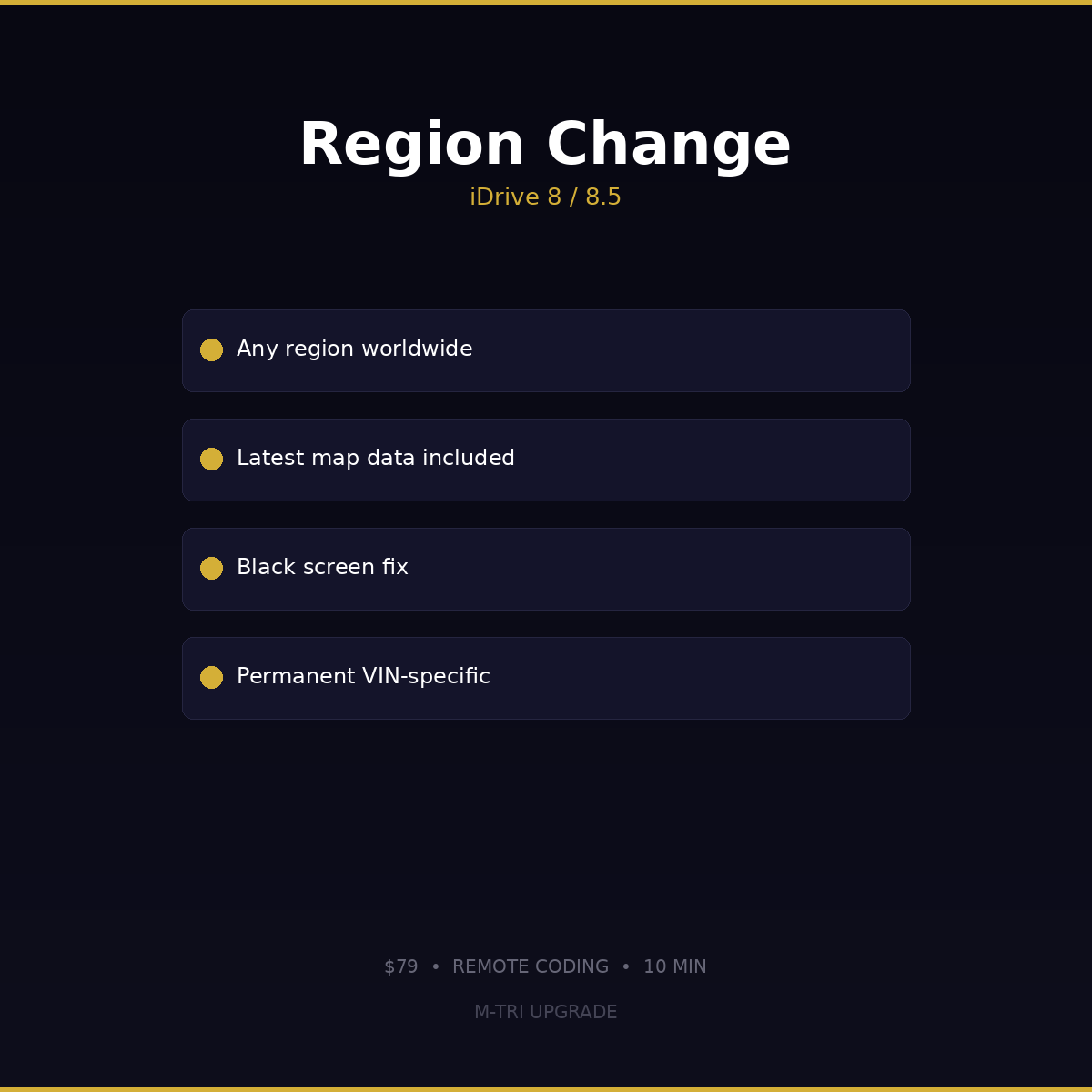
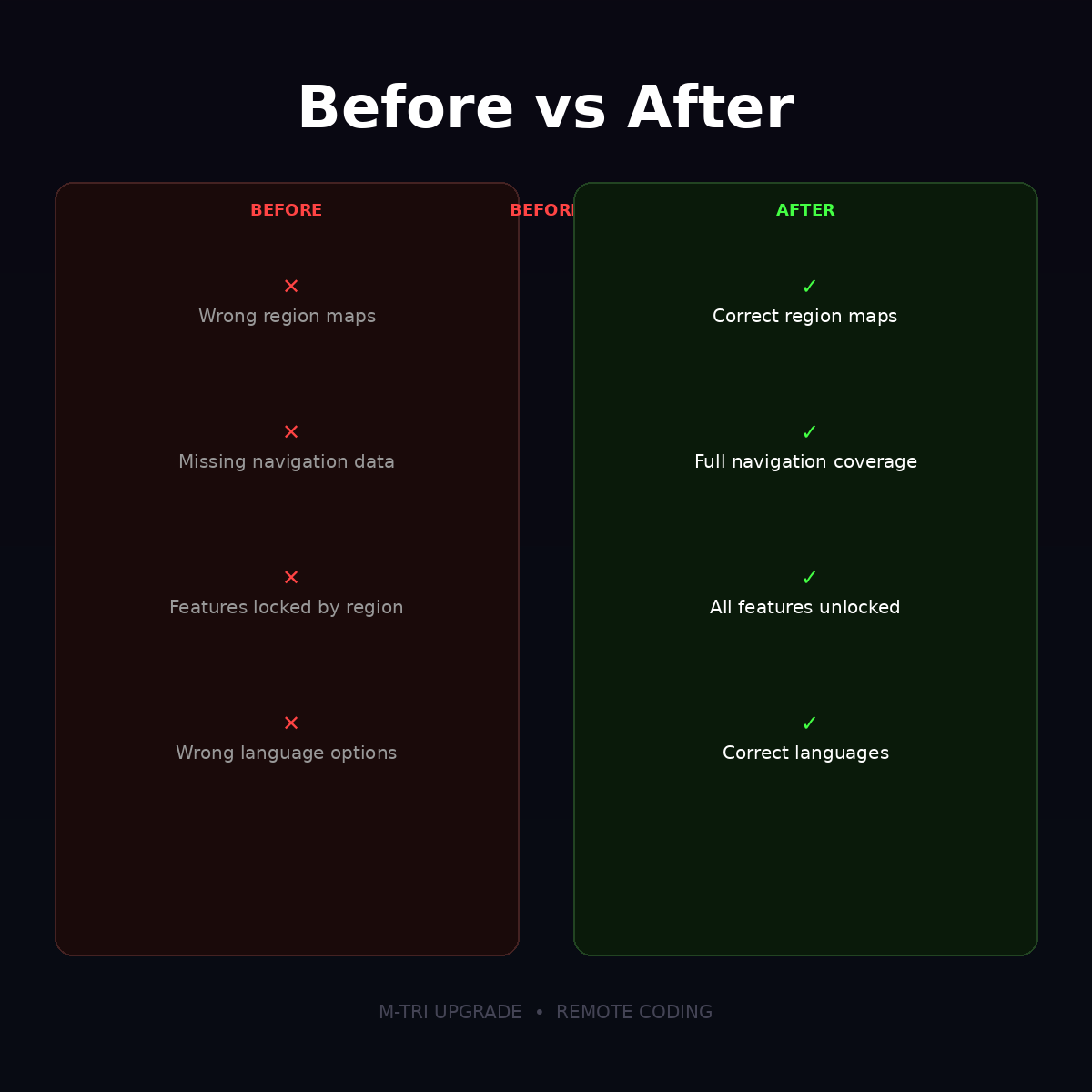
- Full region conversion — navigation system converted to your chosen region
- Latest map data — current maps for your new region included
- Feature unlock — CarPlay, apps, and services restricted by the old region become available
- Black screen fix — resolves black screen caused by region mismatch
- Language packs — correct language options for your new market
- Permanent — region change is VIN-specific and permanently assigned
Common Scenarios
- Korean-market BMW imported to Middle East — needs Middle East maps and region coding
- Japanese-market BMW imported to Europe — needs European maps and language options
- Chinese-market BMW exported — needs region conversion for new country
- Taiwan-market BMW relocated — wrong maps and missing features
Available Regions
| Region | Countries Included |
|---|---|
| Europe | All EU/EEA countries, UK, Switzerland, Turkey |
| North America | USA, Canada, Mexico |
| Middle East / Africa | UAE, Saudi Arabia, Qatar, Kuwait, South Africa |
| Oceania | Australia, New Zealand |
| Southeast Asia | Thailand, Malaysia, Singapore, Philippines |
| India | India |
| Japan | Japan |
| Korea | South Korea |
| Taiwan | Taiwan |
| China | China (mainland) |
| South America | Brazil, Argentina, Chile |
| Israel | Israel |
Why Is iDrive 8/8.5 More Expensive Than iDrive 7?
BMW significantly increased the security and encryption on the MGU2 platform used in iDrive 8 and 8.5. Region changes require specialized decryption tools, modified firmware, and a more complex procedure than iDrive 7. This is an industry-wide pricing difference — not just at M-TRI UPGRADE.
Compatible Models
- BMW 3 Series G20 LCI (2023+)
- BMW 4 Series G22 LCI (2024+)
- BMW 5 Series G60 (2024+)
- BMW 7 Series G70 (2023+)
- BMW X1 U11 (2023+)
- BMW X5 G05 LCI (2024+)
- BMW iX i20 (2022+)
- BMW i4 G26 (2022+)
- BMW i5 G60 (2024+)
- BMW i7 G70 (2023+)
- All other 2023+ BMW models with iDrive 8 or 8.5
Requirements
- Windows laptop with TeamViewer
- ENET cable (Ethernet to OBD)
- Stable internet connection
- Car battery charged above 80%
How to Order
- Order this product
- Send your VIN and current region via WhatsApp (+6421920905)
- We verify compatibility and confirm your target region
- Schedule a remote session via TeamViewer
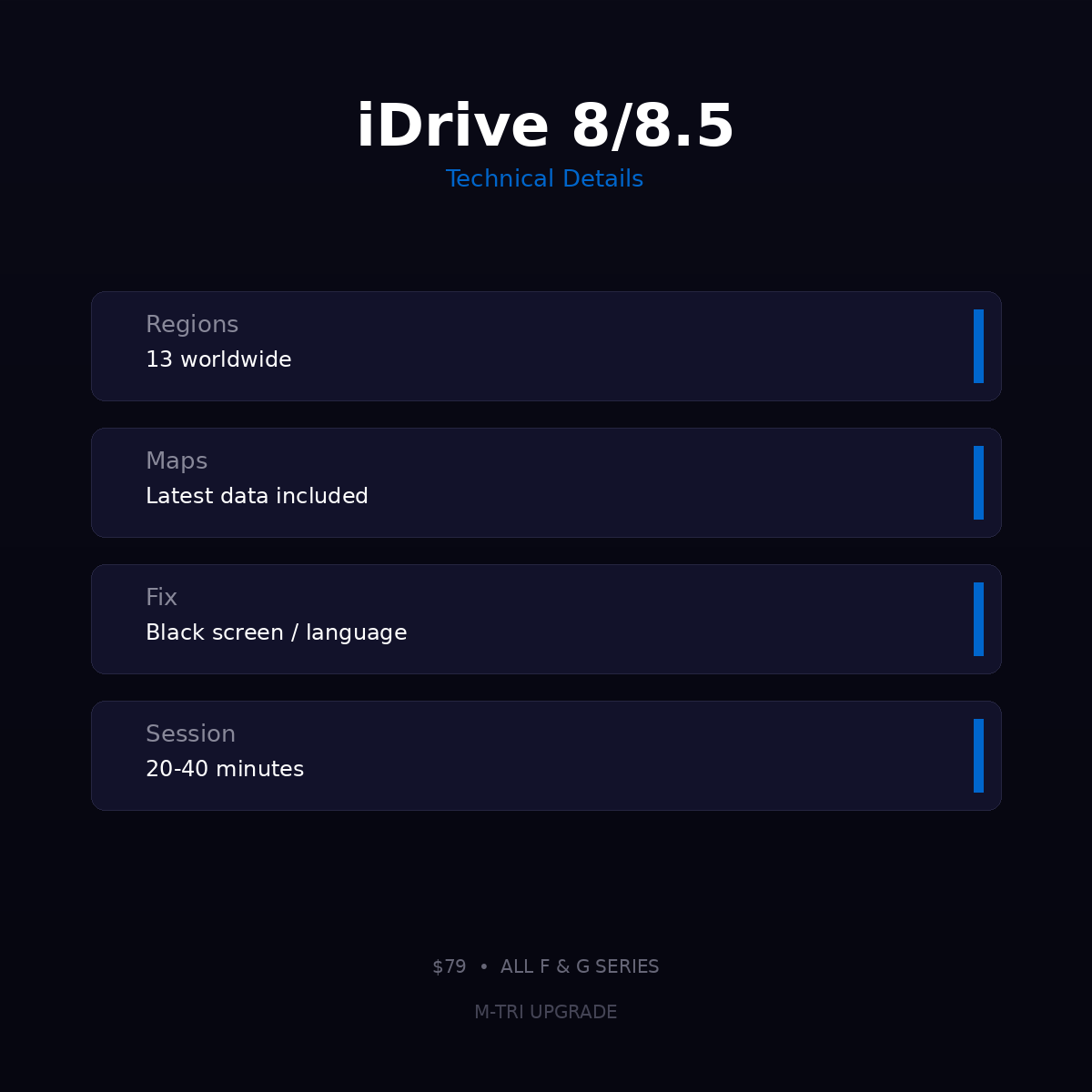
- Region change completed in 20-40 minutes
⚠️ Please provide your VIN after purchase
To schedule your session we need your 17-digit VIN (found on your windshield, door jamb, or registration). Send it to us after checkout:
📧 info@mtriupgrade.com |
📲 WhatsApp +64 21 920 905 |
Or add it to your order notes at checkout.
{
“@context”: “https://schema.org”,
“@type”: “FAQPage”,
“mainEntity”: [
{
“@type”: “Question”,
“name”: “How does BMW navigation region change work on iDrive 8?”,
“acceptedAnswer”: {
“@type”: “Answer”,
“text”: “BMW iDrive 8 navigation region change updates the map server region setting via ENET coding u2014 switching your system from one regional map server (e.g. USA) to another (e.g. Europe or Asia Pacific) without hardware changes.”
}
},
{
“@type”: “Question”,
“name”: “Which regions are supported for iDrive 8 navigation region change?”,
“acceptedAnswer”: {
“@type”: “Answer”,
“text”: “BMW iDrive 8 navigation region change supports all major regions: Europe, North America (USA/Canada), Asia Pacific (Australia/NZ), Middle East, and South Africa. Specify your target region at checkout.”
}
},
{
“@type”: “Question”,
“name”: “Will navigation region change affect other iDrive 8 features?”,
“acceptedAnswer”: {
“@type”: “Answer”,
“text”: “No. The region change only updates the map server setting. All other iDrive 8 features, CarPlay, apps, and settings remain unchanged.”
}
}
]
}

Reviews
There are no reviews yet.