
Description
BMW NBT and NBT Evo FSC code packs are VIN-specific licence files that unlock navigation maps, Apple CarPlay, digital radio (DAB), and online services on F-series head units. Codes are generated for your VIN and delivered by email — you …
Quick Answer
BMW NBT and NBT Evo FSC code packs are VIN-specific licence files that unlock navigation maps, Apple CarPlay, digital radio (DAB), and online services on F-series head units. Codes are generated for your VIN and delivered by email — you enter them in the iDrive menu. Compatible with all F-series models (F10, F20, F30, F15, F16, F25) with NBT or NBT Evo.
BMW NBT / NBT Evo FSC Code Pack — Navigation, CarPlay, and VIM lifetime activation codes for your VIN. All NBT and NBT Evo head units (2012-2020). Remote USB activation. M-TRI UPGRADE.
Does any of this sound familiar?
- You swapped or upgraded your BMW head unit and now navigation, CarPlay, or other features require FSC activation codes?
- You flashed your NBT Evo to a newer firmware and lost your navigation or CarPlay FSC codes?
- You need individual FSC codes for specific features but do not want to buy them one by one at inflated prices?
BMW FSC Code Pack
A bundle of FSC (Feature Software Code) activation codes for your BMW NBT or NBT Evo head unit. Activate navigation, Apple CarPlay, and other features that require FSC authorization.
What Is Included
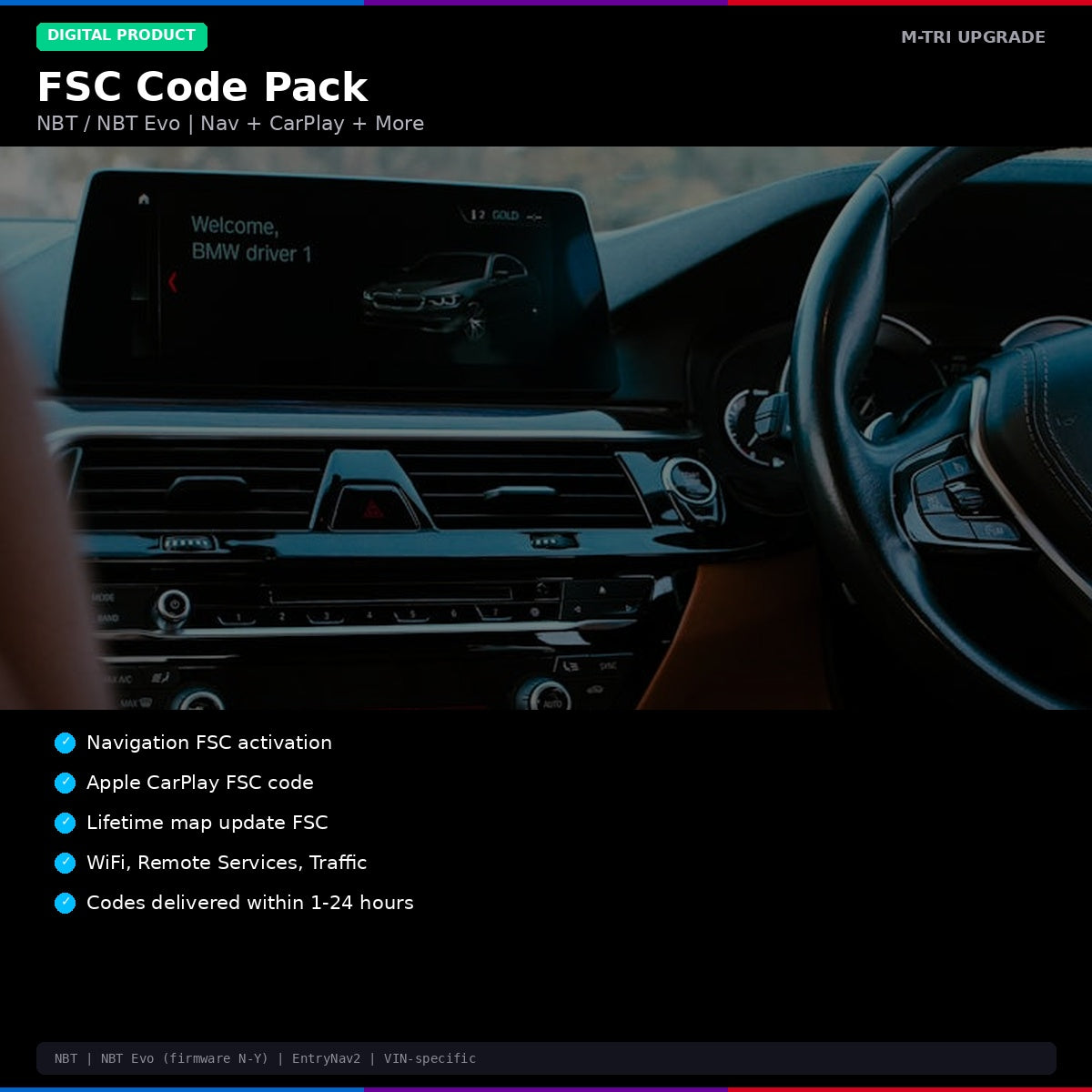
- Navigation FSC — activate BMW navigation on your head unit
- Apple CarPlay FSC — enable factory CarPlay functionality
- Lifetime Map FSC — unlimited future map updates
- Additional codes available on request — WiFi hotspot, Remote Services, etc.
Supported Systems
- NBT (CIC-based and NBT-based)
- NBT Evo (all firmware versions N through Y)
- EntryNav2
How It Works
- Place your order and provide your VIN and head unit serial number
- We generate your FSC codes within 1-24 hours
- Apply the codes via USB or E-Sys
- Features are activated immediately
Available FSC Codes
| FSC Code | Function | Included In |
|---|---|---|
| Navigation FSC | Activate BMW navigation system | Bundle / Full Pack |
| Apple CarPlay FSC | Enable factory CarPlay | Bundle / Full Pack |
| Lifetime Map FSC | Unlimited future map updates | Full Pack |
| WiFi Hotspot FSC | Enable in-car WiFi hotspot | Full Pack |
| Remote Services FSC | BMW Connected Drive remote features | Full Pack |
| Real Time Traffic FSC | Live traffic overlay on navigation | Full Pack |
System Compatibility
- NBT — all firmware versions
- NBT Evo — firmware N through Y (all versions)
- EntryNav2 — all versions
⚠️ Please provide your VIN after purchase
To schedule your session we need your 17-digit VIN (found on your windshield, door jamb, or registration). Send it to us after checkout:
📧 info@mtriupgrade.com |
📲 WhatsApp +64 21 920 905 |
Or add it to your order notes at checkout.
{
“@context”: “https://schema.org”,
“@type”: “FAQPage”,
“mainEntity”: [
{
“@type”: “Question”,
“name”: “What is included in the BMW NBT FSC Code Pack?”,
“acceptedAnswer”: {
“@type”: “Answer”,
“text”: “The BMW NBT/NBT Evo FSC Code Pack includes FSC unlock codes for navigation, Apple CarPlay, video in motion, and other locked features on your NBT or NBT Evo head unit.”
}
},
{
“@type”: “Question”,
“name”: “Which BMW models use the NBT FSC code system?”,
“acceptedAnswer”: {
“@type”: “Answer”,
“text”: “BMW FSC codes are used in F30 3 Series, F10 5 Series, F15 X5, F25 X3, F32 4 Series, F20 1 Series, and F01 7 Series with the NBT or NBT Evo head unit (2012u20132018).”
}
},
{
“@type”: “Question”,
“name”: “How are FSC codes applied to my BMW?”,
“acceptedAnswer”: {
“@type”: “Answer”,
“text”: “FSC codes are entered via the iDrive menu (Service u2192 Vehicle Information u2192 Software update). We provide the correct code for your VIN and guide you through the activation process.”
}
}
]
}
Reviews
There are no reviews yet.