
Description
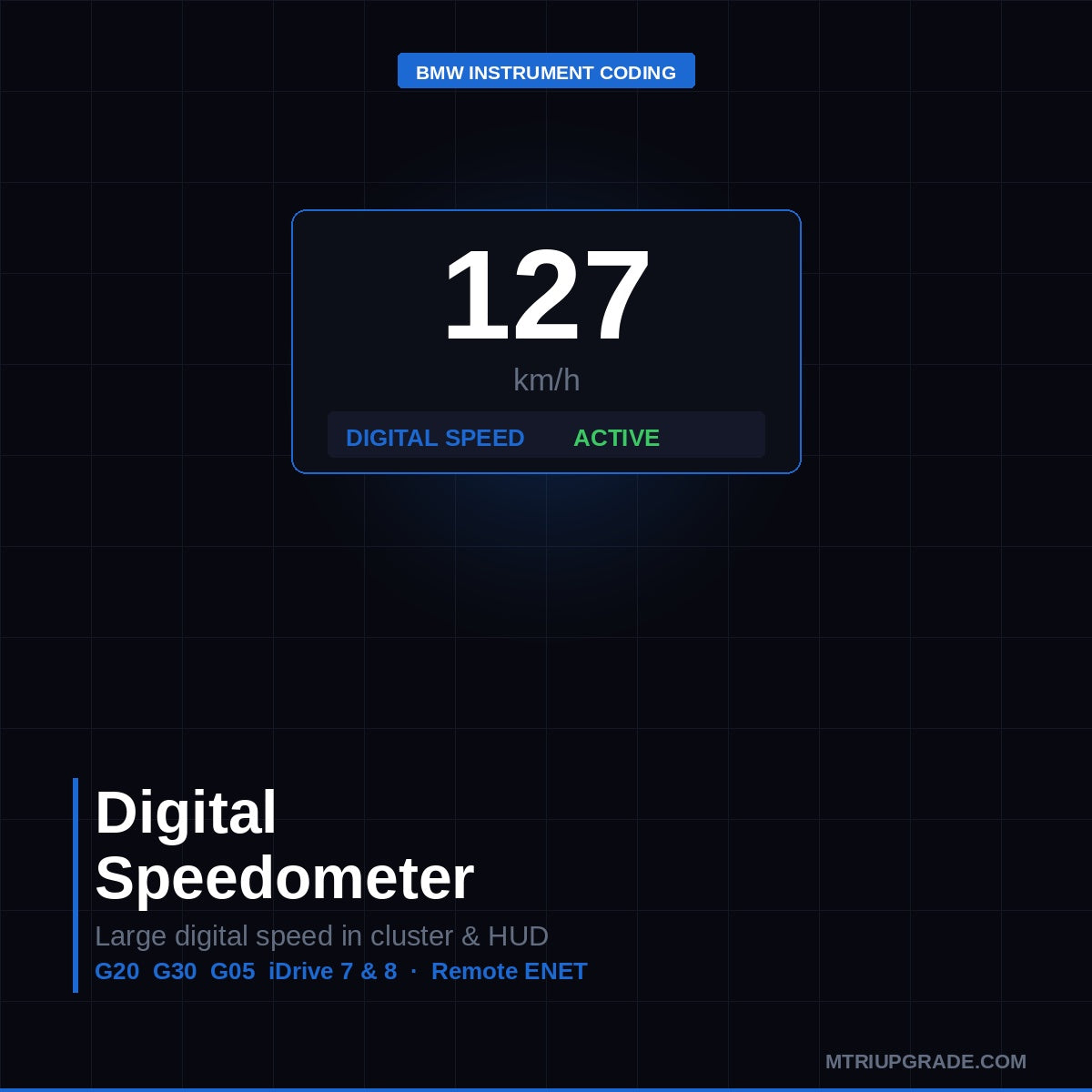
BMW digital speedometer coding activates the large full-screen digital speed display in the instrument cluster, replacing or supplementing the standard analogue gauge view. This remote ENET service takes 20 minutes and is compatible with…
Quick Answer
BMW digital speedometer coding activates the large full-screen digital speed display in the instrument cluster, replacing or supplementing the standard analogue gauge view. This remote ENET service takes 20 minutes and is compatible with G20 3 Series, G30 5 Series, and G05 X5 with iDrive 7 digital instrument panels.
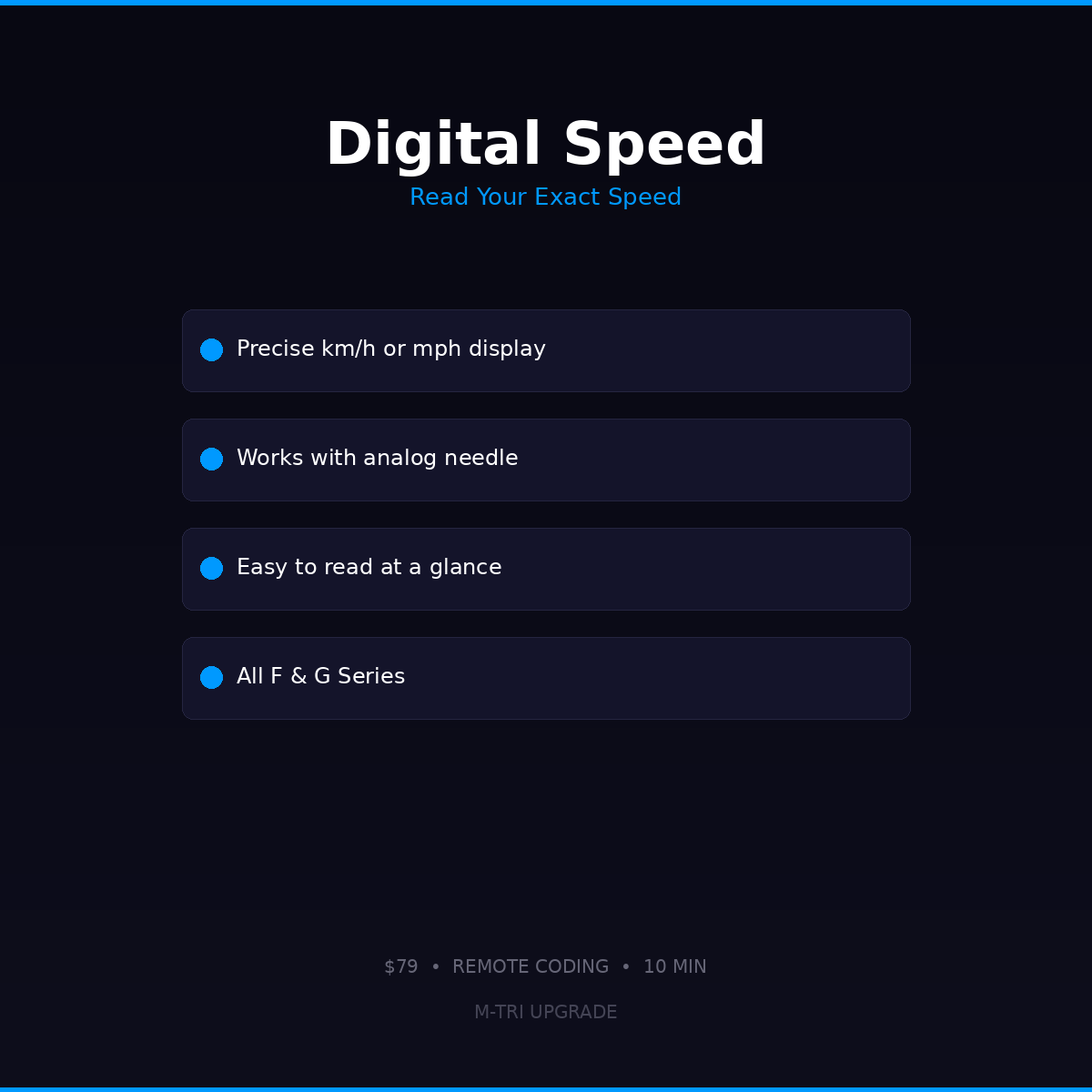
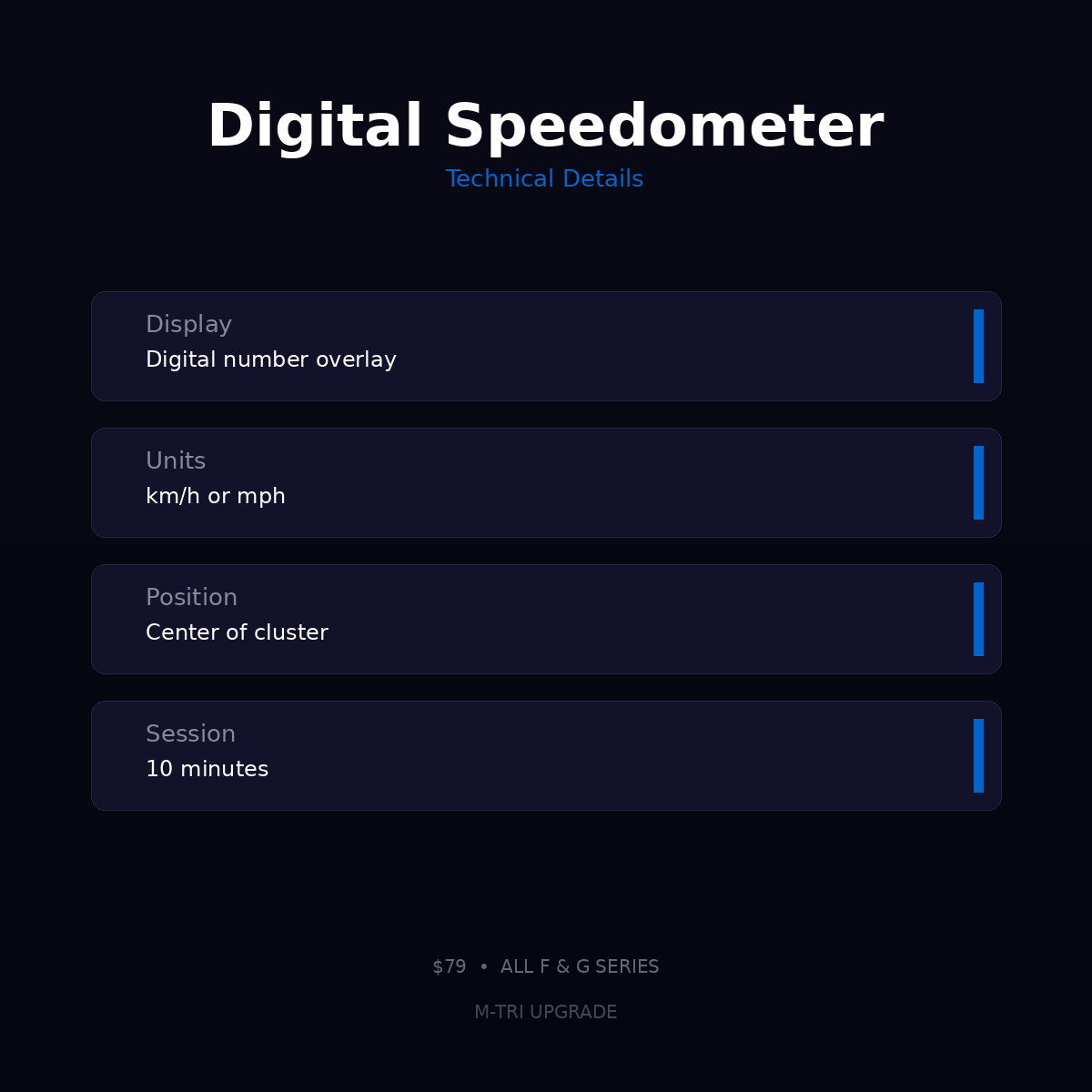
BMW Digital Speedometer Coding activates the digital speed readout in your instrument cluster. See your exact speed as a number instead of reading the analog dial. Remote coding via ENET, 10 minutes. All F and G Series with digital instrument cluster. $79 USD at M-TRI UPGRADE.
What This Does
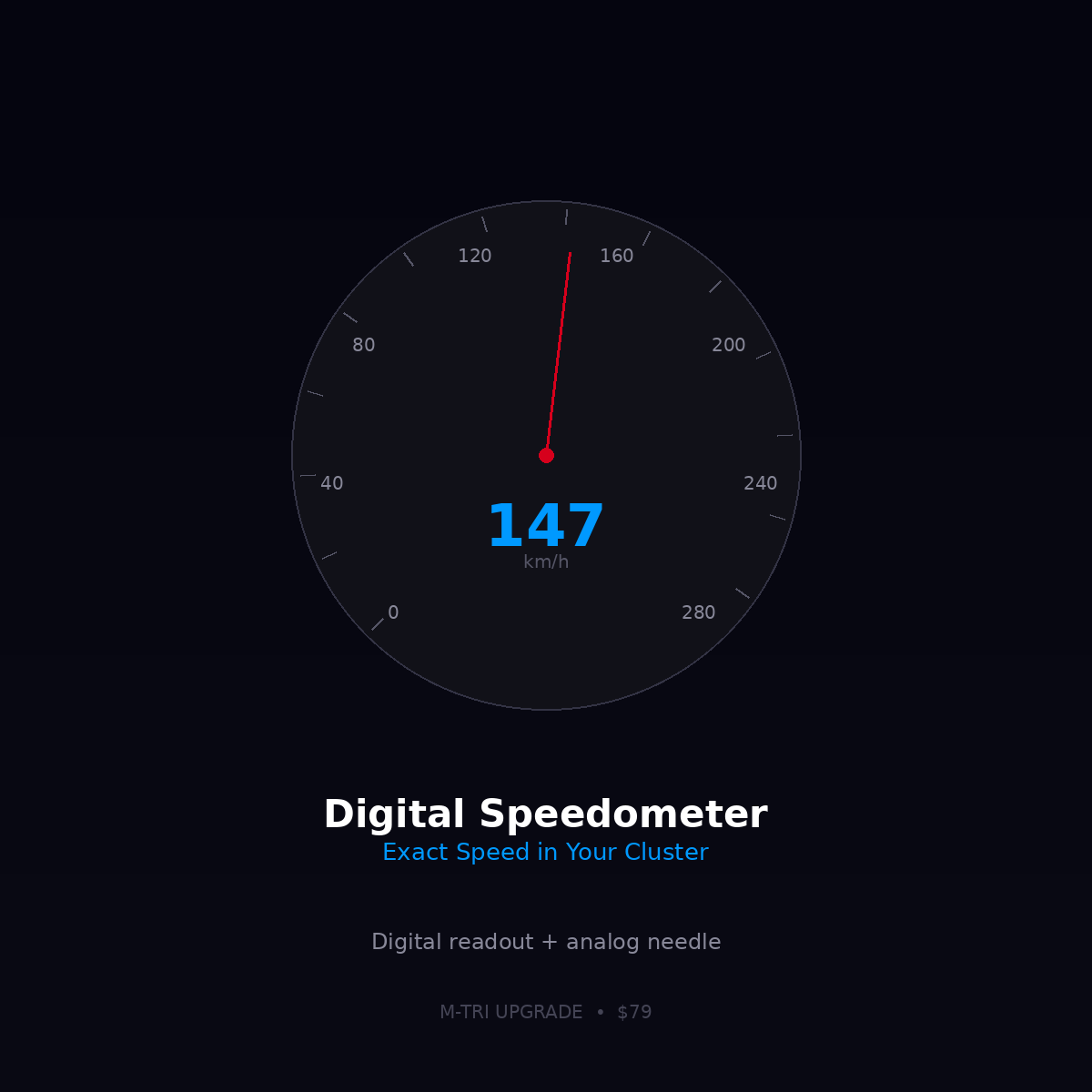
Adds a digital speed display to your instrument cluster showing your exact speed in km/h or mph. Much easier to read than the analog needle, especially for monitoring speed limits precisely.
Display Options
- Digital speed in center of speedometer
- km/h or mph selectable
- Works alongside the analog needle
Compatibility
- All F-Series with digital instrument cluster (2012-2021)
- All G-Series (2018-2027)
Save with a Package
Hidden Features F-Series ($199) or Hidden Features G-Series ($229) — includes digital speedometer + many more features
⚠️ Please provide your VIN after purchase
To schedule your session we need your 17-digit VIN (found on your windshield, door jamb, or registration). Send it to us after checkout:
📧 info@mtriupgrade.com |
📲 WhatsApp +64 21 920 905 |
Or add it to your order notes at checkout.

Reviews
There are no reviews yet.