
Description
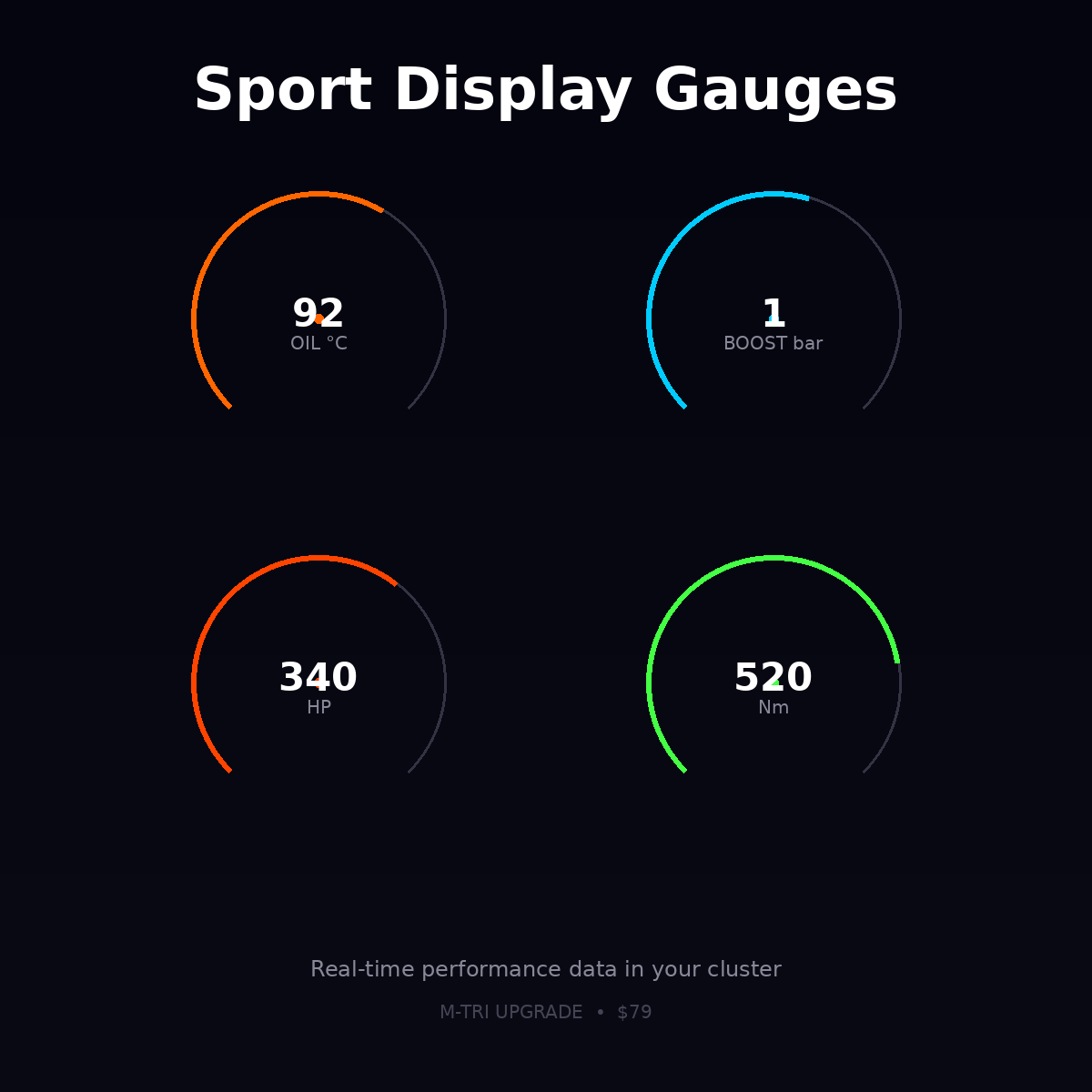
BMW Sport Display gauges coding activates the performance data overlay in the iDrive or instrument cluster, showing live oil temperature, intake air temperature, boost pressure, and wheel power output. Remote ENET coding service, 20 minu…
Quick Answer
BMW Sport Display gauges coding activates the performance data overlay in the iDrive or instrument cluster, showing live oil temperature, intake air temperature, boost pressure, and wheel power output. Remote ENET coding service, 20 minutes. Compatible with F and G-series BMWs. The display is toggled via the iDrive menu and does not replace other information screens.
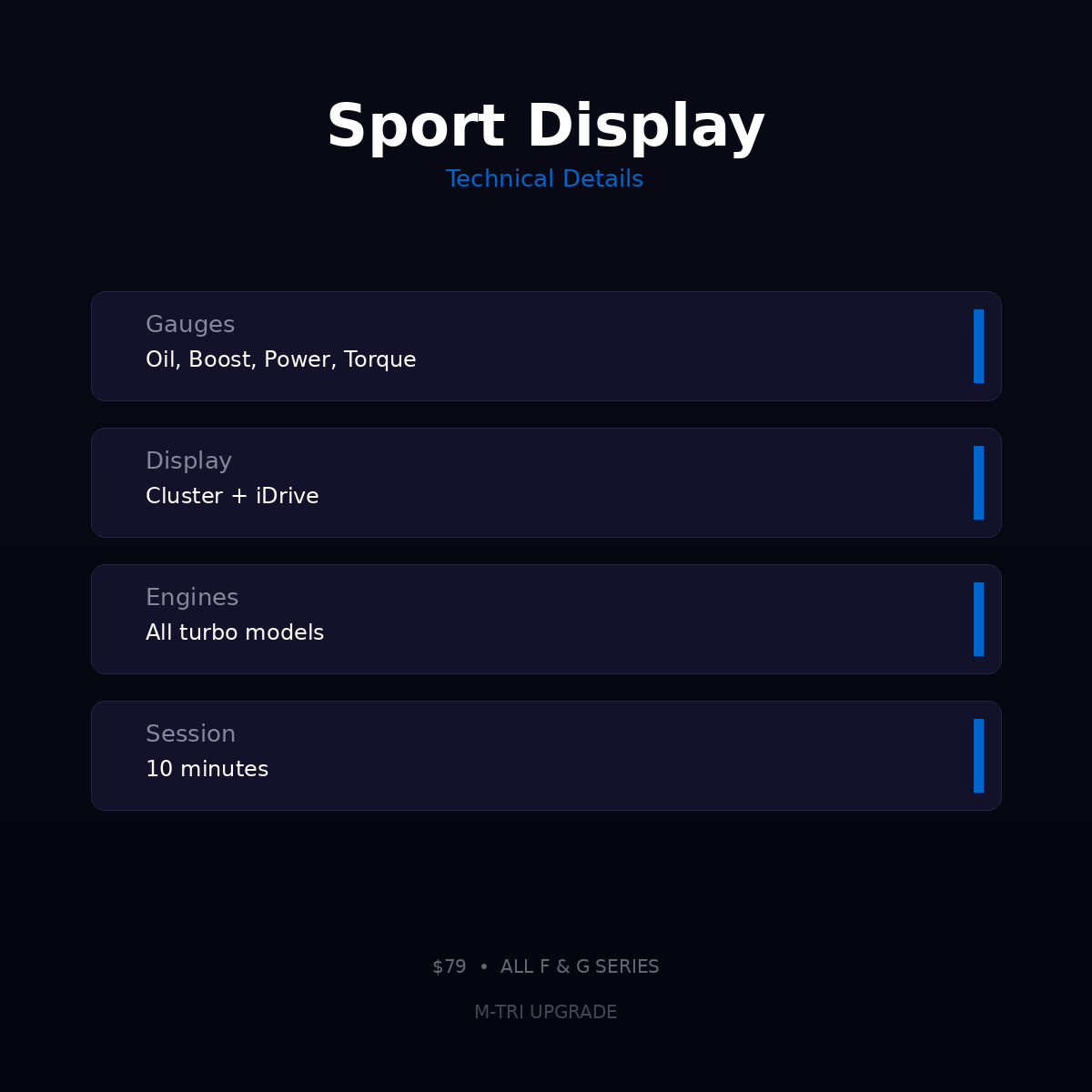
BMW Sport Display Gauges Coding activates the sport instrument display showing real-time oil temperature, turbo boost pressure, power output, and torque gauges in your instrument cluster or iDrive. Remote coding via ENET, 10 minutes. $79 USD at M-TRI UPGRADE.
What This Does
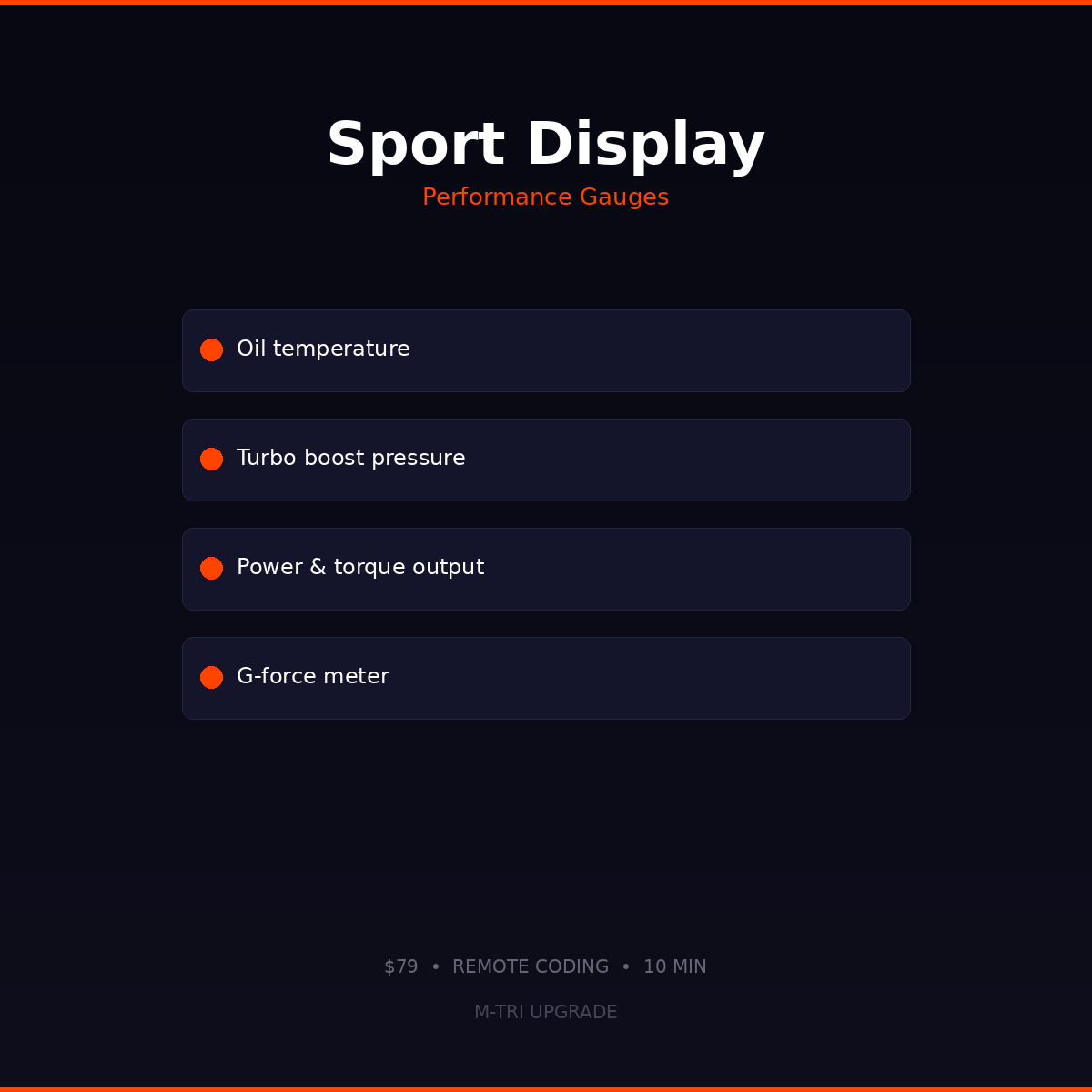
Unlocks the BMW Sport Display that shows real-time performance data:
- Oil temperature — monitor engine oil temp during spirited driving
- Turbo boost pressure — see real-time boost in bar or psi
- Power output — current horsepower being produced
- Torque output — current torque in Nm
- G-force meter — lateral and longitudinal acceleration
Compatibility
- F-Series with Sport display option (F20, F30, F32, F10, F80, F82, etc.)
- G-Series with digital cluster
- Available gauges vary by model and engine
Save with a Package
Hidden Features F-Series ($199) or Hidden Features G-Series ($229)
⚠️ Please provide your VIN after purchase
To schedule your session we need your 17-digit VIN (found on your windshield, door jamb, or registration). Send it to us after checkout:
📧 info@mtriupgrade.com | 📱 WhatsApp +64 21 920 905 | Or add it to your order notes at checkout.
Reviews
There are no reviews yet.