
Description
BMW fault code suppression is a remote ENET service that permanently removes non-critical warning lights triggered by modifications. Common codes addressed include 480A (GPF pressure after GPF delete), 4B8D (exhaust flap CAN fault), and …
Quick Answer
BMW fault code suppression is a remote ENET service that permanently removes non-critical warning lights triggered by modifications. Common codes addressed include 480A (GPF pressure after GPF delete), 4B8D (exhaust flap CAN fault), and BDC errors from comfort module installs. Suppression does not affect vehicle performance and survives software updates.
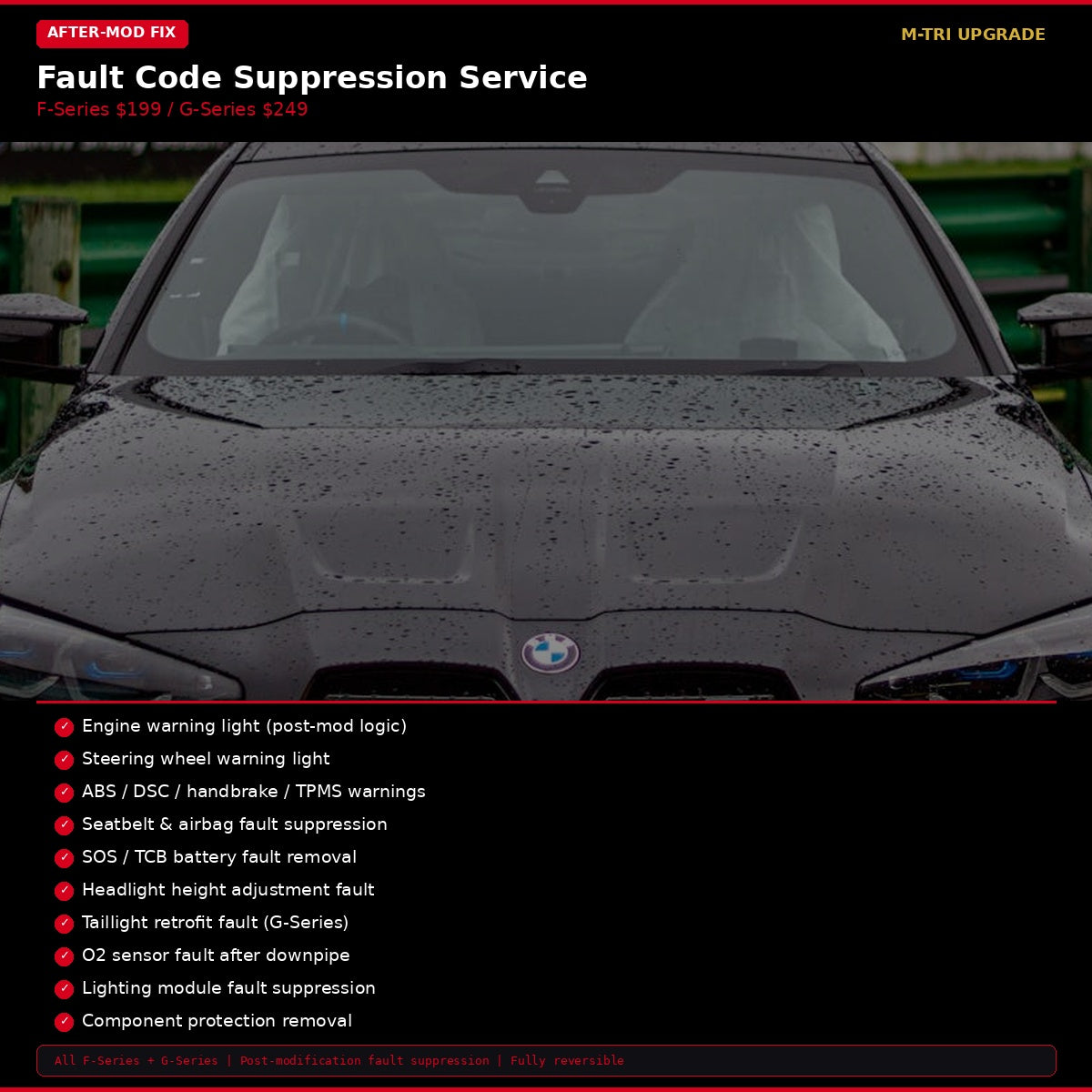
BMW Fault Code Suppression Service — remove dashboard warning lights caused by aftermarket modifications. Engine light, ABS, TPMS, seatbelt, airbag, SOS, headlight, taillight, O2 sensor, and component protection faults. F-Series $199, G-Series $249. Remote coding via ENET. M-TRI UPGRADE, WhatsApp +6421920905.
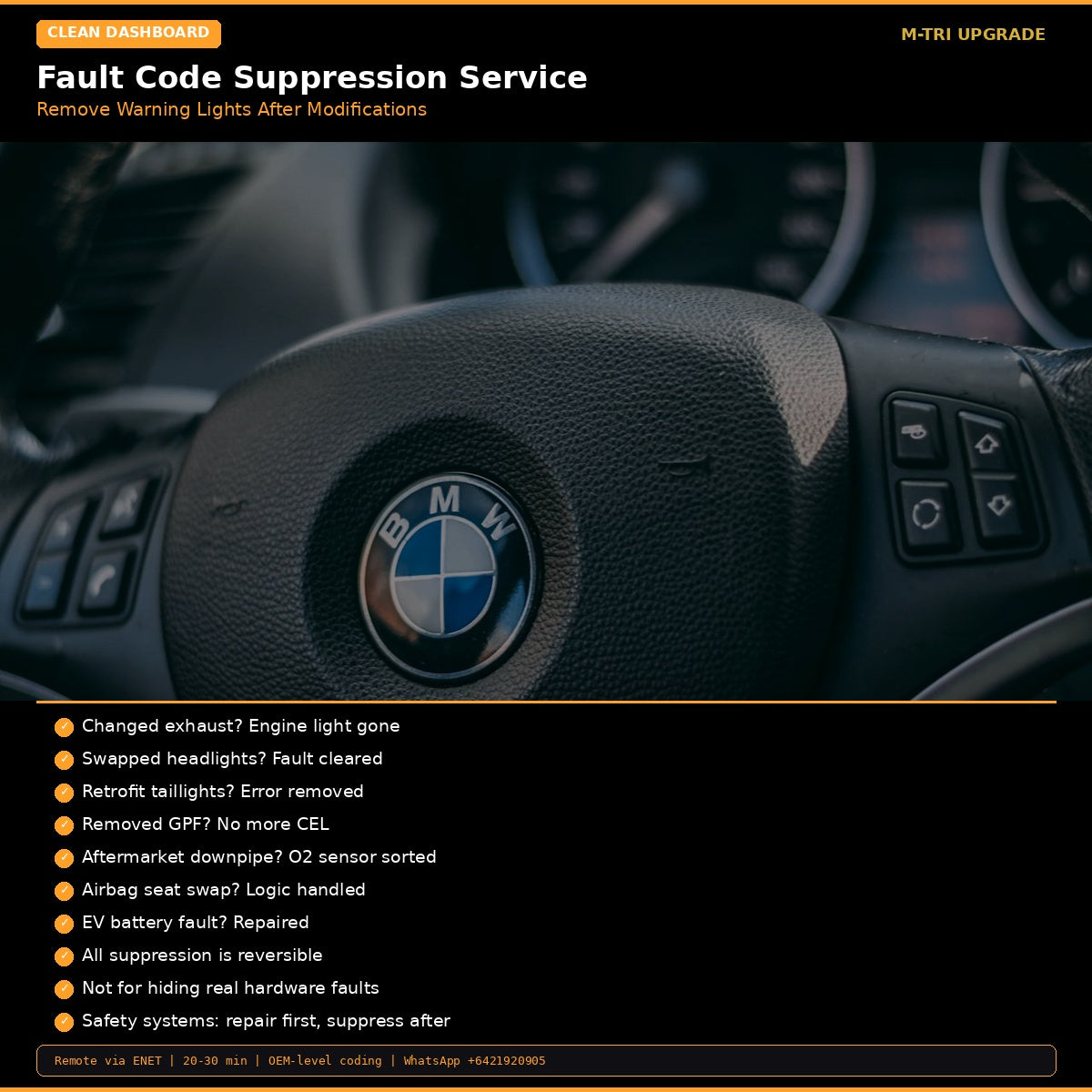
Modified your BMW and now the dashboard looks like a Christmas tree?
- You installed an aftermarket downpipe and now the engine light is permanently on?
- You swapped headlights or taillights and the car throws a fault code every time you start?
- You removed the GPF but the O2 sensor keeps triggering a warning?
- You retrofitted parts from a different model and the component protection is blocking them?
BMW Fault Code Suppression — Post-Modification
Remote coding service to suppress warning lights and fault codes triggered by aftermarket modifications. This is not for hiding real hardware faults — it is for cleaning up the dashboard after legitimate modifications.
F-Series Fault Suppression
| Fault Type | Covered |
|---|---|
| Engine warning light (post-mod) | Yes |
| Steering wheel warning | Yes |
| ABS / DSC / handbrake | Yes |
| TPMS fault | Yes |
| Seatbelt warning | Yes |
| Airbag fault | Yes |
| SOS / TCB battery | Yes |
| Headlight height adjustment | Yes |
| Post-modification logic alarms | Yes |
G-Series Fault Suppression
| Fault Type | Covered |
|---|---|
| Engine warning light (post-mod) | Yes |
| SOS fault | Yes |
| Airbag fault | Yes |
| Taillight retrofit fault | Yes |
| Post-modification logic alarms | Yes |
Modification-Specific Services
| Category | What We Fix |
|---|---|
| Exhaust | GPF/OPF suppression, O2 sensor fault, exhaust logic optimization |
| Lighting | Headlight fault, taillight fault, lighting module optimization |
| Safety | Seatbelt warning adjust, seat module logic, airbag system logic |
| EV / Hybrid | High-voltage battery fault repair, component protection removal |
Important: This service suppresses fault codes caused by modifications, not real hardware failures. Safety-related systems should be repaired first. All suppression is fully reversible to factory state.
Related Products
- GPF/OPF Delete Coding — $209
- SOS Emergency Call Removal — $99
Most Common Requests
- Aftermarket exhaust + downpipe — O2 sensor and emissions codes (most common)
- Aftermarket headlights — adaptive headlight malfunction warning
- Lowered suspension — lane departure and parking sensor warnings
- GPF/OPF delete — particulate filter efficiency codes
- SOS module removed — emergency call system warning
How to Order
- Select F-Series ($199) or G-Series ($249)
- After ordering, WhatsApp your VIN and a list of modifications to +6421920905
- We identify which fault codes need suppression
- Schedule a 15-20 minute remote session
- All relevant codes suppressed in one session
⚠️ Please provide your VIN after purchase
To schedule your session we need your 17-digit VIN (found on your windshield, door jamb, or registration). Send it to us after checkout:
📧 info@mtriupgrade.com |
📲 WhatsApp +64 21 920 905 |
Or add it to your order notes at checkout.
{
“@context”: “https://schema.org”,
“@type”: “FAQPage”,
“mainEntity”: [
{
“@type”: “Question”,
“name”: “What is BMW Fault Code Suppression coding?”,
“acceptedAnswer”: {
“@type”: “Answer”,
“text”: “BMW Fault Code Suppression coding disables specific fault codes that appear after aftermarket modifications u2014 such as downpipe installs, GPF removal, or O2 bung-offs u2014 preventing warning lights and limp mode.”
}
},
{
“@type”: “Question”,
“name”: “Which fault codes can be suppressed by BMW coding?”,
“acceptedAnswer”: {
“@type”: “Answer”,
“text”: “Common suppressible fault codes include GPF/OPF related (P2002, P24B8), O2 sensor faults, catalyst efficiency faults, and exhaust-related warnings that appear after exhaust modifications.”
}
},
{
“@type”: “Question”,
“name”: “Will fault code suppression affect my BMW’s performance?”,
“acceptedAnswer”: {
“@type”: “Answer”,
“text”: “No. Fault code suppression only prevents the ECU from logging and displaying specific codes u2014 it does not change engine tuning, fuel maps, or performance parameters.”
}
}
]
}


Reviews
There are no reviews yet.