
BMW infotainment has evolved quickly, but many owners still drive cars that lack the smartphone integration they expect from a modern vehicle. Recent BMW technology updates have highlighted a major industry shift: Apple CarPlay and Android Auto are becoming essential features rather than optional extras. If your BMW does not offer them, a carefully selected BMW iDrive CarPlay Android Auto infotainment screen upgrade can transform everyday driving without replacing the entire vehicle.
Whether you want wireless smartphone connectivity, a larger display, improved navigation, or a newer BMW interface, the right upgrade depends on your factory iDrive system, head unit, screen size, and vehicle generation. This guide explains the main options and how to choose a compatible solution.
Why CarPlay and Android Auto Matter in a BMW
Factory BMW navigation and infotainment systems are designed around the vehicle, but smartphone platforms often provide faster map updates, better voice search, easier music access, and broader app support. Apple CarPlay connects iPhone users to apps such as Apple Maps, Google Maps, Waze, Spotify, podcasts, messages, and phone functions. Android Auto provides similar integration for compatible Android smartphones.
Wireless connectivity is especially convenient. Instead of connecting a phone with a cable every time you enter the car, a compatible retrofit can pair automatically and display important apps through the original BMW screen. Steering-wheel controls, the iDrive controller, and voice commands can often remain available, helping the upgrade feel like a natural extension of the factory system.
BMW iDrive Upgrade Options Explained
1. CarPlay activation for compatible BMW systems
If your BMW already has compatible hardware, a software-based activation may be the simplest solution. A BMW CarPlay Full Screen Activation can enable a wider display layout on supported vehicles, using more of the factory screen instead of showing CarPlay in a smaller split-screen format.
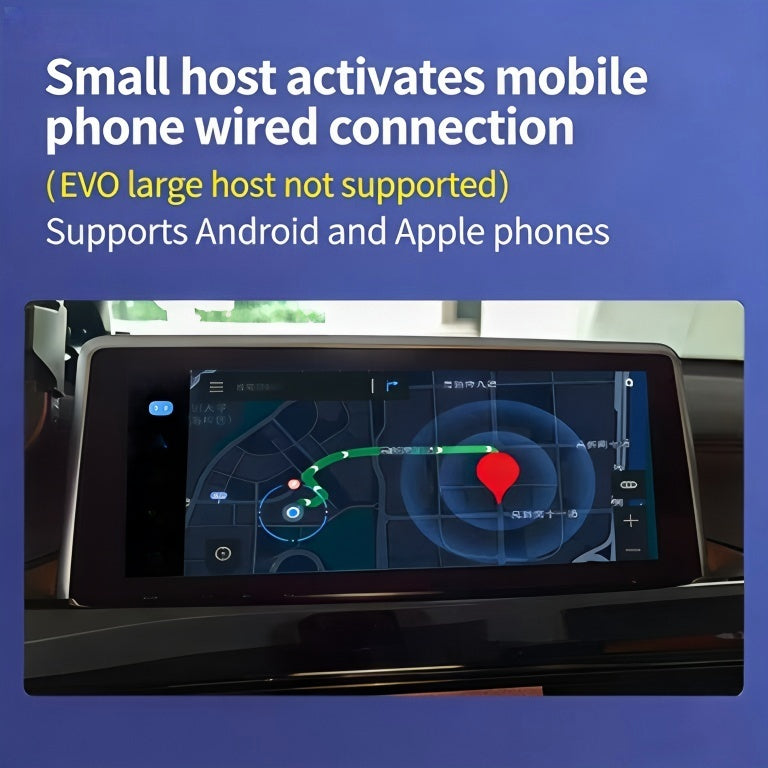
This option is ideal when your BMW already supports CarPlay but the display is limited or the feature has not been activated. Before ordering, confirm the vehicle’s production year, VIN compatibility, iDrive version, and whether the factory head unit supports wireless CarPlay.
2. iDrive 7 MGU CarPlay and Android Auto integration
For BMW models equipped with the MGU head unit and iDrive 7, a dedicated retrofit can provide both Apple CarPlay and Android Auto functionality. The BMW Apple CarPlay and Android Auto iDrive 7 MGU upgrade is designed for owners who want broader smartphone compatibility while retaining the vehicle’s original BMW interface and controls.
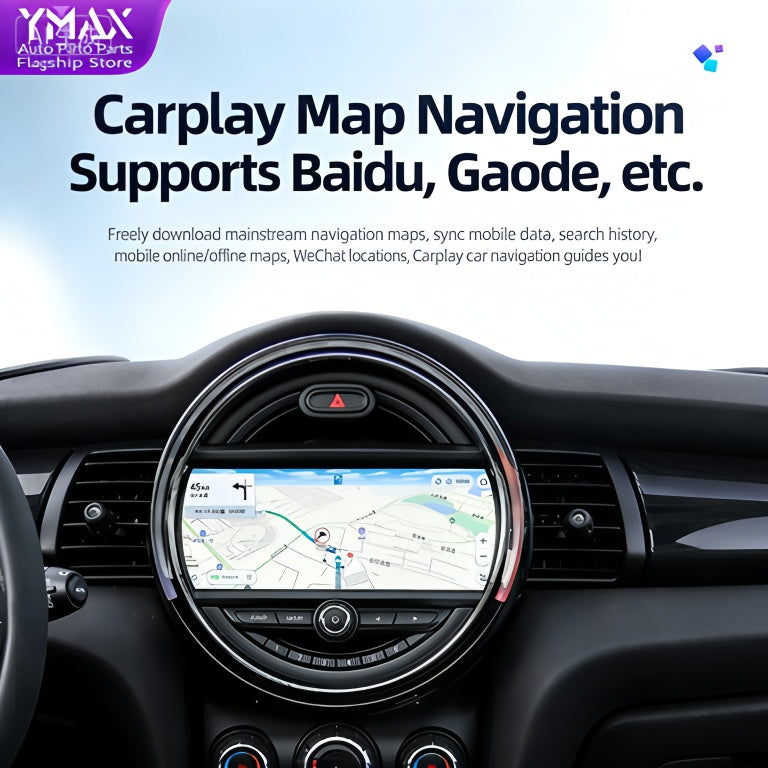
This is a strong choice for drivers who share a vehicle with both iPhone and Android users. It can also be more future-ready than a CarPlay-only solution, particularly if your phone platform may change later.
3. Larger BMW display upgrades for older systems
Some BMW owners have a compatible head unit but a small, dated display. In this situation, upgrading the screen can make navigation, media, and reversing-camera views significantly easier to use. The BMW NBT 10.25-inch display upgrade is designed for selected 1, 2, 3, and 4 Series vehicles using the NBT infotainment platform.
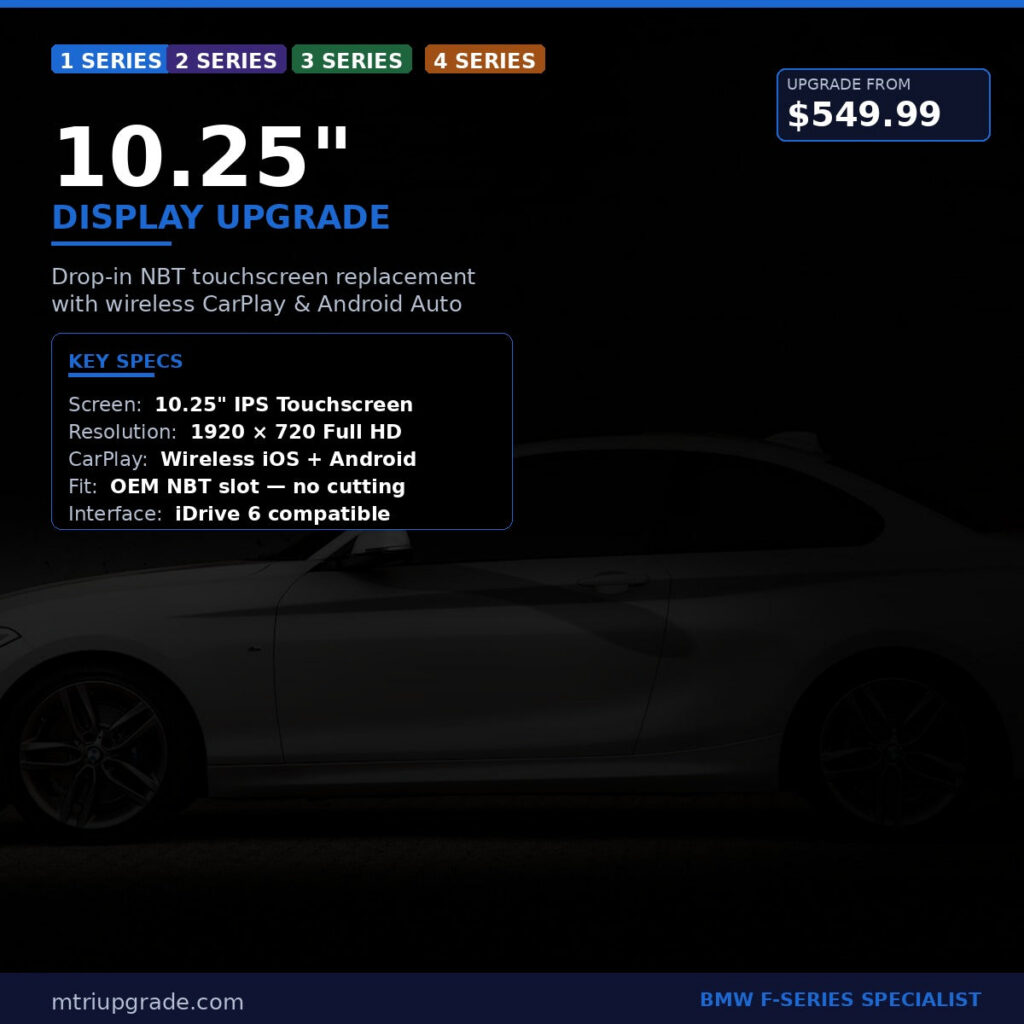
A larger screen does not automatically mean every vehicle gains native CarPlay or Android Auto. Check whether the display is paired with a compatible interface, head unit, or additional retrofit module. The result should match your existing dashboard, connector type, and iDrive controller.
4. EVO head unit upgrades for selected F Series BMWs
When an older BMW needs a more substantial technology update, replacing the head unit may provide a better long-term foundation. The BMW EVO Harman head unit for F Series with wireless CarPlay is intended for compatible F Series applications and can deliver a newer infotainment platform with wireless smartphone integration.
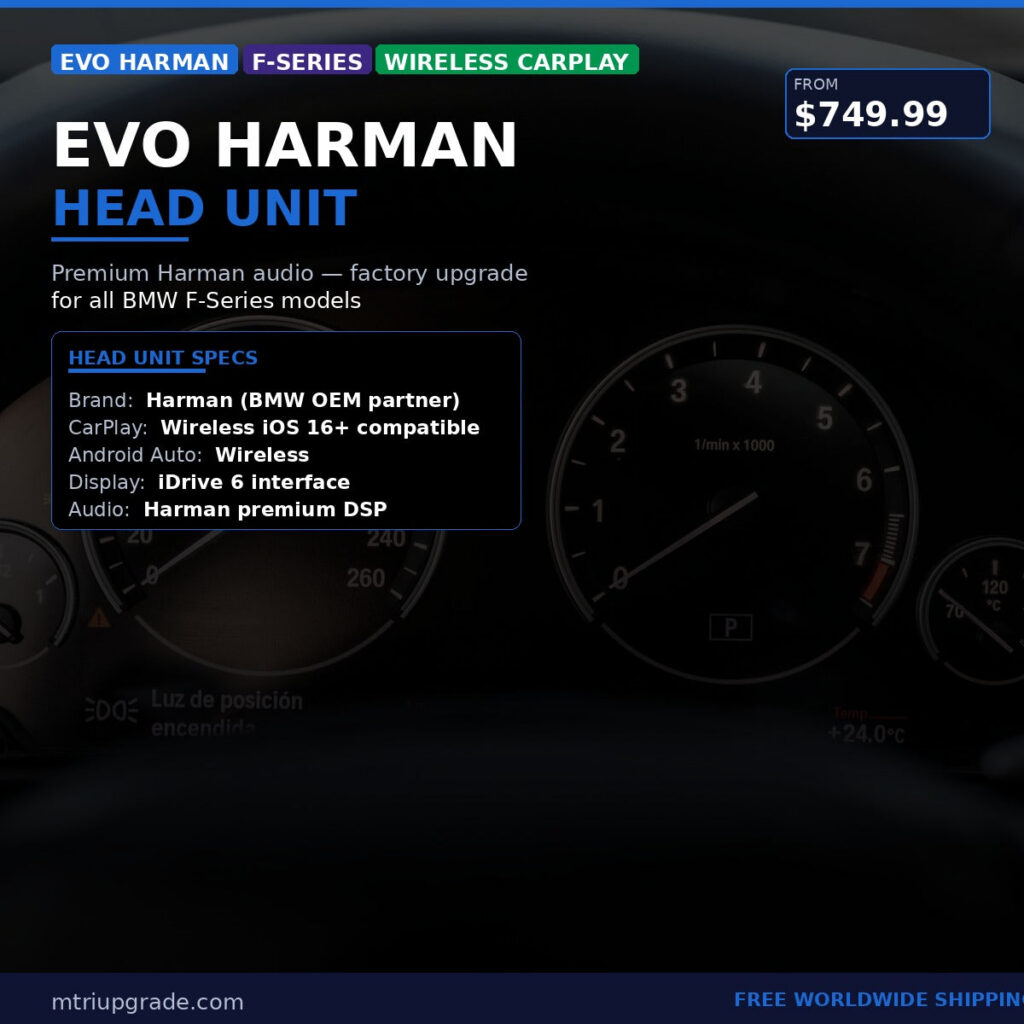
This type of upgrade is more involved than a simple activation, but it may be the right option when the original system is too limited, the screen is outdated, or you want improved hardware compatibility. Professional installation or coding may be recommended depending on the vehicle configuration.
How to Choose the Right BMW Infotainment Upgrade
Start with the vehicle details. Identify the BMW model, chassis code, production year, current screen size, and iDrive version. Photos of the dashboard and factory head unit can also help confirm compatibility.
Decide which phone platforms you need. If everyone uses an iPhone, CarPlay activation may be enough. If Android phones are also used, select a solution that specifically supports Android Auto rather than assuming every CarPlay upgrade includes it.
Choose convenience versus hardware improvement. A software activation is usually the least invasive option. A screen upgrade improves visibility and appearance. A head unit replacement offers the most significant technology change but may require additional coding, wiring, or configuration.
Check wireless support. Wireless CarPlay and Android Auto reduce cable clutter, but phone compatibility and vehicle Wi-Fi or Bluetooth requirements can vary. Read the product specifications carefully before ordering.
Installation and Everyday Use Tips
Save important vehicle settings before installation and use a stable power supply during coding or programming. After fitting the upgrade, pair the smartphone, allow the required permissions, and test calls, audio, navigation, steering-wheel controls, and any factory camera functions.
Keep the BMW software and smartphone operating system updated when recommended, but avoid installing firmware intended for a different head unit. If the screen remains blank, audio does not route correctly, or the iDrive controller behaves unexpectedly, stop troubleshooting and verify compatibility with the supplier before making further changes.
Upgrade Your BMW Infotainment Worldwide
Modern smartphone integration can make an older BMW feel considerably newer, whether you need full-screen CarPlay, Android Auto compatibility, a larger display, or an EVO head unit. The best upgrade is the one matched precisely to your existing BMW hardware.
Ready to improve your BMW technology? Browse the complete BMW infotainment and upgrade range at MTR Upgrade. We supply BMW OEM parts and upgrade accessories with worldwide shipping, helping enthusiasts find a practical solution for their vehicle.