
Modern automotive technology evolves at breakneck speed. Recent industry headlines are dominated by discussions about smartphone connectivity, ranging from cheap dashboard dongles attempting to revive older vehicles to premium EV manufacturers debating the integration of native phone mirroring. For BMW owners, having seamless access to your favorite navigation apps, music streaming, and hands-free communication is non-negotiable. Yet many older or base-specification BMWs still lack native Apple CarPlay and Android Auto.
While generic aftermarket adapters flood the market promising an easy fix, BMW drivers know that clunky dashboard mounts and lagging displays disrupt the precision ergonomics of a BMW cabin. The optimal solution is a dedicated BMW iDrive CarPlay Android Auto infotainment screen upgrade that integrates smoothly with factory iDrive controls, steering wheel buttons, and original audio hardware.
The Evolution of BMW iDrive Infotainment
BMW pioneered modern in-car infotainment with the introduction of iDrive. Over the decades, the system has progressed through multiple major generations:
- CIC (Car Information Computer): Introduced in the late 2000s, featuring internal hard drives but lacking contemporary smartphone integration.
- NBT (Next Big Thing / iDrive 4): Brought faster graphics and high-resolution displays, yet still predated modern Apple CarPlay support.
- NBT EVO (iDrive 5 / iDrive 6): Added capacitive touch, tile interfaces, and early wireless CarPlay—often restricted to split-screen formats by default.
- MGU (Media Graphic Unit / iDrive 7): Modernized digital cockpits with full Android Auto and wireless CarPlay capabilities.
If your vehicle is equipped with an earlier generation or a smaller factory display, you are not stuck in the digital past. Modern retrofit engineering allows you to bring your cabin up to current standards with factory-like reliability.
Upgrading Your Display: High-Resolution Visuals
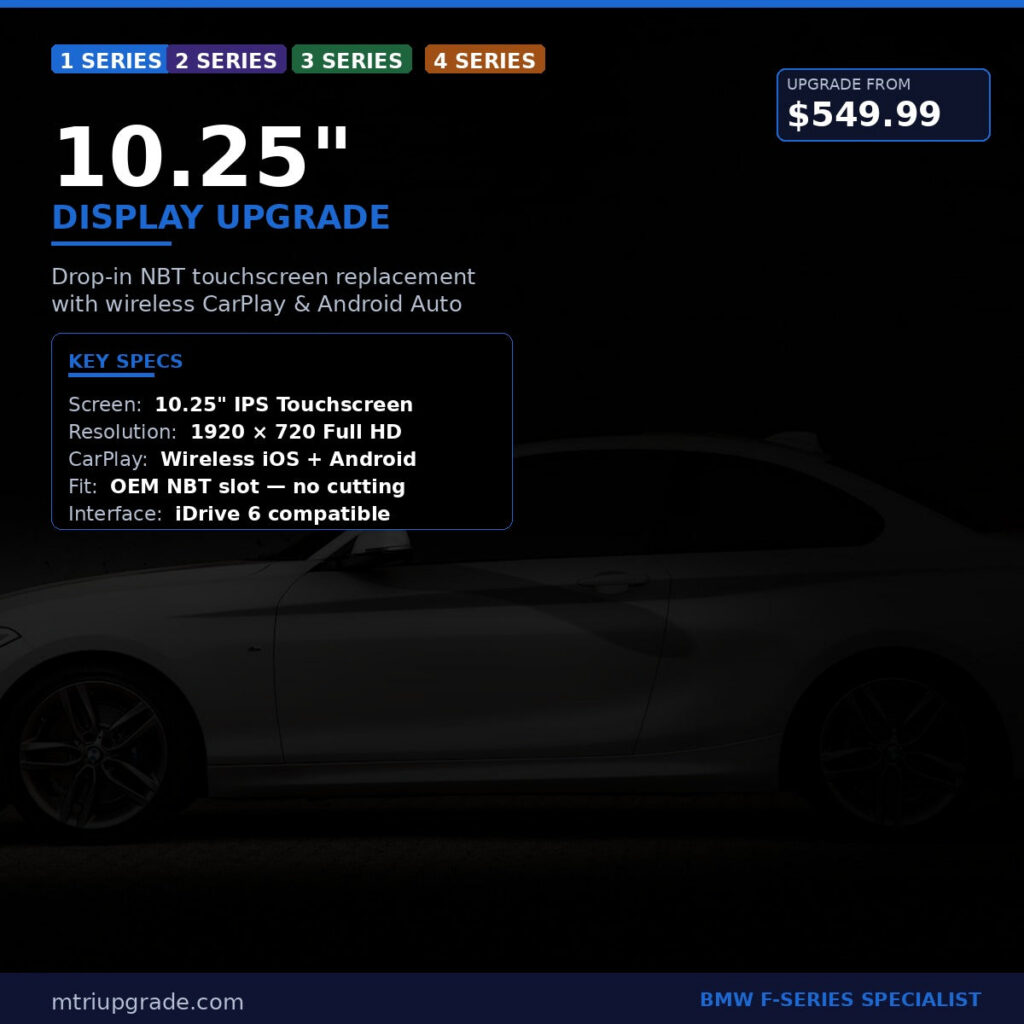
One of the most noticeable limitations of entry-level F-series models (such as the 1 Series, 2 Series, 3 Series, and 4 Series) is the small 6.5-inch or 8.8-inch central screen surrounded by thick plastic bezels. Upgrading to a modern widescreen display instantly transforms the dashboard aesthetic.
Installing a dedicated BMW NBT 10.25 Inch Display Upgrade dramatically expands screen real estate. The anti-glare, high-definition panel makes reading turn-by-turn navigation on Waze or Apple Maps effortless, while preserving all original BMW vehicle settings, maintenance alerts, and reverse camera displays.
Complete Multimedia Hardware: The NBT EVO Retrofit
For drivers with older CIC or entry-level systems who want native BMW navigation alongside wireless smartphone integration, upgrading the head unit itself is the gold standard. Universal plug-in transmitters often suffer from audio compression, laggy Bluetooth latency, and inconsistent connections when entering or leaving the vehicle.
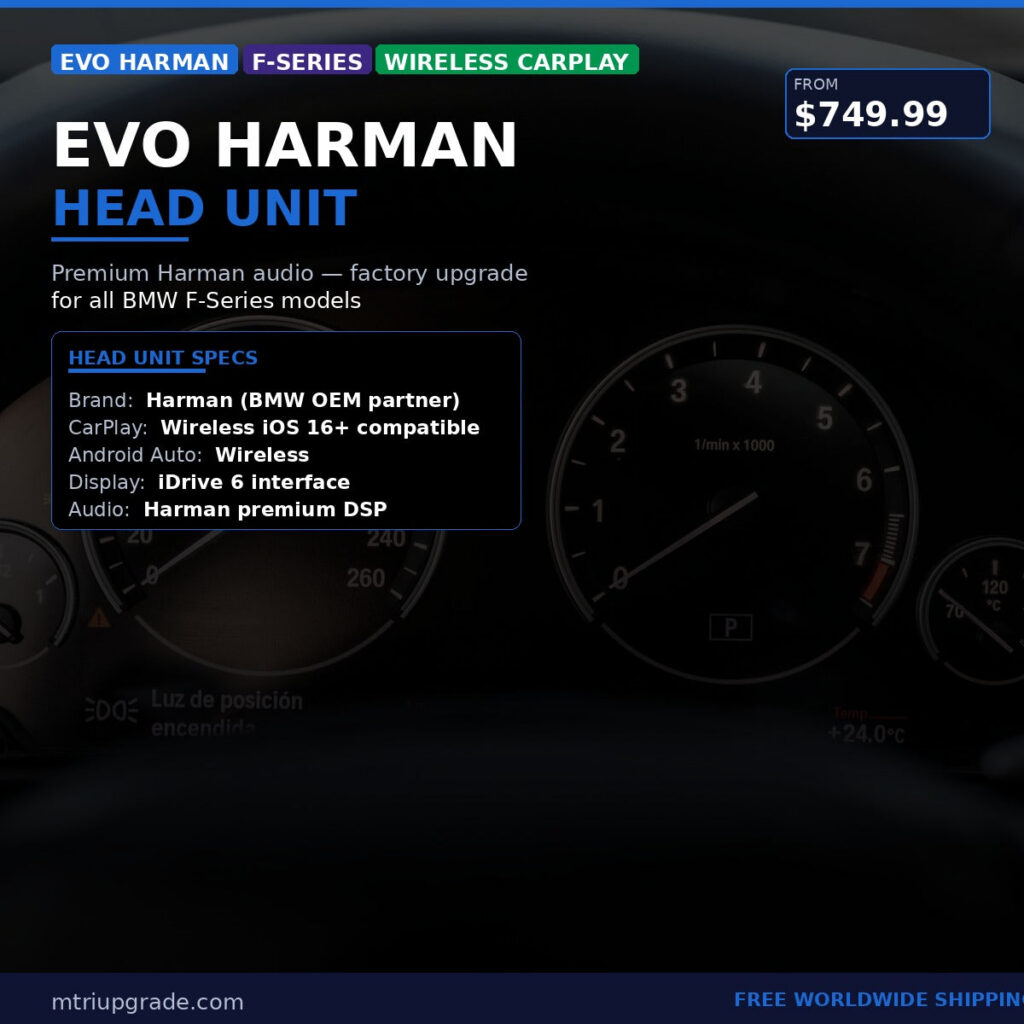
By swapping to a BMW Evo Harman Head Unit for F-Series with Wireless CarPlay, you gain genuine BMW hardware backed by lightning-fast processing speeds, enhanced audio fidelity, and native wireless connectivity. This upgrade preserves your vehicle’s factory aesthetics and iDrive dial navigation while unlocking the responsive performance of modern operating systems.
Full-Screen CarPlay Activation: Maximizing NBT EVO
If your BMW is already equipped with an NBT EVO head unit running iDrive 5 or iDrive 6, you might already have CarPlay—but stuck in a split-screen layout. By default, older software configurations dedicate roughly one-third of the screen to a static BMW widget, compressing your maps and media menus.
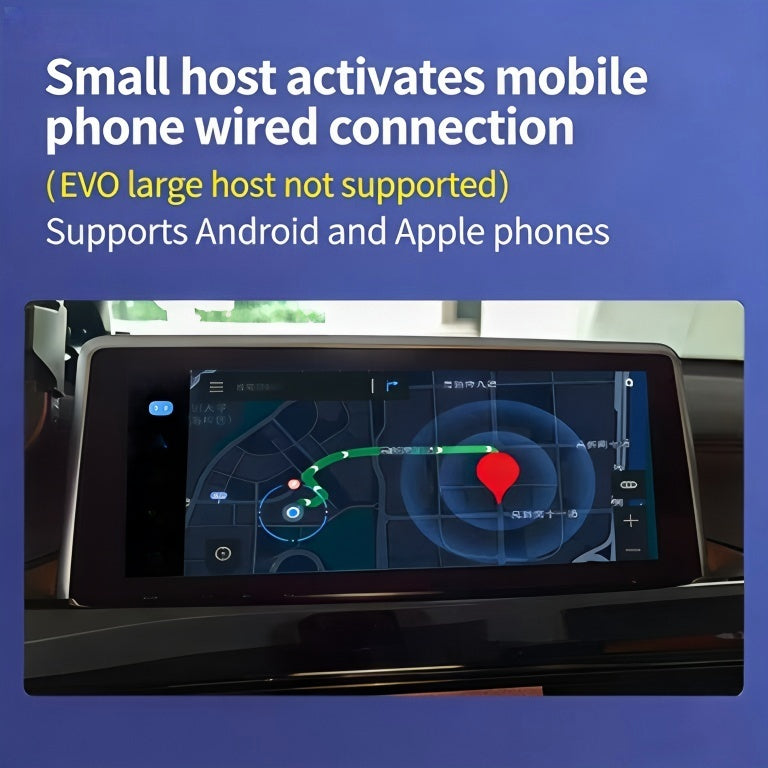
A software-level BMW CarPlay Full Screen Activation unlocks the entire screen width. This simple yet impactful digital upgrade optimizes readability and layout space, delivering an immersive interface directly controlled through your existing center console dial.
Stepping Up to iDrive 7 (MGU) Architecture
Owners of late-generation models seeking the pinnacle of factory-level connectivity often require support for both Apple CarPlay and Android Auto. While earlier BMW platforms were exclusively iOS-focused, the MGU iDrive 7 platform brought comprehensive support for both mobile ecosystems.
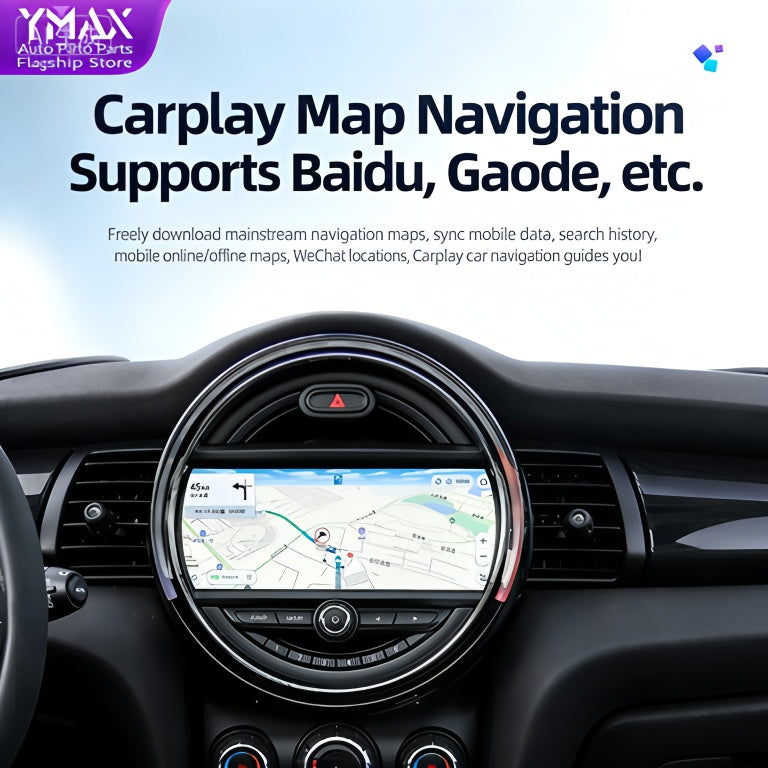
With our BMW Apple CarPlay and Android Auto iDrive 7 MGU upgrade solution, compatible vehicles can seamlessly switch between platforms wirelessly. This ensures that no matter what smartphone you or your passengers carry, high-definition mapping, hands-free assistant control, and music library synchronization work flawlessly.
Key Factors to Consider Before Upgrading
Before purchasing your infotainment upgrade, keep the following tips in mind:
- Identify Your Current Head Unit: Check your system software version or dashboard menu styling to determine whether you have CIC, NBT, or NBT EVO.
- Ensure Proper Antenna Connections: Reliable wireless CarPlay and Android Auto require a dedicated Wi-Fi antenna connected to the rear of the head unit to maintain a stable, high-bandwidth connection without dropouts.
- OEM Integration Matters: Always prioritize solutions that retain original steering wheel controls, factory backup cameras, and native vehicle status menus.
- Clean Installation: Quality plug-and-play wiring harnesses prevent the need to cut factory wiring, preserving your vehicle’s resale value and electrical integrity.
Upgrade Your Driving Experience Today
You do not need to replace your entire vehicle to experience modern infotainment technology. Whether you want to expand to a high-definition 10.25-inch display, activate full-screen phone projection, or retrofit a state-of-the-art multimedia head unit, premium OEM solutions bring your BMW cabin straight into the present day.
Ready to upgrade your cockpit? Explore our comprehensive catalog of tailored retrofit kits and software solutions with secure worldwide shipping at mtriupgrade.com.