
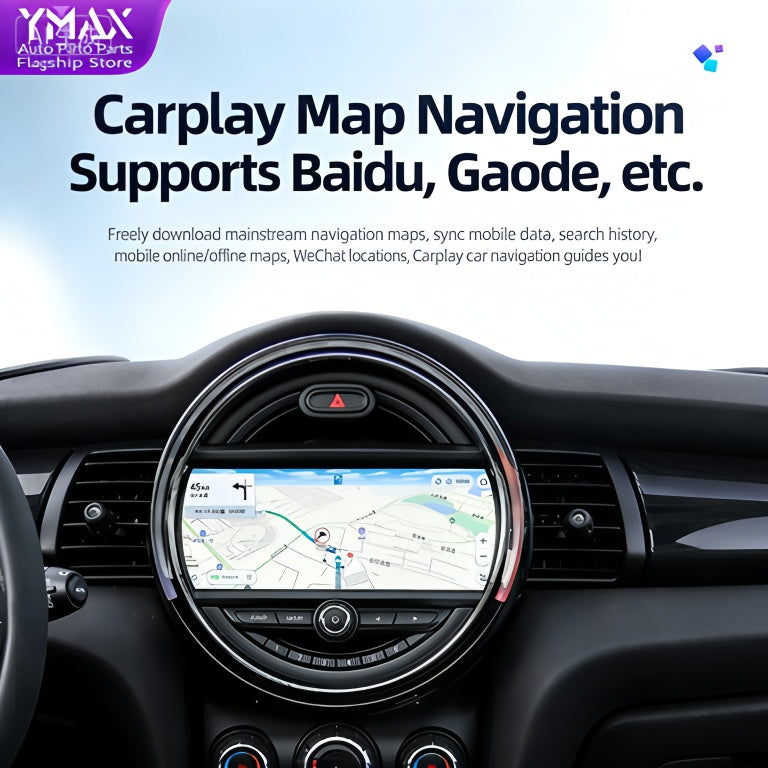
BMW technology has evolved quickly, but many owners still drive with an infotainment system that feels several generations behind their smartphone. Whether your BMW has an older NBT head unit, an EVO system or iDrive 7, a carefully selected BMW iDrive CarPlay Android Auto infotainment screen upgrade can transform everyday driving.
Modern smartphone integration is no longer just a luxury feature. Apple CarPlay and Android Auto provide familiar navigation, music, messaging and voice-control tools while helping you keep your attention on the road. The best upgrade depends on your BMW’s existing hardware, screen size, desired wireless features and installation requirements.
Why BMW owners are upgrading infotainment systems
Vehicle manufacturers are taking different approaches to connected-car technology. Some continue supporting both major smartphone ecosystems, while others develop proprietary software platforms. For drivers, the important question is simple: can the vehicle work smoothly with the phone they already use?
Apple CarPlay is ideal for iPhone owners who want Apple Maps, Messages, Music, Podcasts and Siri in a familiar interface. Android Auto provides a similarly integrated experience for Android users, including Google Maps, Waze, Google Assistant and compatible media applications. A BMW upgrade that supports both systems gives every driver more flexibility.
Software updates also matter. Smartphone applications change frequently, and compatibility can vary between vehicle platforms. An aftermarket BMW infotainment solution can provide a practical way to add current connectivity features without replacing the entire vehicle.
BMW CarPlay activation or a complete screen upgrade?
Not every BMW requires a new display. If your vehicle already has compatible factory hardware, a software-based activation may be the most discreet and cost-effective option. The BMW CarPlay Full Screen Activation is designed for compatible vehicles where the necessary factory system is already installed.
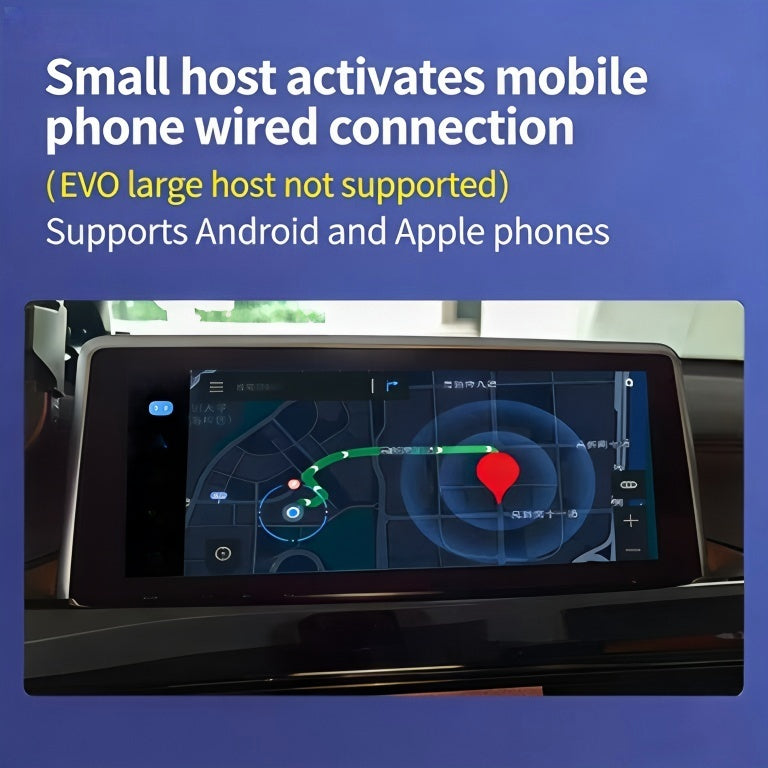
A full-screen activation can make the original BMW display feel more useful by removing unnecessary split-screen limitations, depending on the vehicle and software configuration. It is a strong choice for owners who are happy with the original screen resolution, interface and control layout.
A hardware upgrade is more suitable when the factory display is small, outdated or lacks modern functionality. A new screen may offer a larger viewing area, improved resolution, wireless CarPlay, Android Auto, multimedia playback and additional interface options.
Choosing the right BMW infotainment upgrade
iDrive 7 and MGU vehicles
Later BMW models equipped with iDrive 7 and MGU hardware can benefit from a solution designed specifically for that platform. The BMW Apple CarPlay and Android Auto iDrive 7 MGU upgrade is aimed at owners who want broader smartphone compatibility while retaining the familiar BMW environment.
Before ordering, confirm your BMW’s model year, head unit type, current iDrive version and factory screen configuration. A VIN or system-information check may be necessary. Compatibility is more important than choosing the largest screen or the newest-looking feature list.
NBT systems and older BMW models
BMW vehicles with NBT infotainment hardware can often receive a substantial visual improvement through a replacement display. The BMW NBT 10.25-inch display upgrade is a practical option for selected 1, 2, 3 and 4 Series applications.
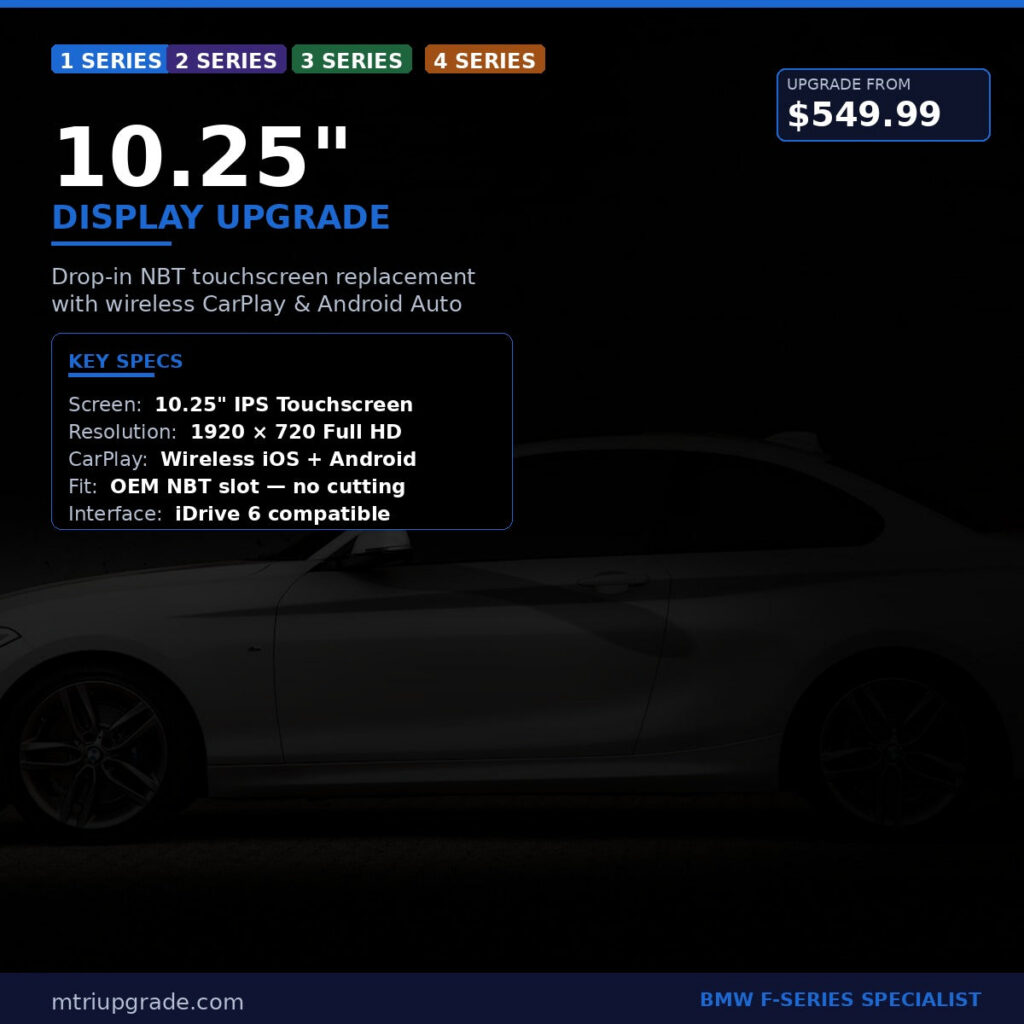
A larger screen improves map visibility and makes menus easier to read at a glance. It can also give the dashboard a more contemporary appearance without changing the vehicle’s essential controls. Check whether your BMW uses a compatible NBT or NBT EVO configuration before purchasing.
EVO Harman head units for F Series vehicles
Some F Series BMW models need a head-unit solution rather than a simple display replacement. The BMW EVO Harman head unit for F-Series with wireless CarPlay is designed for compatible vehicles that need updated processing and connectivity hardware.
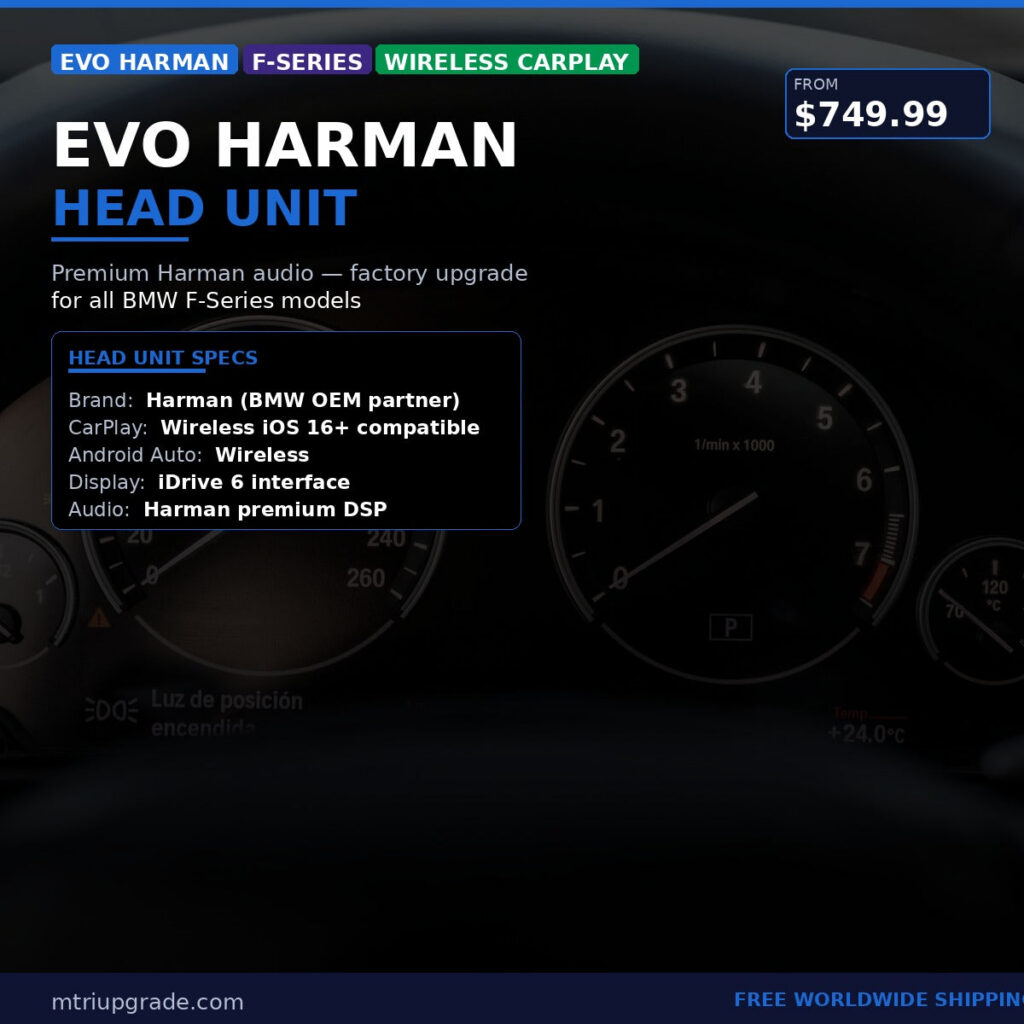
This type of upgrade can be useful when the original head unit cannot support the desired smartphone functions. It may provide a more complete solution than adding a basic interface module, particularly for drivers who want wireless integration and a modern user experience.
Apple CarPlay vs Android Auto: which is better?
Neither platform is universally better; the right choice depends on your smartphone. CarPlay generally offers a clean, consistent interface and strong integration with Apple services. Android Auto is flexible and works naturally with Google services, voice search and navigation applications.
When shopping for a BMW infotainment upgrade, dual compatibility is usually the safest choice. It makes the vehicle easier to share with family members, supports phone changes in the future and avoids locking the car into one digital ecosystem. Wireless operation is also convenient, but a wired connection can be useful when you need faster charging or a more stable connection.
Practical installation and compatibility tips
- Identify the head unit: Check whether your BMW uses CIC, NBT, NBT EVO, EVO or MGU hardware.
- Confirm the display connection: Screen size and connector type can vary between models and production periods.
- Review audio integration: Verify how sound will be routed through the factory speakers, AUX input, Bluetooth or USB connection.
- Keep the original controls: Many quality solutions retain the iDrive controller, steering-wheel buttons and factory parking functions.
- Back up settings: Record existing radio presets and vehicle settings before installation.
- Use a professional installer when needed: Correct trim removal, cable routing and coding help protect the interior and ensure reliable operation.
After installation, pair your phone, test wireless and wired connections, check microphone performance and confirm that navigation directions, music and calls use the BMW audio system correctly. Keep your phone operating system and approved infotainment software current for the best long-term experience.
Upgrade your BMW technology with confidence
A BMW iDrive upgrade can deliver the smartphone convenience modern drivers expect while preserving the character of the original vehicle. From a full-screen CarPlay activation to a larger NBT display or an EVO Harman head unit, the right solution depends on your BMW’s hardware and your daily priorities.
Explore compatible BMW OEM parts and infotainment upgrades in the MTR Upgrade shop. Browse solutions for BMW vehicles worldwide and choose a more connected, practical driving experience.