
Description
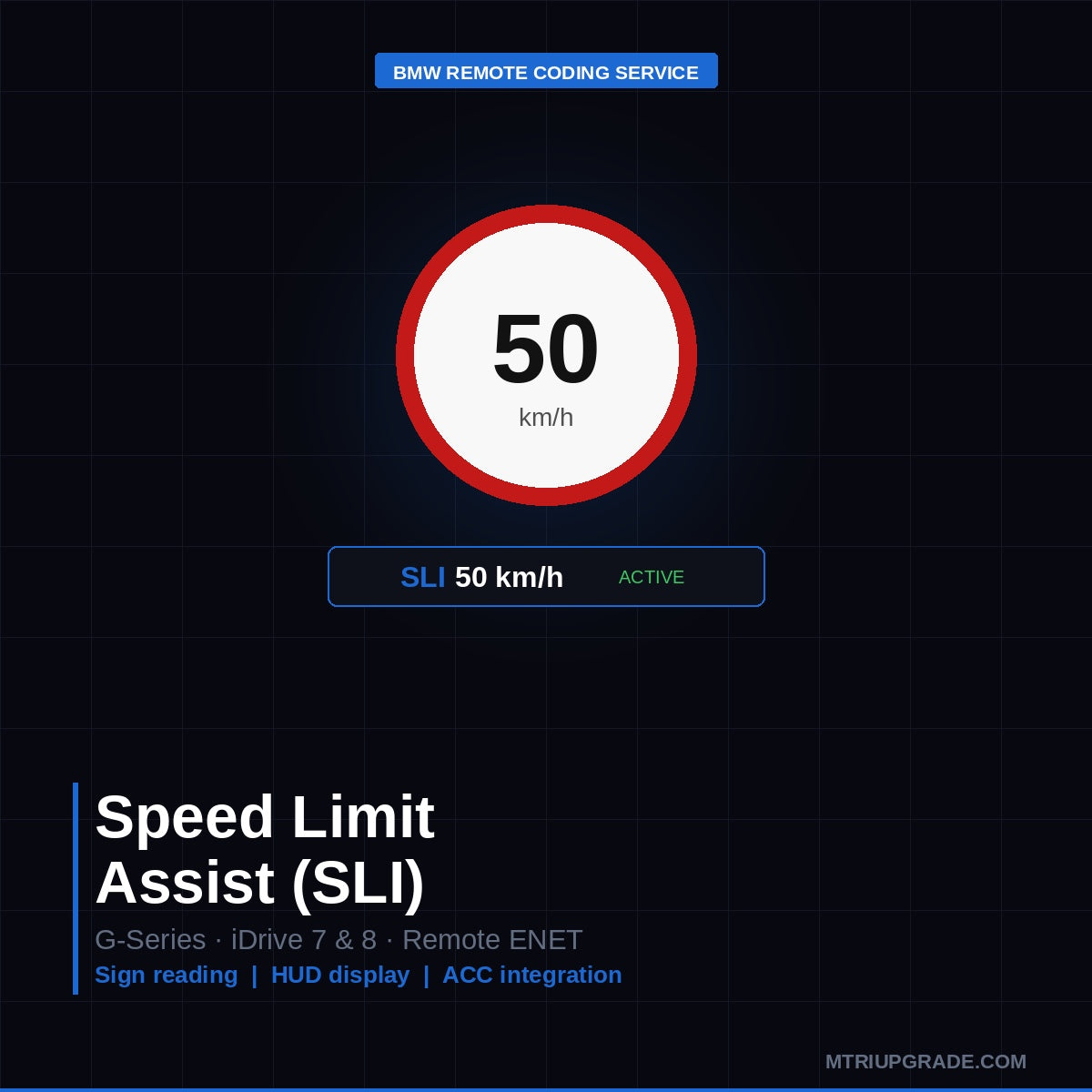
BMW Speed Limit Assist (SLI) coding activates the Speed Limit Info system, which reads traffic speed signs via the front camera (KAFAS) and displays the current speed limit in the instrument cluster and Head-Up Display. The feature is pr…
Quick Answer
BMW Speed Limit Assist (SLI) coding activates the Speed Limit Info system, which reads traffic speed signs via the front camera (KAFAS) and displays the current speed limit in the instrument cluster and Head-Up Display. The feature is present on most G-series BMWs but disabled by factory software in certain markets. Activation is a remote ENET coding service — no hardware required, session takes 20–30 minutes.
BMW Speed Limit Assist (SLI) Coding — Remote Activation Service
Speed Limit Assist uses the BMW front KAFAS camera to read road speed signs and display the detected limit in your instrument cluster, iDrive screen, and Head-Up Display (HUD) in real time. The system alerts you when you exceed the displayed limit and can integrate with Active Cruise Control to automatically set your speed.
What You Get
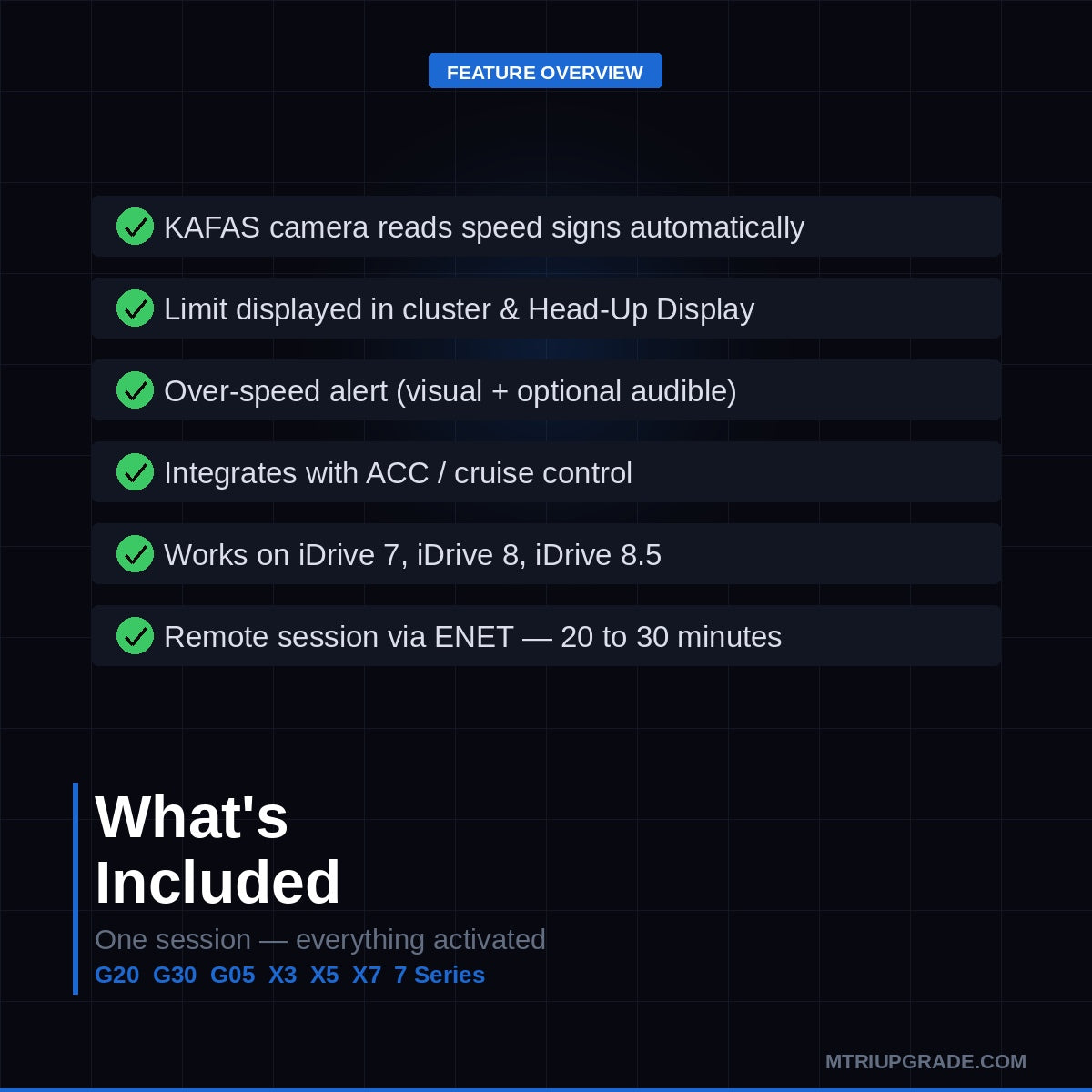
- Speed limit display in instrument cluster and HUD
- Over-speed alert (visual and optional audible)
- Integration with ACC / Cruise Control speed setting
- Traffic sign reading via factory KAFAS camera — no extra hardware
- Remote ENET session via TeamViewer — 20–30 minutes
Compatibility
- BMW G20 3 Series (2019+)
- BMW G30 5 Series (2017+)
- BMW G05 X5 / G06 X6 / G07 X7 (2019+)
- BMW G01 X3 / G02 X4 (2018+)
- BMW G11 7 Series (2016+)
- All G-series with KAFAS2 or KAFAS4 front camera
- iDrive 7 (MGU) and iDrive 8 / 8.5 (MGU2) systems
Requirements
- ENET cable (OBD to Ethernet) — available from M-TRI UPGRADE
- Windows laptop with TeamViewer installed
- Active front KAFAS camera (standard on most G-series)
How It Works
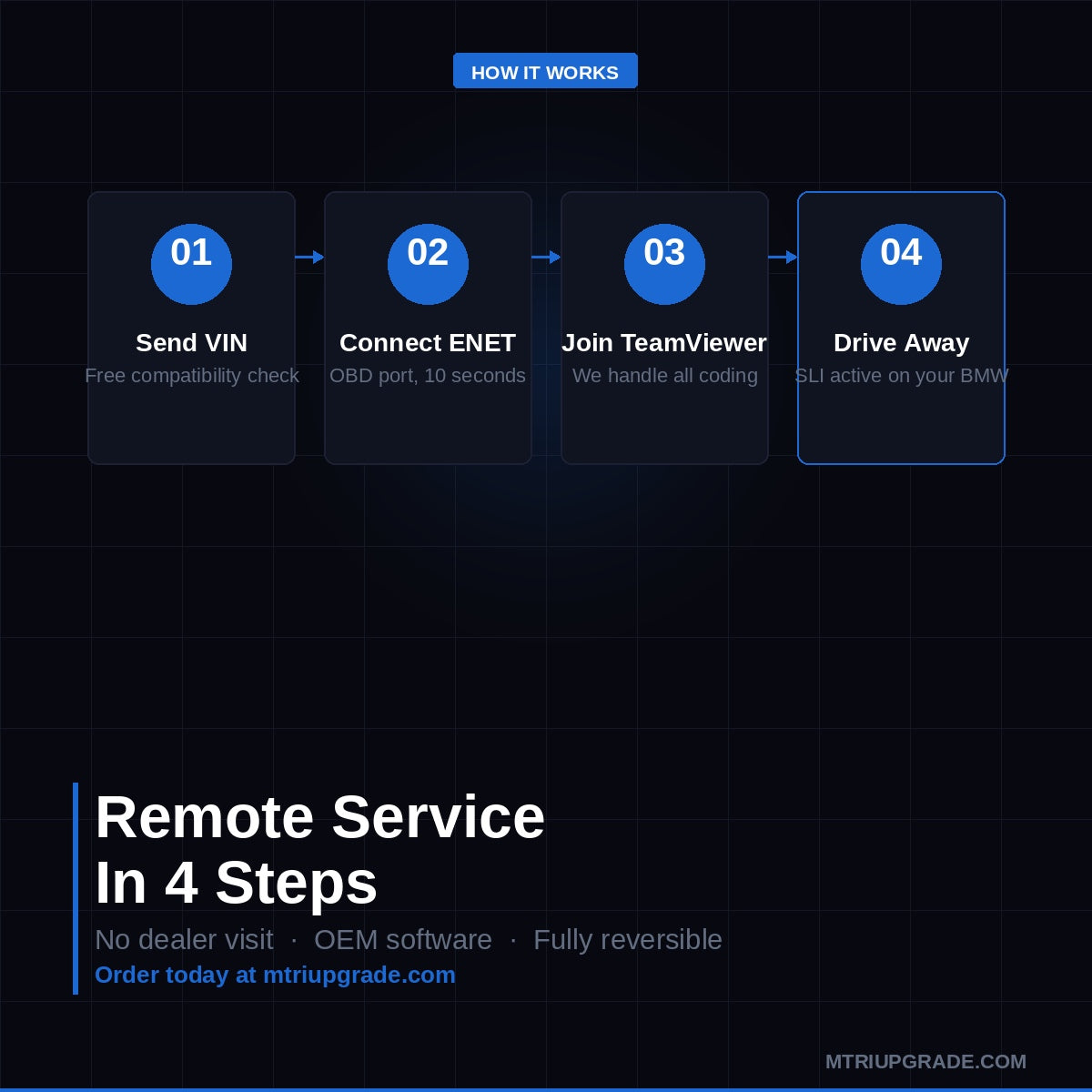
- Send us your VIN for a free compatibility check
- Connect your ENET cable to the OBD port
- Join a TeamViewer session — we do the rest
- Drive away with Speed Limit Assist active
This is a software coding service — no parts are shipped. Fully reversible. OEM software only.
⚠️ Please provide your VIN after purchase
To schedule your session we need your 17-digit VIN (found on your windshield, door jamb, or registration). Send it to us after checkout:
📧 info@mtriupgrade.com | 📱 WhatsApp +64 21 920 905 | Or add it to your order notes at checkout.
Reviews
There are no reviews yet.