


MTri Upgrade
BMW Remote Start Activation — ENET Coding (G-Series)
BMW Remote Start Activation — ENET Coding (G-Series)
Couldn't load pickup availability
What Is BMW Remote Start Activation?
BMW's G-Series platform includes remote engine start capability in its software — but the feature is disabled by default in many regional configurations. This service activates it through professional ENET coding, with no physical hardware modifications to your vehicle.
After activation, your BMW starts remotely via the My BMW App (iOS/Android) or by pressing the lock button on your key fob twice. The car stays locked in Park, won't move, and shuts off automatically after 15 minutes if you don't get in.
What You Get
- App Control: Start engine from anywhere via My BMW / ConnectedDrive app
- Key Fob Control: Double-press lock button to start (supported models)
- 15-Min Auto-Off: Engine shuts down automatically if unoccupied
- Full Safety: Car stays in Park, doors locked — cannot be driven
- Climate Pre-Conditioning: Cabin reaches temperature before you get in
Compatible Models
- BMW G20 / G21 3 Series (2019+)
- BMW G22 / G23 4 Series (2020+)
- BMW G30 / G31 5 Series (2017+)
- BMW G05 X5 (2019+)
- BMW G06 X6 (2020+)
- BMW G07 X7 (2019+)
- BMW G01 X3 (2018+)
- BMW G80 M3 / G82 M4 (2021+)
- BMW G60 M5 (2024+)
Requirements: Automatic transmission · ConnectedDrive account (free tier sufficient) · ENET cable (~$25 on Amazon) · Windows laptop · TeamViewer (free)
Not sure if your build is compatible? Send us your VIN via WhatsApp before purchasing — we'll confirm within minutes.
How the Remote Session Works
- Purchase this service
- We contact you to schedule a session time
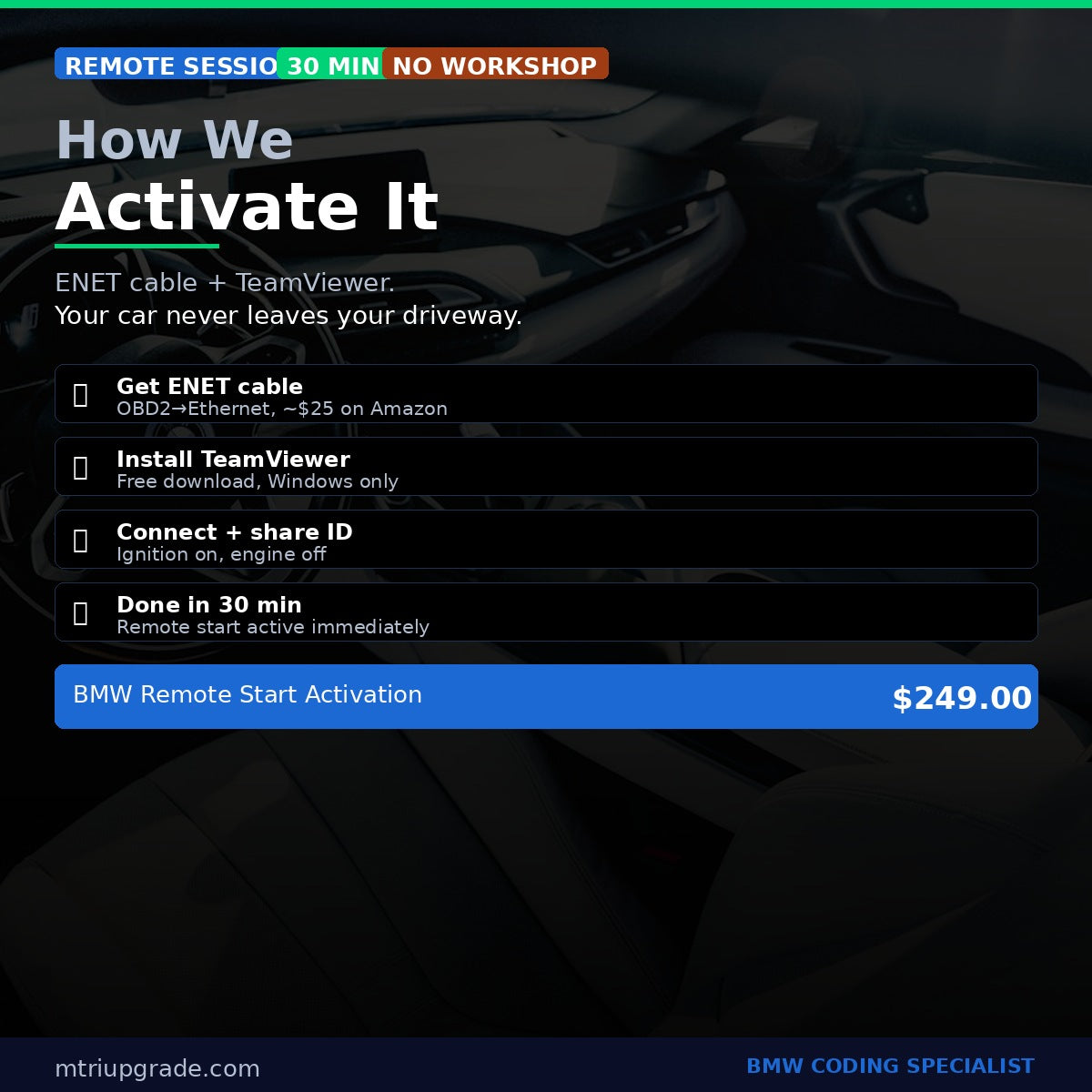
- Connect your ENET cable (OBD2 port → laptop Ethernet) with ignition on
- Share your TeamViewer ID — we connect remotely and activate the feature
- Session complete in ~30 minutes. Remote start active immediately.
Contact: WhatsApp +64 21 920 905 · info@mtriupgrade.com
Share


Frequently Asked Questions
How does remote coding work?
After purchase we schedule a remote session. Connect an ENET cable to your BMW's OBD2 port, open TeamViewer, and we handle the rest — coding is complete in 15–60 minutes.
Is the coding reversible?
Yes — 100% reversible. We back up your original settings before any changes. You can restore to factory at any time.
Which BMW models are supported?
Most services support F-Series and G-Series BMWs. Exact compatibility is listed in each product. Contact us if unsure about your model.
What do I need?
You need: (1) an ENET OBD2-to-Ethernet cable, (2) a Windows laptop, (3) TeamViewer (free). We supply all coding software and guide you step-by-step.
How long does a session take?
Single features take 15–30 minutes. Full packages take up to 2 hours. Sessions run 7 days a week across NZ, AU, USA and Middle East time zones.